How to Stop Buffering While Watching Videos Online

You know that annoying pause when your video suddenly stops to load? It ruins the flow and wastes your time.
If you’re tired of constant buffering ruining your favorite shows or important videos, you’re in the right place. Imagine watching videos smoothly, without interruptions, right from your own device. You’ll discover simple and effective ways to stop buffering and enjoy seamless streaming every time.
Keep reading, and say goodbye to those frustrating loading wheels for good.
Common Causes Of Buffering
Buffering can ruin your video-watching experience, turning an exciting movie night into a frustrating wait. Understanding why buffering happens is the first step to stopping it. Let’s look at some of the most common causes that might be slowing down your streaming.
Slow Internet Connection
Your internet speed plays a huge role in how smoothly videos play. If your connection is slow, the video can’t load fast enough, causing pauses and buffering.
Have you ever noticed videos stutter more during certain times of the day? That’s often because your internet speed drops when many people are online.
Checking your internet speed with a simple test can reveal if it’s the real culprit. If it’s slower than what your streaming service needs, buffering will follow.
High Network Traffic
Even with a fast internet connection, network traffic can slow things down. This happens when too many devices are using your Wi-Fi at the same time.
Think about your home during a big family gathering—everyone streaming videos, playing games, or video chatting. The network gets crowded, and your video might buffer.
Try limiting the number of devices online or prioritize video streaming on your router settings to reduce buffering caused by heavy traffic.
Device Performance Issues
Your device’s performance can also affect video playback. Older phones, tablets, or computers might struggle to process high-quality videos smoothly.
I once tried streaming a 4K video on a five-year-old laptop, and it kept buffering despite a good internet connection. The device just couldn’t keep up.
Closing background apps and updating your device’s software can improve performance and reduce buffering.
Streaming Service Limitations
Sometimes, the problem isn’t on your end. Streaming services have their own limits, like server overload or regional restrictions.
You might experience buffering during peak hours when many users access the same platform. This overload can slow down the streaming speed.
Switching to a different server location or trying another streaming service might help you avoid these limitations.

Credit: askleo.com
Optimize Your Internet Connection
Optimizing your internet connection is key to stop buffering during online videos. A strong, stable connection helps videos play smoothly. Small changes can make a big difference in your viewing experience.
Test Your Internet Speed
Start by checking your internet speed. Use free tools like Speedtest.net. This shows your download and upload speeds. Video streaming needs at least 5 Mbps for HD quality. Lower speeds cause buffering and lag.
Use Wired Connections
Use an Ethernet cable to connect your device to the router. Wired connections are faster and more stable than Wi-Fi. They reduce interruptions and improve video playback. If possible, avoid Wi-Fi for watching videos.
Limit Other Devices
Too many devices use the internet at once. This slows down your connection. Turn off or disconnect devices not in use. This frees bandwidth and helps videos load quicker. Focus your internet power on the device watching videos.
Restart Your Router
Restarting your router can fix many internet problems. It clears temporary issues and refreshes your connection. Turn it off, wait 30 seconds, then turn it on again. This simple step often improves streaming quality.
Adjust Video Quality Settings
Adjusting video quality settings helps reduce buffering during online video streaming. Changing these settings lowers the data load on your internet connection. It makes video playback smoother and faster. This method works well for slow or unstable connections.
Lower Resolution Options
Choose a lower video resolution to reduce buffering. High resolutions like 1080p or 4K need more data and bandwidth. Switching to 480p or 360p uses less internet speed. The video may look less sharp but will play without pauses. Many video platforms let you pick resolution in the player settings.
Enable Adaptive Streaming
Adaptive streaming changes video quality based on internet speed. It lowers the quality if your connection slows down. The video keeps playing without stopping or buffering. Most streaming services use this feature automatically. You can turn it on or off in the video settings menu.
Use Offline Viewing Features
Download videos to watch offline and avoid buffering completely. Many apps let you save videos on your device. Watch downloaded videos anytime without internet interruptions. This method is best if your connection is very slow or unreliable. Check if your favorite app supports offline viewing.

Credit: www.avast.com
Improve Device Performance
Improving your device’s performance is key to stopping video buffering. A slow device can cause videos to lag or pause. Simple steps can boost your device speed. This helps videos play smoothly and quickly.
Close Background Apps
Many apps running in the background use your device’s memory. This slows down your device and affects video playback. Close apps you are not using. This frees up memory and processing power. Your videos will load faster and play without interruptions.
Clear Cache And Cookies
Cache and cookies store temporary data from websites and apps. Over time, they can slow your device. Clear cache and cookies regularly to improve speed. This removes old files and frees up space. Your browser and apps will work better, reducing buffering during videos.
Update Software And Apps
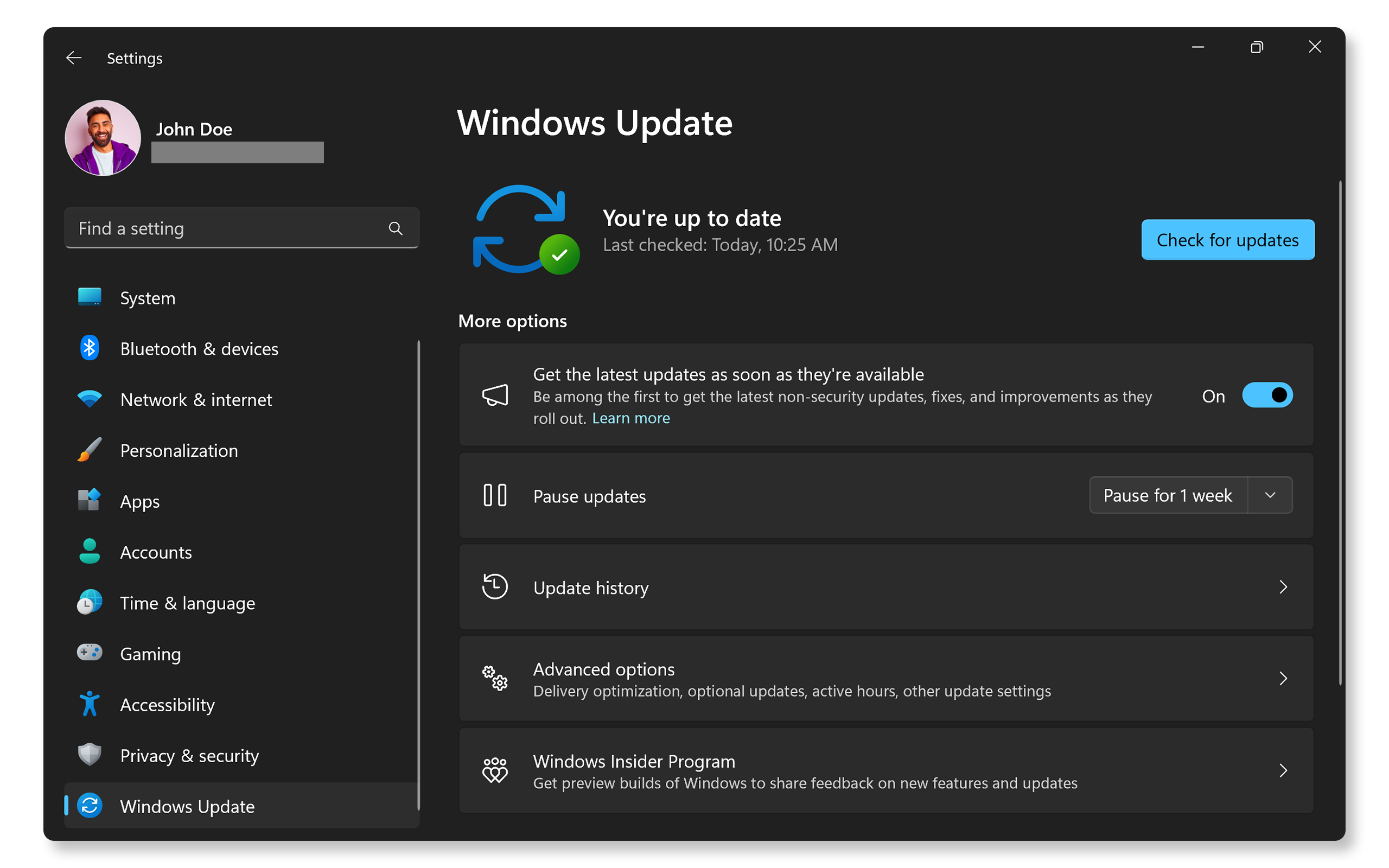
Old software and apps can cause performance issues. Updates fix bugs and improve speed. Check for updates on your device and apps often. Install the latest versions to keep everything running smoothly. Updated software helps videos play without lag or pauses.
Choose The Right Streaming Platform
Choosing the right streaming platform is key to stopping buffering. Not all platforms offer the same speed or quality. Some platforms use better technology and servers. These factors affect how smoothly your video plays.
Picking a good platform reduces interruptions. It helps videos load faster and play without pauses. The right platform matches your internet speed and location. This match improves your viewing experience greatly.
Check Server Status
Always check the streaming platform’s server status before watching. Servers can slow down or go offline. Many platforms show if their servers are working well. This info helps avoid buffering caused by server problems.
Select Local Servers
Choose platforms with servers near your location. Local servers send data faster. This reduces the time videos take to load. Streaming from far servers causes delays and buffering. Local servers keep videos playing smoothly.
Use Reliable Streaming Services
Pick streaming services known for reliability. Reliable services have strong servers and good technology. They maintain steady speeds even during busy hours. Using these services lowers the chance of buffering. Your videos play clearer and without breaks.
Use Network Enhancements
Network enhancements improve video streaming by managing internet traffic. These tools help reduce buffering and keep videos smooth. Simple changes in your network settings can have a big impact on watching online videos.
Set Up Quality Of Service (qos)
Quality of Service (QoS) lets you control internet traffic on your network. It gives priority to video streaming over other activities. This means less buffering during playback. You can set QoS in your router’s settings. Assign more bandwidth to devices that stream videos. This helps maintain steady speeds and reduces interruptions.
Use Vpns Carefully
VPNs can protect your privacy while streaming. But they may slow down your internet speed. Choose VPN servers close to your location. Avoid free VPNs, as they often have slow connections. Test your video speed with and without VPN. Use a VPN only if it does not cause buffering issues.
Consider Internet Speed Boosters
Internet speed boosters can improve your connection quality. These tools optimize your network for faster data transfer. Some use software to reduce lag and packet loss. Others improve Wi-Fi signals through better hardware. Check reviews before using boosters to find one that works well. A stronger internet connection means smoother video streaming.

Credit: www.avast.com
Frequently Asked Questions
Why Does Video Buffering Happen Online?
Video buffering happens due to slow internet speed or high network traffic. It occurs when data loads slower than the video plays. Device performance and server issues can also cause buffering. Improving connection speed or reducing device load helps minimize buffering interruptions.
How Can I Improve My Internet Speed For Videos?
Restart your router and close unused apps to boost speed. Use a wired connection if possible, as it’s more stable. Choose lower video quality settings to reduce data usage. Upgrading your internet plan can also improve streaming performance.
What Device Settings Reduce Video Buffering?
Clear cache and close background apps to free up resources. Update your video player and browser for better compatibility. Disable VPNs or proxies that may slow connections. Lower video resolution to reduce data load and buffering.
Does Switching Browsers Help With Buffering Issues?
Yes, some browsers handle video streaming more efficiently. Browsers like Chrome, Firefox, and Edge offer better video performance. Switching can resolve compatibility issues and improve buffering times. Always keep your browser updated for optimal results.
Conclusion
Stopping video buffering can make watching online much better. Check your internet speed often. Close apps that use a lot of data. Use a wired connection for more stability. Lower video quality if the internet is slow. Clear your browser’s cache to help videos load faster.
These small steps can reduce buffering problems. Enjoy smoother streaming and less waiting time. Keep these tips in mind for better video watching. Simple actions lead to big improvements. Watch your favorite videos without annoying pauses.