How to Fix One Side Headphone Not Working

Have you ever put on your headphones, only to find that one side isn’t working? It’s frustrating, isn’t it?
You’re ready to enjoy your music, podcast, or call, but the silence from one ear throws everything off. Don’t worry—you’re not alone, and the good news is that fixing this problem might be simpler than you think. You’ll discover easy steps to bring your headphones back to full sound.
Keep reading, and you’ll have your audio balanced again in no time!

Credit: www.wikihow.com
Check The Audio Source
Before fixing headphone issues, check the audio source. The problem might not be with the headphones. Sometimes, the device you use can cause sound problems. Checking the source helps find the real cause. This step saves time and effort.
Test With Different Devices
Try the headphones on another device. Use a phone, tablet, or computer. If one side works on a new device, the first device has the issue. If the problem stays, headphones may be faulty. Testing with different devices narrows down the cause.
Adjust Audio Balance Settings
Check your device’s audio balance settings. Some devices let you control left and right sound levels. Make sure the balance is centered. If it is shifted to one side, only one headphone may work. Resetting balance can fix the problem fast.

Credit: www.wikihow.com
Inspect The Headphone Cable
Inspecting the headphone cable is a key step to fix one side not working. The cable often faces wear and tear. Small issues in the wire can cause sound problems. Checking the cable carefully can save money and time. You may find easy fixes by spotting the damage early.
Look For Visible Damage
Start by examining the entire length of the cable. Check for cuts, bends, or frays on the wire. Look closely near the plug and the earcups. These areas often get stressed the most. Any visible damage could block sound to one side. If you find any breaks, the cable might need repair or replacement.
Try Moving The Cable
Gently bend and twist the cable while playing audio. Listen for changes in sound or static noise. Changes can point to a loose or broken wire inside. Test near the plug, the splitter, and the earcups. This test helps locate hidden damage. Stop bending if you feel resistance or hear a crack.
Clean The Headphone Jack And Plug
Cleaning the headphone jack and plug can fix sound issues on one side. Dirt and dust block the connection. This causes one side of the headphone to stop working. Cleaning these parts is easy and saves money. It also improves sound quality and connection.
Remove Dust And Debris
Start by checking the headphone jack and plug for dirt. Use a small brush or a toothpick to remove dust. Be gentle to avoid damage. Blow air into the jack to clear loose debris. Cleaning this area helps restore a good connection.
Use Isopropyl Alcohol
Dampen a cotton swab with isopropyl alcohol. Avoid soaking it too much. Gently clean the headphone plug and inside the jack. Alcohol removes oils and sticky dirt. Let the parts dry before plugging the headphones back in. This step improves sound flow and stops static noise.
Examine The Headphone Drivers
Headphone drivers are the small parts inside that create sound. They turn electrical signals into music you hear. Problems with drivers often cause one side of headphones to stop working. Checking these parts helps find the issue fast.
Sometimes the driver is dirty or blocked. Other times, it might be broken or wet. Careful examination can show what needs fixing or cleaning. This step is important before thinking about replacing the headphones.
Listen For Distorted Sound
Play music at a low volume. Listen closely to each earbud or speaker. Distorted or crackling sounds mean the driver might be damaged. Clear sound means the driver is likely fine.
Try different songs and sounds to test both sides. If one side sounds weird or quiet, the driver could be the problem. This check helps narrow down the cause of the issue.
Check For Water Damage
Look inside the earbud or headphone speaker. Water can damage the driver and stop sound. Signs include rust, discoloration, or moisture.
Dry the headphones well before use. Avoid using them while wet or sweaty. Water damage can cause permanent driver failure if not treated quickly.
Test With Another Pair Of Headphones
Try using a different pair of headphones to check if the problem is with your device or the headphones. This helps find the cause quickly. Testing another set shows if the issue lies in your headphones or the audio source.
Testing with another pair of headphones helps find the problem source. It shows if the issue is with the headphones or the device.
Use a different headphone and plug it into the same device. Play some music or audio to check if both sides work.
If the second pair works fine, the first headphones likely have a fault. If the problem remains, the device or port might cause it.
This simple test saves time and guides the next fixing step. It helps avoid unnecessary repairs or buying new headphones.
Update Or Reinstall Audio Drivers
One common cause of headphones working on one side is outdated or faulty audio drivers. Audio drivers help your computer send sound to your headphones. If these drivers are old or broken, sound may not play correctly. Updating or reinstalling audio drivers can often fix this issue. This step can restore proper sound balance and make both headphone sides work again.
Check For Software Updates
Start by checking for system updates. Updates often include new audio drivers. On Windows, go to Settings > Update & Security > Windows Update. Click “Check for updates.” Install any found updates and restart your computer. This simple step might fix driver problems automatically.
Reinstall Drivers
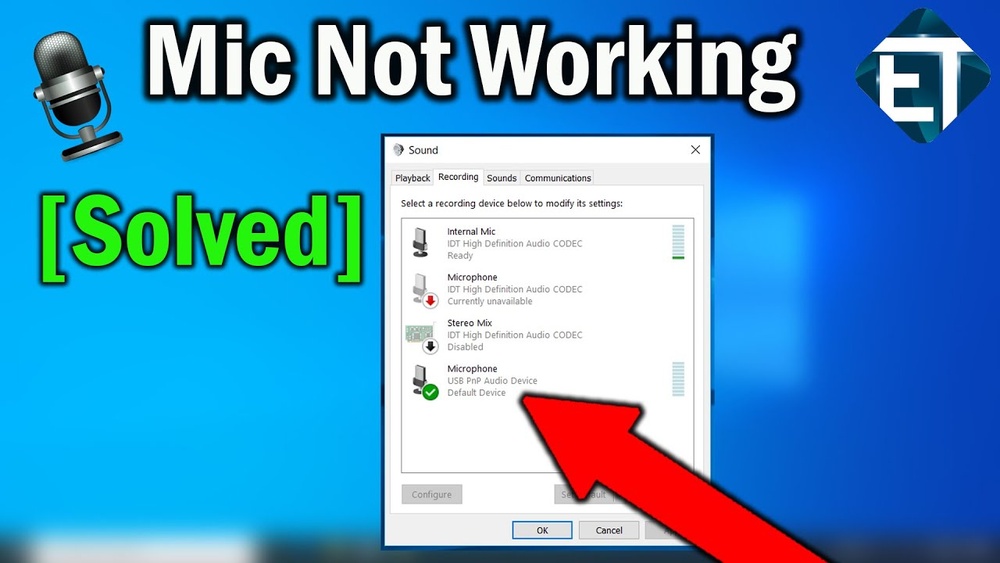
Reinstalling audio drivers can fix errors or corruption. Open Device Manager by right-clicking the Start button. Find “Sound, video and game controllers.” Right-click your audio device and select “Uninstall device.” Restart your computer. Windows will reinstall the driver. This refresh often resolves sound issues on one headphone side.
Consider Hardware Repairs
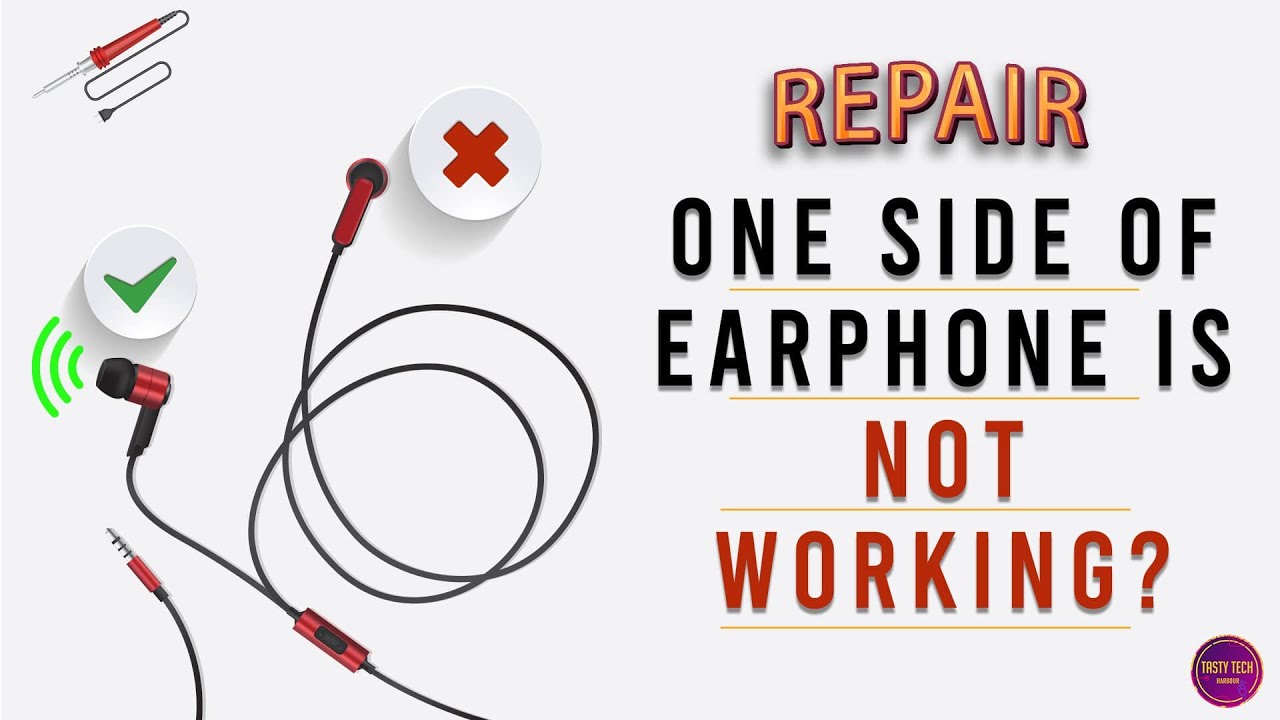
Consider hardware repairs when one side of your headphone stops working. Sometimes, the problem is a physical issue inside the headphone or its cable. Fixing these issues can restore sound without buying new headphones.
Hardware problems often cause uneven sound. The cable might be broken or the internal wiring could be loose. Fixing these parts can bring back full audio on both sides.
Replace The Cable
A damaged cable is a common cause of one side not working. Try replacing the headphone cable if possible. Some headphones allow easy cable swaps. Use a new, compatible cable to check if sound returns.
Broken wires inside the cable stop signals from reaching one ear. Replacing the cable is a simple and cost-effective fix. It often solves the problem quickly and easily.
Visit A Professional Technician
Sometimes the problem is inside the headphone itself. A technician can open the headphone and check internal parts. They can fix wiring or replace damaged components safely.
Professional repair avoids further damage. Experts have the right tools and skills. Visit a technician if basic fixes like cable replacement do not work.
Credit: www.youtube.com
Prevent Future Issues
Preventing future issues with your headphones helps save time and money. Small habits can extend your headphone’s life. Protect your device from damage and keep sound clear.
Proper Storage Tips
Always store headphones in a case or pouch. Avoid wrapping the cord tightly around the device. Keep them away from heat and moisture. Place headphones on a clean, dry surface. Avoid leaving them in pockets or bags with sharp objects. Proper storage stops tangles and wire damage.
Handle With Care
Hold headphones by the headband or ear cups. Do not pull on the cable to remove them. Avoid dropping or bending the wires sharply. Keep headphones away from pets and children. Gentle handling prevents broken wires and loose connections. Treat your headphones like a delicate tool.
Frequently Asked Questions
Why Is One Side Of My Headphone Not Working?
One side may stop working due to a loose connection, damaged wire, or faulty audio jack. Check cable integrity and clean connectors. Testing with another device helps identify if the issue is with headphones or the source.
How Can I Fix Headphone Sound On One Side?
First, inspect the headphone cable for breaks or bends. Gently twist and adjust the plug in the jack. Clean the headphone jack and connectors with a soft cloth. If damaged, consider professional repair or replacement.
Can Software Issues Cause One Headphone Side Failure?
Yes, audio settings or driver problems can cause one side to fail. Check your device’s audio balance settings. Update or reinstall audio drivers. Restarting the device can also resolve software-related issues affecting headphone sound.
Is It Possible To Repair Headphones With One Side Not Working?
Minor issues like loose wires or dirty connectors can be fixed at home. For complex problems, professional repair is recommended. Sometimes, replacing the headphone cable or jack restores full functionality.
Conclusion
Fixing one side of your headphone can be simple and quick. Check the wire, plug, and settings carefully. Clean the headphone jack to remove dirt or dust. Test the headphones on another device to find the issue. Sometimes, a small twist or plug adjustment solves the problem.
Always handle headphones gently to avoid damage. With these easy steps, you can enjoy clear sound again. Don’t ignore small problems; act early for better results. Keep your headphones working well and enjoy your music fully.