Why is My Laptop Fan So Loud All the Time

Is your laptop fan constantly roaring like a jet engine? It’s frustrating when your laptop sounds louder than a busy café, making it hard to focus or enjoy your work.
You might wonder, “Why is my laptop fan so loud all the time? ” The good news is, you’re not alone—and there are simple reasons behind that noisy fan. Understanding what’s causing your laptop to overheat and roar can help you fix it faster and keep your device running smoothly.
Keep reading to discover why your laptop fan is always loud and what you can do about it.

Credit: www.youtube.com
Common Causes Of Loud Laptop Fans
Loud laptop fans can be annoying and signal a problem inside your device. Understanding why the fan is noisy helps you fix it faster. Several common reasons can make your laptop fan run loudly all the time. These include overheating, dust buildup, heavy CPU use, and hardware issues.
Each cause affects your laptop’s cooling system differently. Knowing the cause points you to the right solution. Let’s explore the main reasons behind loud laptop fans.
Overheating Issues
Overheating is a top cause of loud laptop fans. Your laptop heats up during use. The fan runs faster to cool down the device. High temperatures force the fan to work harder. This creates more noise. Overheating can happen if your laptop is on soft surfaces. These block air vents and trap heat. Also, running heavy programs increases heat quickly.
Dust And Dirt Accumulation
Dust and dirt build up inside your laptop over time. This blocks airflow and clogs fan blades. The fan must spin faster to cool the laptop. Dust also causes the fan to work unevenly. This makes louder noises. Regular cleaning prevents dust buildup and reduces fan noise. A dirty laptop fan struggles to keep things cool.
High Cpu Usage
High CPU usage makes your laptop hot. The processor works hard on tasks like gaming or video editing. The fan speeds up to cool the busy CPU. Long periods of heavy use keep the fan running loud. Background programs can also increase CPU load. This leads to constant fan noise. Check running applications to reduce CPU demand.
Faulty Fan Hardware
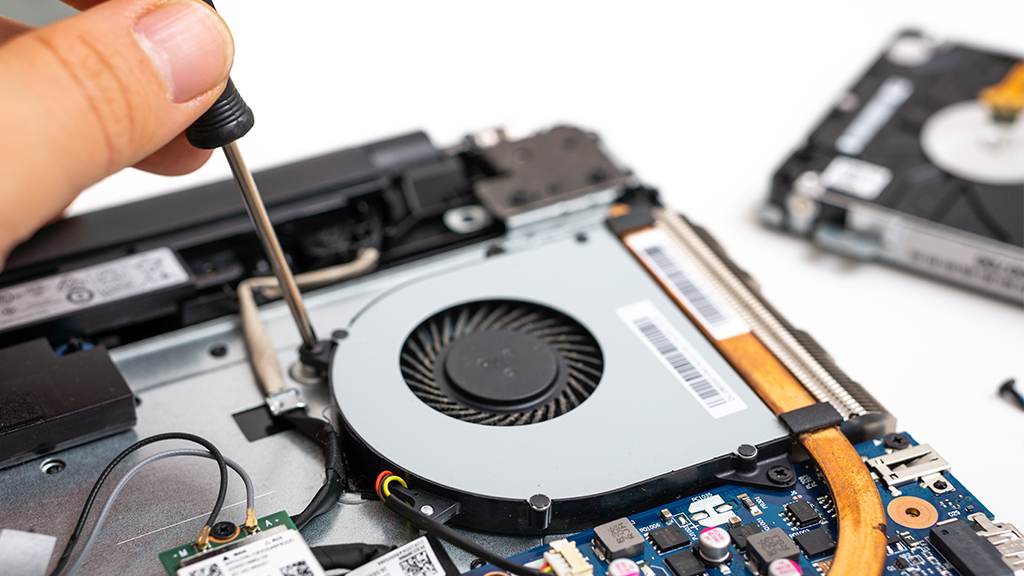
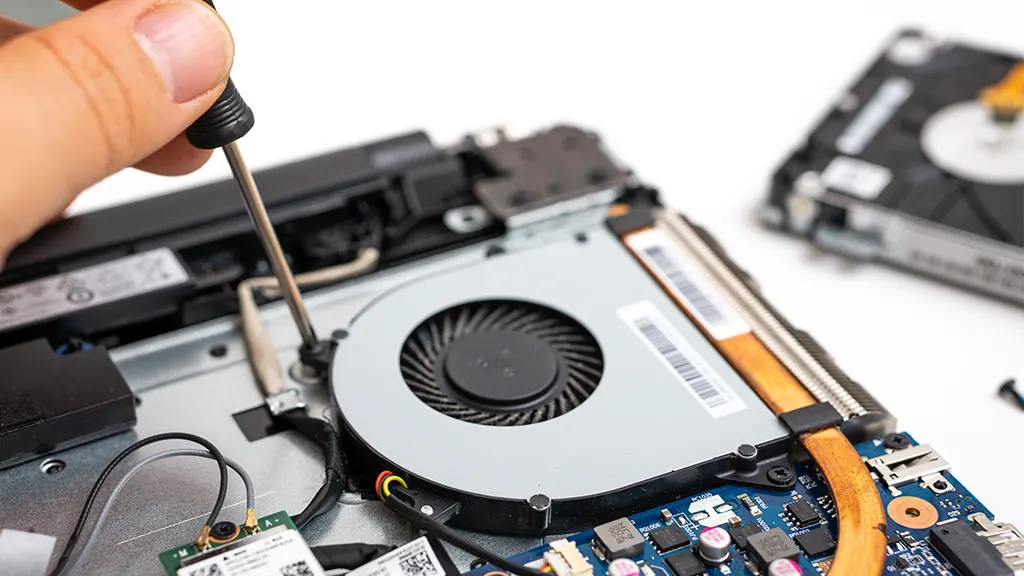
Sometimes the fan itself has a problem. Worn-out or damaged fan parts cause noise. A broken fan blade or loose screws create rattling sounds. Faulty fan motors might run louder than normal. Hardware failure means the fan cannot cool properly. Replacing the fan often fixes this issue. Faulty fans need professional repair or replacement.
How Overheating Affects Fan Noise
Laptop fans get loud mainly because of overheating. When your laptop heats up, the fan works harder to cool it. This extra work makes more noise. Overheating happens for several reasons. Understanding these reasons helps you fix the loud fan issue.
Heat Generation From Components
Parts like the CPU and GPU produce heat while working. The more tasks they do, the hotter they get. Heavy use, like watching videos or running apps, raises their temperature. This heat forces the fan to spin faster. Faster spinning means more noise from the fan.
Impact Of Poor Ventilation
Laptops need good airflow to stay cool. Dust or blocked vents stop air from moving freely. Poor airflow traps heat inside the laptop. The fan must work harder to push hot air out. This strain makes the fan louder than usual.
Role Of Thermal Paste
Thermal paste helps transfer heat from components to the cooling system. Old or dried-out paste loses its ability to cool well. When thermal paste fails, heat builds up quickly. The fan speeds up to fight the extra heat. This causes the fan to become noisy.
Identifying Software-related Fan Noise
Many laptop fans run loudly because of software issues. Software can make your laptop work hard. This causes the fan to spin faster to cool down the device. Identifying software-related fan noise helps in fixing the problem. It also improves your laptop’s performance and lifespan.
Resource-heavy Applications
Some apps use a lot of your laptop’s power. Video editors, games, and browsers with many tabs open are common examples. These apps demand high CPU or GPU use. Your fan turns on high to stop overheating. Close apps you don’t need to reduce fan noise.
Background Processes
Background processes run without your knowledge. They keep your system updated or sync files. Sometimes, too many run at once. This overloads your CPU and heats the laptop. Check your task manager for unusual processes. Stopping unnecessary ones can quiet the fan.
Malware And Viruses
Malware and viruses often use your laptop’s resources. They run hidden tasks that increase CPU load. This makes your fan work harder and louder. Running a full antivirus scan can detect threats. Removing malware helps lower the fan noise and speeds up your laptop.
Credit: www.asurion.com
Steps To Reduce Laptop Fan Noise
Laptop fans get loud because the device heats up. The fan spins faster to cool down the parts inside. This noise can be annoying and may mean your laptop needs care.
Reducing fan noise helps your laptop run quietly and last longer. Follow these easy steps to calm your noisy fan and keep your laptop cool.
Cleaning Dust From Fans And Vents
Dust blocks air and makes fans work harder. Use a can of compressed air to blow dust out. Focus on vents and fan openings. Clean your laptop regularly to keep airflow smooth. This simple step lowers fan noise and prevents overheating.
Optimizing Software And Processes
Many programs running can heat your laptop. Close unused apps to reduce workload. Check for background processes using Task Manager or Activity Monitor. Update software to fix bugs that cause high CPU use. Less strain means quieter fans and better speed.
Improving Laptop Cooling
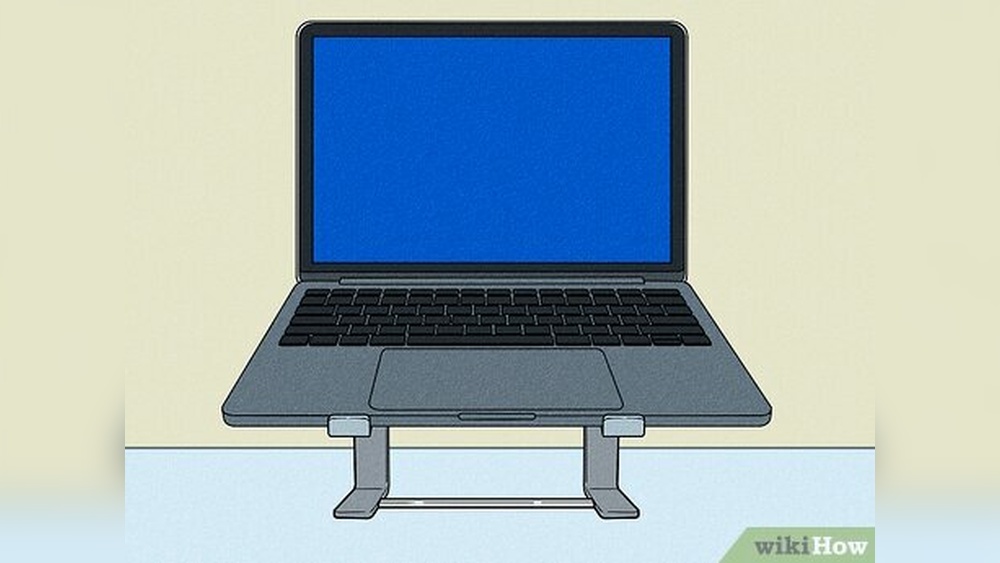
Place your laptop on a flat, hard surface. Soft surfaces block vents and trap heat. Use a cooling pad with extra fans for better airflow. Keep the room cool and avoid direct sunlight. Better cooling keeps fan noise down and protects your laptop.
Updating Bios And Drivers
Outdated BIOS or drivers can cause fan issues. Visit your laptop maker’s website for updates. Install the latest BIOS and system drivers carefully. Updates often improve fan control and system performance. Keeping software current helps your fan run smoothly.
When To Seek Professional Help
Knowing when to seek professional help can save your laptop from further damage. Loud fans might signal deeper issues that need expert attention. Early action can prevent costly repairs and extend your laptop’s life.
Persistent Loud Noise
Fans making loud noise constantly may indicate a problem beyond cleaning. Dust or dirt buildup usually causes noise, but if it stays loud, there might be a mechanical issue. Professionals can check for worn-out fan bearings or misalignment.
Fan Replacement
Fans wear out over time and stop working properly. A noisy fan might need replacing to keep your laptop cool. Experts can install the right fan model and ensure it fits perfectly without causing noise.
Hardware Diagnostics
Sometimes, loud fan noise comes from hardware problems inside your laptop. Professionals use special tools to test components like the CPU and GPU. They find overheating parts or hardware faults that cause the fan to run loudly.
Credit: www.asurion.com
Frequently Asked Questions
Why Is My Laptop Fan Always Running Loudly?
A loud laptop fan often means the device is overheating. Dust buildup, heavy software use, or poor ventilation can cause this. Cleaning the fan and closing unused programs usually helps reduce noise and cool the laptop effectively.
Can High Cpu Usage Cause Loud Fan Noise?
Yes, high CPU usage generates extra heat. The fan speeds up to cool the processor, making it louder. Monitoring running applications and closing unnecessary ones can lower CPU load and reduce fan noise.
Does Laptop Age Affect Fan Noise Levels?
Older laptops may have louder fans due to dust accumulation and worn-out thermal paste. Over time, cooling efficiency drops, causing the fan to work harder. Regular maintenance can extend your laptop’s quiet operation.
How Can I Reduce My Laptop’s Fan Noise?
Keep vents clean and ensure proper airflow around your laptop. Use cooling pads or adjust power settings for lower performance modes. Updating drivers and software can also optimize system efficiency and reduce fan activity.
Conclusion
A loud laptop fan often means your device is working hard. Dust, high temperatures, or many programs can cause noise. Cleaning the fan and closing unused apps helps a lot. Keeping your laptop on a hard surface improves airflow. Regular care makes your laptop quieter and cooler.
A quieter fan means better performance and longer device life. Simple steps can fix the noise problem fast. Don’t ignore a noisy fan—it protects your laptop’s health.