Why Does My Battery Percentage Jump Up And down

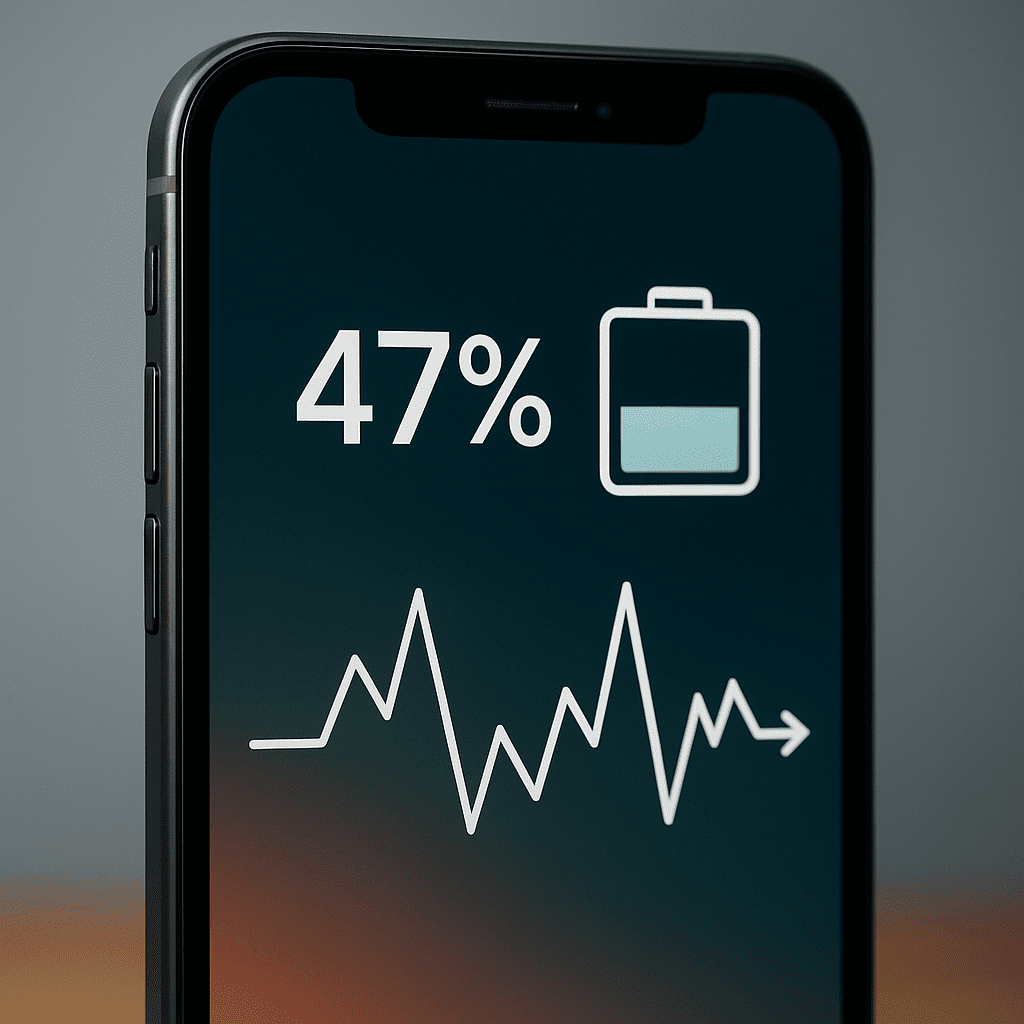
Have you ever noticed your phone’s battery percentage suddenly jump up or drop without warning? It can be confusing and even frustrating when your device shows one number, then quickly changes to another.
You might wonder if your battery is broken or if your phone is playing tricks on you. Understanding why this happens can help you avoid surprises and keep your device running smoothly. Keep reading to discover the real reasons behind these battery percentage jumps and what you can do about them.
Credit: blog.ipro.cc
Battery Percentage Fluctuation Causes
Battery percentage jumping up and down can confuse many users. This irregular behavior shows your device’s battery meter is not stable. Several reasons cause these fluctuations. Understanding these causes helps you manage your device better.
Battery Calibration Issues
Battery calibration means syncing the battery meter with the actual battery charge. Over time, this sync can get off. The phone may show wrong battery levels. This causes the percentage to jump suddenly. Calibrating the battery can fix this problem.
Software Glitches
Software glitches may affect battery readings. Apps or system errors can send false data. This makes the battery percentage fluctuate. Updates or bugs in the phone’s software often cause this. Restarting or updating the device can help.
Battery Health Decline
Batteries lose capacity as they age. Old batteries can’t hold charge properly. This leads to sudden drops or rises in percentage. The device struggles to read the battery level. Replacing the battery may be necessary if the problem persists.
Temperature Effects
Battery performance changes with temperature. Cold weather can lower battery voltage temporarily. Hot weather can also affect battery readings. These changes cause the battery percentage to jump. Keeping your device at normal temperatures helps maintain stable readings.
Impact Of Battery Age
The age of a battery has a strong effect on how it performs. Batteries wear out as time passes. This wear can cause the battery percentage to jump up and down. Understanding the impact of battery age helps explain these changes.
Reduced Capacity Over Time
Batteries lose their ability to hold a full charge over time. This loss is called reduced capacity. The battery may show different percentages because it cannot store energy like before. This causes the battery meter to jump as it recalculates the remaining power.
Increased Internal Resistance
Internal resistance in a battery grows with age. This resistance slows down the flow of electricity inside the battery. It leads to sudden drops or rises in the battery percentage. The device struggles to get a steady power supply, causing the meter to fluctuate.
Role Of Charging Habits
Charging habits affect battery health and performance. They play a key role in how your battery percentage behaves. Poor habits can cause your battery number to jump up and down. Understanding these habits helps keep your battery stable and long-lasting.
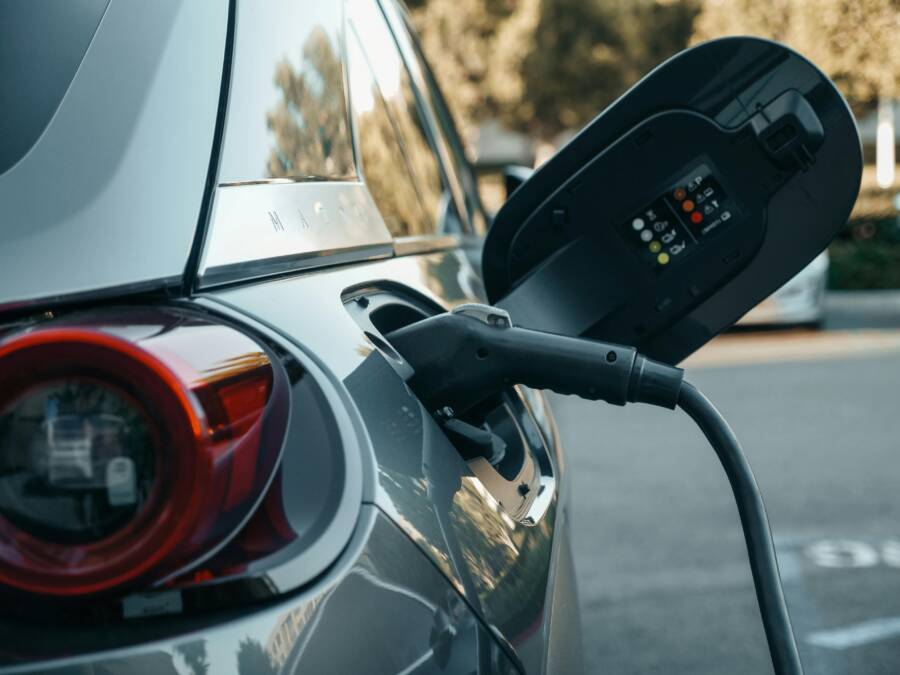
Using Non-original Chargers
Non-original chargers often do not match your device’s power needs. They may deliver uneven or incorrect voltage. This causes your battery meter to give wrong readings. The battery might show sudden jumps or drops in percentage. Using original chargers ensures steady power flow. It helps the battery meter give accurate readings.
Partial Charging Effects
Charging your battery only partially can confuse the battery sensor. The battery meter learns from charging cycles. Partial charges create irregular data for the sensor. This leads to sudden changes in battery percentage. Fully charging your device regularly helps the meter stay accurate. It improves the battery’s ability to report the correct charge level.
Credit: www.fixdevicesshop.com
Device Settings Affecting Battery
Device settings play a big role in how your battery percentage changes. Some settings use more power than others. This can make your battery meter jump up and down. Understanding these settings helps you manage battery life better.
Background Apps And Processes
Apps running in the background use battery power. They keep working even when you do not see them. These apps can send updates or check for new data. This constant activity drains battery and affects the percentage reading. Closing unused apps can help keep the battery level steady.
Power Management Features
Most devices have power-saving modes. These features adjust settings to save battery. They may lower screen brightness or limit background activity. Power management can slow battery drain and make the percentage more stable. Turning on these features helps keep your battery life longer.
Steps To Fix Battery Percentage Fluctuations
Battery percentage jumping up and down can be frustrating. It makes it hard to know the real battery level. Several steps can help fix this problem. Each step targets a common cause of battery fluctuations. Follow these easy steps to improve your battery’s accuracy and performance.
Recalibrating The Battery
Recalibrating helps the device understand the battery’s true charge. First, use your device until it shuts off by itself. Then, charge it fully without interruption. This process resets the battery meter. It shows the correct battery percentage again.
Updating Software
Outdated software can cause battery reading errors. Check for system updates regularly. Updates often fix bugs and improve battery management. Install the latest version to keep your device running smoothly. This can reduce battery percentage jumps.
Replacing The Battery
Old or damaged batteries often cause erratic readings. If recalibration and updates do not help, the battery may be worn out. Visit a service center to check battery health. Replacing the battery can solve fluctuations and extend device life.

Credit: www.reddit.com
When To Seek Professional Help
Battery percentage jumping up and down can signal a deeper issue. Sometimes, it is just a small glitch. Other times, it shows a real problem that needs fixing. Knowing when to seek professional help saves time and prevents damage.
Ignoring serious battery issues may shorten your device’s life. Professionals have the right tools and knowledge. They can diagnose and fix battery problems safely.
Unusual Battery Swelling
Battery swelling is a clear warning sign. It can cause your device to bulge or feel hot. Swollen batteries are dangerous and can leak or explode. Stop using the device and get help quickly.
Rapid Battery Drain
The battery drops fast even after full charging. This may mean the battery is failing. Professionals can test the battery’s health and replace it if needed.
Device Shuts Down Suddenly
The device turns off without warning, even with charge left. This shows the battery cannot hold power properly. A technician can check and fix this issue.
Charging Problems
Battery percentage jumps during charging or does not charge fully. This may be due to battery or charging port issues. Experts can find the root cause and repair it.
Frequently Asked Questions
Why Does My Battery Percentage Keep Fluctuating?
Battery percentage fluctuates due to calibration issues and sensor inaccuracies. It can also happen if the battery ages or if software misreads the charge level.
Can A Faulty Battery Cause Percentage Jumps?
Yes, a faulty or old battery often causes erratic percentage jumps because it can’t hold or report charge consistently. Replacing the battery usually resolves this.
How Does Battery Calibration Affect Percentage Accuracy?
Battery calibration helps the device measure the actual charge level correctly. Without calibration, the device may misinterpret the battery status, causing sudden jumps in percentage.
Does Temperature Impact Battery Percentage Readings?
Extreme temperatures affect battery performance and voltage, leading to inaccurate percentage readings. Cold or hot conditions can cause the battery to report fluctuating charge levels.
Conclusion
Battery percentage jumping often shows a problem with the battery or software. It does not always mean your phone is broken. Sometimes, apps or settings cause this issue. Restarting your device or updating software can help. If problems continue, the battery may need checking.
Understanding why this happens helps you take better care of your device. Stay patient and try simple fixes first. Your phone’s battery life can improve with small steps. Keep an eye on changes and act early to avoid bigger issues.