Why Does My Phone Heat Up When Using Camera

Have you ever noticed your phone getting hot just by using the camera? It can be surprising—and a bit worrying.
You might wonder if something is wrong with your device or if you’re damaging it without realizing. The truth is, your phone heating up during camera use is common, but understanding why it happens can help you keep your device safe and working smoothly.
Keep reading, and you’ll discover the simple reasons behind this problem and easy ways to cool things down.
Camera And Phone Heat
The camera on your phone is a powerful tool. It captures moments and creates memories. But using the camera can cause your phone to heat up. This happens because the camera needs a lot of your phone’s resources to work well.
How Camera Uses Phone Resources
The camera uses the phone’s processor to handle images and video. It also uses the phone’s memory to store this data temporarily. The screen stays bright to show what you are capturing. All these tasks need power. The phone’s processor works harder, creating heat as a result.
Impact Of Video Recording On Temperature
Recording video uses even more phone power than taking photos. The processor must work non-stop to process many frames each second. The phone’s image sensor also stays active longer. This continuous use raises the temperature quickly. Long video sessions can make the phone feel quite warm.
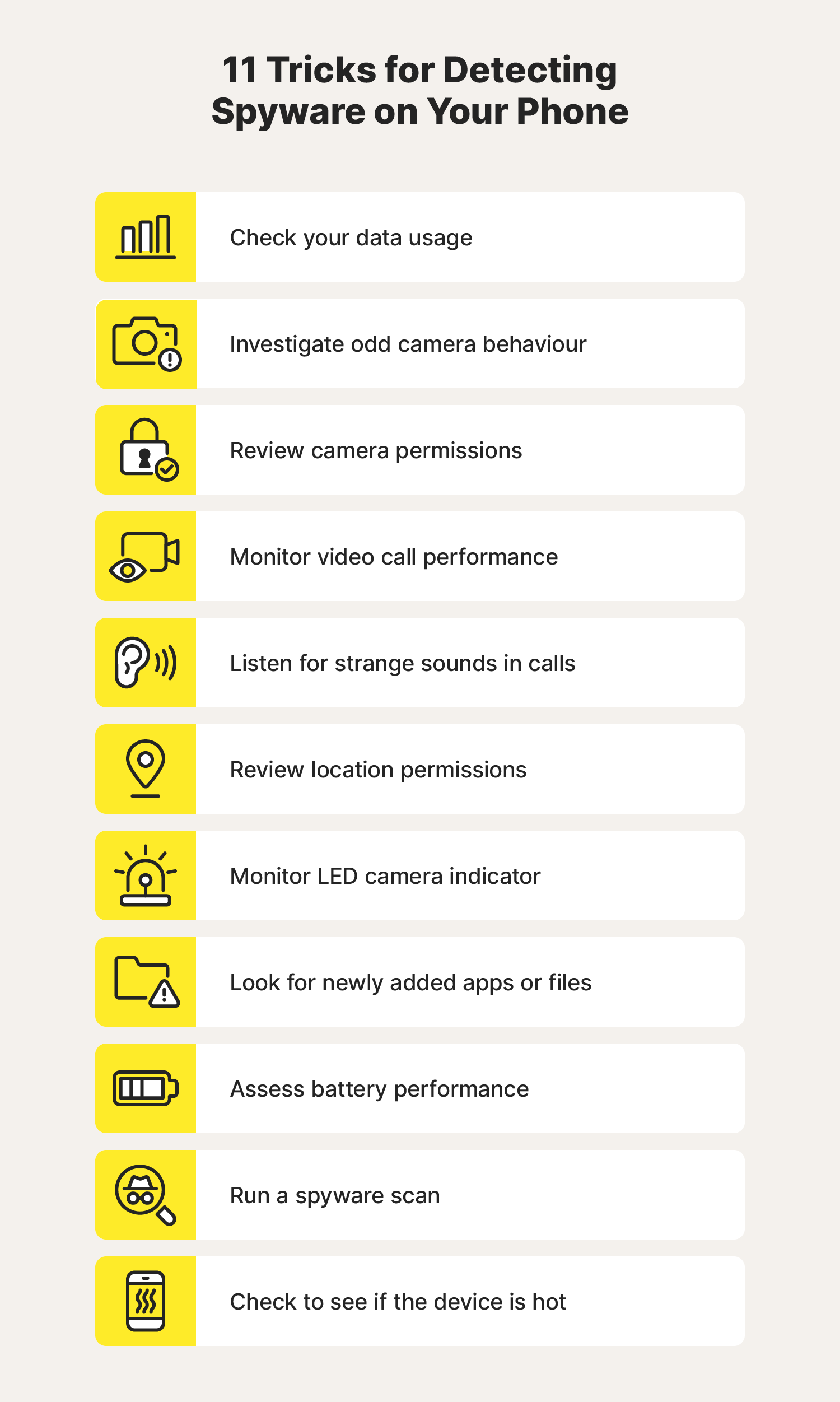
Credit: uk.norton.com
Hardware Factors
Hardware parts inside your phone play a big role in heating up. The camera uses many of these parts at once. This causes your phone to warm up. Understanding these hardware factors helps explain why your phone heats up during camera use.
Processor Load During Camera Use
The processor works hard when you use the camera. It handles image processing, video recording, and other tasks. This makes the processor run faster and hotter. The more features you use, the harder the processor works. This extra load causes heat to build up inside the phone.
Battery And Heat Generation
The battery also produces heat when the camera is on. Using the camera drains the battery quickly. The battery releases energy in the form of heat. Older or damaged batteries get hotter faster. High battery temperature adds to the overall warmth of your phone.
Software Influence
Software plays a big role in how much your phone heats up while using the camera. The apps running in the background and the camera app’s settings both affect the phone’s temperature. These factors can make the processor work harder, causing heat to build up quickly.
Background Apps And Multitasking
Many apps running at the same time use the phone’s processor. This makes the phone work harder and produce more heat. Background apps like social media, messaging, or music players keep running while the camera is active. This extra load adds to the phone’s temperature rise. Closing unused apps helps lower the load and heat.
Camera App Settings Affecting Heat
Camera settings like video resolution and frame rate affect heating. High-resolution videos or slow-motion recording need more processing power. The phone heats up faster with these settings. Using features such as HDR or filters also increases the load. Lowering these settings helps keep the phone cooler.
Environmental Conditions
Environmental conditions play a big role in your phone heating up while using the camera. The surroundings affect how well your phone cools down. Heat builds up faster in certain situations, making your device warmer than usual.
Knowing these conditions helps you protect your phone from overheating. It also helps you use the camera without worry.
Effect Of Ambient Temperature
High outside temperatures make your phone heat up quickly. The hotter the air, the harder it is for your phone to cool down. Using the camera in direct sunlight raises the phone’s temperature even more.
Cooler environments help the phone stay at a safer temperature. Avoid using the camera in hot places for long times. This keeps your phone working well and prevents damage.
Phone Case And Heat Dissipation
Phone cases can trap heat inside your device. Thick or poorly ventilated cases stop heat from leaving the phone. This causes the camera and other parts to get hotter.
Choosing a case made from materials that allow heat to escape helps. Cases with good airflow or thin designs improve cooling. Removing the case while using the camera can also reduce heat build-up.
Preventing Overheating
Phone heating during camera use can be frustrating. It may cause discomfort and shorten battery life. Preventing overheating helps keep your phone safe and working well. Simple steps can reduce heat and improve your camera experience.
Optimizing Camera Usage
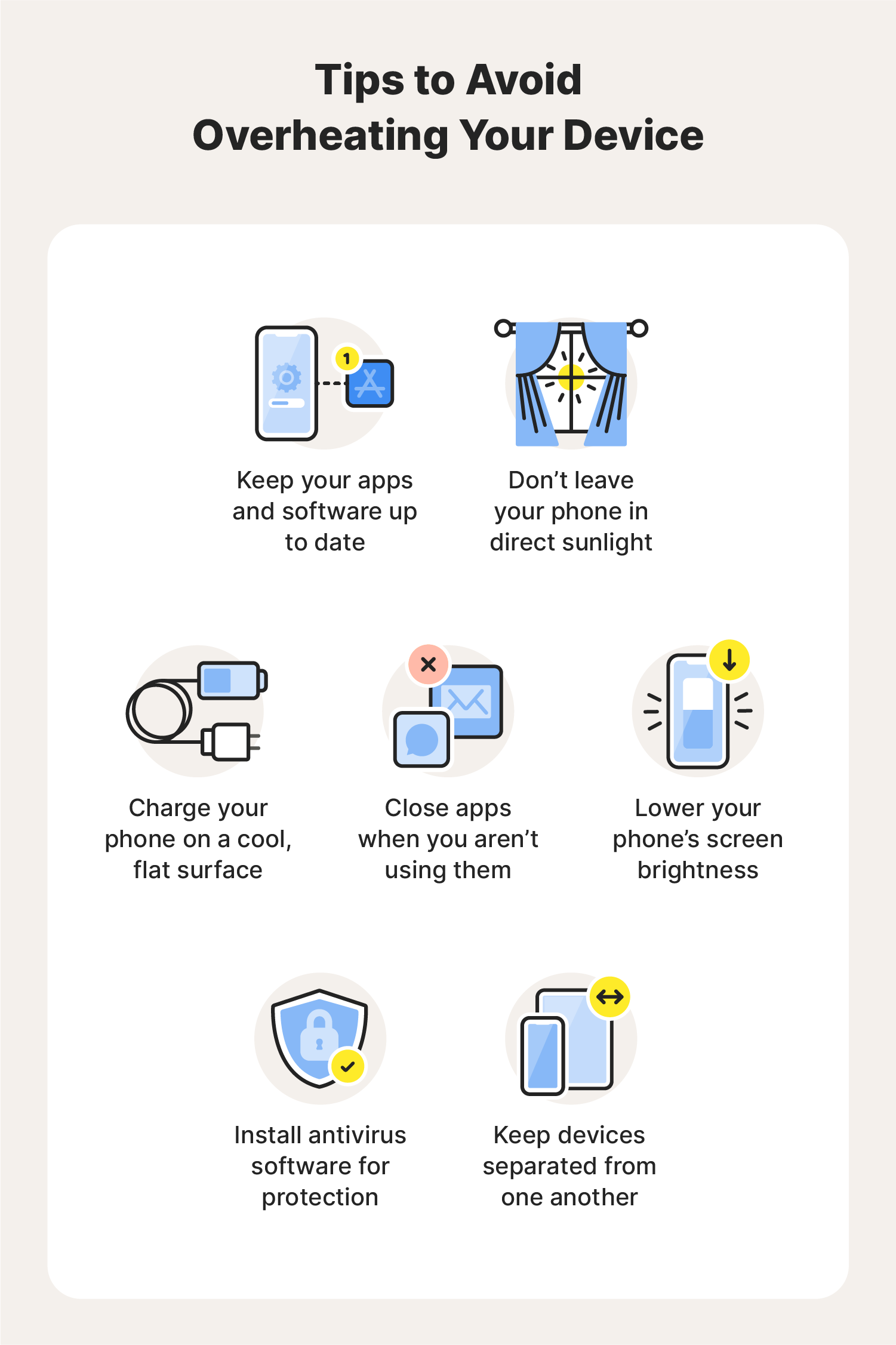
Use the camera for shorter periods. Avoid recording long videos in high resolution. Close the camera app after use to stop extra power use. Lower screen brightness while using the camera. These actions reduce strain on the phone’s processor and battery.
Managing Background Processes
Close apps running in the background that you do not need. Many apps use resources even if not open. This adds extra load on the phone. Use the settings to check for apps consuming power. Stopping unnecessary apps frees up power and helps cool the device.
Keeping Software Updated
Install software updates regularly. Updates fix bugs that cause overheating. They also improve how the phone uses power. Camera app updates can optimize performance and reduce heat. Set your phone to update automatically for best results.
Credit: uk.norton.com
When To Seek Help
Knowing when to get help for a phone that heats up while using the camera is important. Sometimes, the issue is simple and can fix itself. Other times, it points to a bigger problem. Acting early can save your phone from serious damage.
Watch your phone closely. Notice any strange behavior beyond just heating up. This helps decide if professional help is needed. Don’t ignore warning signs that show your phone might have hardware trouble.
Signs Of Hardware Issues
One sign is if your phone gets very hot quickly. Another is if the camera stops working or shows errors. The battery draining fast while using the camera is a red flag. Your phone may also shut down suddenly. These signs often mean hardware problems inside.
Screen flickering or strange noises from the phone can also show hardware issues. Overheating that happens even with basic tasks suggests a deeper fault. These problems need careful checking to avoid further damage.
Professional Repair Options
Visit a trusted phone repair center for a full diagnosis. Experts can find the exact cause of overheating. They can fix or replace faulty parts like the battery or camera module. Using original parts ensures your phone works well again.
Some repairs may require special tools or skills. Professionals have the right equipment to handle these safely. Repair costs vary by issue but fixing early usually costs less. A professional repair keeps your phone safe and extends its life.

Credit: www.wired.com
Frequently Asked Questions
Why Does My Phone Get Hot Using The Camera?
Using the camera requires high processing power, which generates heat. The phone’s CPU and GPU work harder to process images and videos, causing the device to heat up temporarily during camera use.
Can Camera Apps Cause Phone Overheating?
Yes, some camera apps use more resources, leading to overheating. Features like high resolution, video recording, and filters increase power consumption and heat generation.
Does Recording Video Heat Up My Phone More?
Recording video demands more processing and battery power than taking photos. This continuous workload causes the phone to heat up faster and more noticeably.
How Can I Prevent My Phone From Heating With The Camera?
Close background apps, reduce video resolution, and avoid direct sunlight. Taking breaks between camera use also helps your phone cool down and prevents overheating.
Conclusion
Using your phone’s camera can make it warm. This happens because the camera uses a lot of power. The processor works hard to handle pictures and videos. Also, the screen stays bright, adding heat. Taking long videos or using high settings can increase warmth.
To help, close apps running in the background. Avoid charging your phone while using the camera. Let your phone rest if it gets too hot. Understanding why your phone heats up helps you use it better. Stay safe and keep your device cool during use.