Why is My Phone Lagging After Recent Update

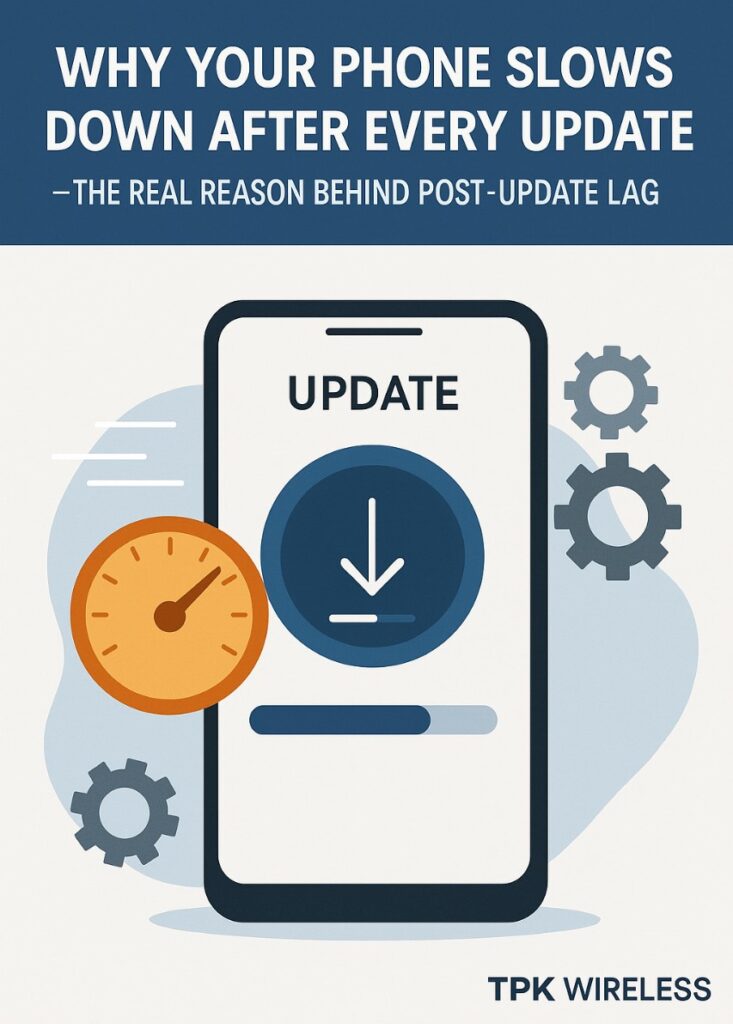
Is your phone suddenly slowing down after the latest update? You’re not alone.
Many people notice their devices lagging right after installing new software. It’s frustrating when your phone, which once ran smoothly, now feels sluggish and unresponsive. But why does this happen? And more importantly, what can you do to fix it?
Keep reading to discover the common reasons behind this slowdown and simple steps you can take to get your phone back to its fast, reliable self. Don’t let a lagging phone hold you back—understand what’s going on and take control today.
Credit: tpkwireless.com
Common Causes Of Phone Lag
Phone lag after an update is a common problem. Many users notice their phones become slower or less responsive. Several causes can lead to this issue. Understanding these reasons helps you manage and fix lag effectively.
Software Bugs In Updates
Updates often introduce new bugs. These bugs can slow down your phone. Developers try to fix them quickly. But some bugs affect phone speed and performance. Bugs can cause apps to crash or freeze. This creates a laggy experience for users.
Increased Resource Usage
New updates may use more phone resources. They need more memory and processing power. Older phones may struggle with these demands. This high resource use causes the phone to slow down. Apps and functions take longer to open or respond.
Background Processes
Updates can add new background tasks. These run without your knowledge. They use CPU and battery power. More background processes mean less power for active apps. This reduces overall speed and causes lag. Managing background tasks can improve performance.
Compatibility Issues
Sometimes updates are not fully compatible. Older phones may not work well with new software. This mismatch causes slowdowns and bugs. Compatibility issues affect system stability. They make the phone feel sluggish or unresponsive.
Credit: learn.microsoft.com
Impact Of Updates On Hardware
Software updates improve features and security. But they can also affect your phone’s hardware. This impact can slow down your device. Understanding how updates affect hardware helps you manage lag issues better.
Processor Strain
Updates often add new tasks for the processor. Older processors may struggle to keep up. This extra work causes your phone to slow down. The processor runs harder, making apps less responsive.
Memory Limitations
Updates usually need more memory to run smoothly. Phones with less RAM may not handle this well. Limited memory causes apps to freeze or crash. Your phone may feel sluggish during multitasking.
Battery Performance
New updates can change how your battery is used. Some features consume more power than before. This leads to faster battery drain and heating. Poor battery health can also cause lag and shutdowns.
Troubleshooting Steps
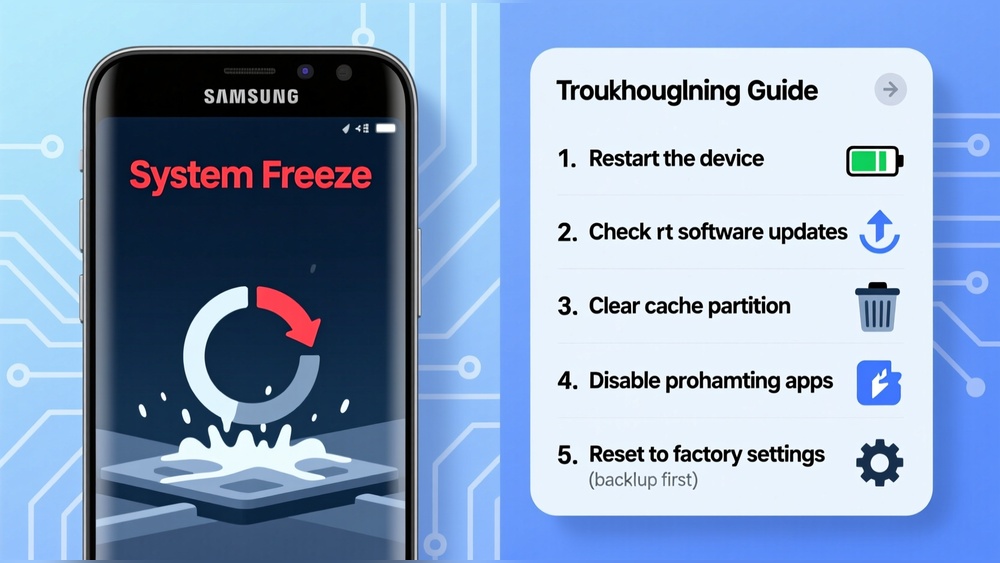
Phone lagging after an update can be frustrating. Many users face slow performance or delays. Simple troubleshooting can fix these issues. Try the steps below to improve your phone’s speed and response. Each step targets common problems caused by updates.
Clearing Cache And Data
Cache stores temporary files to help apps run faster. Updates may cause cache conflicts. Clearing cache removes these files without deleting personal data. Go to Settings, then Apps. Select the slow app and tap “Clear Cache.” For more issues, tap “Clear Data.” This resets the app to default settings.
Uninstalling Problematic Apps
Some apps may not work well after updates. These apps can slow down your phone. Identify apps that started causing trouble recently. Uninstall these apps to free up resources. Check if your phone speed improves after removal. Later, reinstall the app if needed.
Restarting The Device
Restarting your phone can resolve many issues. It closes background apps and frees memory. Press and hold the power button. Choose “Restart” or “Reboot.” Wait for the phone to turn off and on again. This simple step often fixes lag and delays quickly.
Performing A Factory Reset
Factory reset erases all data and restores phone settings. Use this only if other steps do not work. Backup important files before resetting. Go to Settings, then System, and find “Reset.” Choose “Factory Data Reset” and confirm. This step clears all software issues but takes time to set up again.

Credit: www.reddit.com
Optimizing Phone Performance
Phone lag after an update can frustrate anyone. Optimizing your phone’s performance helps fix this issue. Small changes can make your device run smoother and faster. Try simple steps to reduce lag and improve speed.
Disabling Unnecessary Features
Some features run in the background and slow your phone. Turn off options like Bluetooth, GPS, or animations when not needed. These features use memory and battery, causing lag. Disabling them frees up resources and boosts speed.
Managing Background Apps
Many apps keep running after you close them. These background apps use CPU and RAM, making your phone slow. Check your app settings and close or restrict apps you don’t need. This clears memory and improves performance.
Updating Apps Regularly
App updates often fix bugs and improve efficiency. Outdated apps can cause crashes and slowdowns. Keep your apps up to date to ensure they work well with the new phone update. This helps your phone stay fast and stable.
When To Seek Professional Help
Sometimes, a phone may still lag after you update it. This can be frustrating. Knowing when to seek professional help saves time and stress. It also protects your phone from further damage.
Persistent Performance Issues
Updates can cause slow performance. Restarting or resetting might help. If lagging stays for days, it is a concern. Professionals can diagnose software or system problems. They can fix issues you cannot.
Hardware Malfunctions
Not all lag is software related. Hardware problems like battery or memory faults cause slowdowns. If your phone heats up or shuts down randomly, seek help. Experts can check and repair hardware safely.
Warranty And Support Options
Check if your phone is under warranty. Many repairs are free or low-cost during this time. Authorized service centers offer trusted help. Using these options avoids voiding your warranty. It ensures quality parts and service.
Frequently Asked Questions
Why Is My Phone Slow After The Latest Update?
Phone updates can cause slowdowns due to new features needing more resources. Background processes may also increase, affecting performance. Clearing cache and restarting the device often helps improve speed after updates.
How Can I Fix Phone Lag After An Update?
To fix lag, try restarting your phone first. Clear app caches and uninstall unused apps. If problems persist, check for a newer update or perform a factory reset as a last resort.
Does Update Cause Battery Drain And Lag?
Yes, updates may temporarily increase battery usage and lag. This happens as the system reindexes data and optimizes apps. Battery and speed usually improve after a few days of normal use.
Can Old Phones Handle New Updates Smoothly?
Older phones may struggle with new updates due to limited hardware. New features demand more RAM and processing power. It’s best to check compatibility before updating to avoid lag issues.
Conclusion
Phone lag after updates is common but fixable. Updates can slow phones by using more resources. Clearing cache or uninstalling unused apps helps speed up performance. Restart your device to refresh its system. Sometimes, a factory reset may be needed to fix deep issues.
Keep your phone’s software and apps updated regularly. Small actions make a big difference in smooth phone use. Stay patient and try simple fixes before seeking professional help. Your phone can run smoothly again with a little care.