How to Fix Ceiling Fan Making Noise When Rotating

Is your ceiling fan making annoying noises every time it spins? That constant buzzing, rattling, or squeaking can drive you crazy and disrupt your peace.
But don’t worry—you don’t have to live with it or call a costly repair service right away. You have the power to fix the problem yourself. In this guide, you’ll discover simple, effective steps to stop your ceiling fan from making noise when rotating.
Keep reading, and you’ll soon enjoy the quiet, smooth breeze you deserve.
Common Causes Of Noisy Ceiling Fans
Noisy ceiling fans can disturb the quiet of any room. The sound may come from parts that are loose or worn out. Understanding the common causes helps fix the problem quickly. Knowing these causes can save time and money on repairs.
Loose Screws And Bolts
Loose screws and bolts often cause fan noise. They make the fan wobble or rattle during rotation. Tightening these parts can stop the noise immediately. Check all screws on the blades and the mounting bracket.
Unbalanced Blades
Unbalanced blades create a humming or wobbling sound. This happens when one blade is heavier or bent. Balancing kits or simple adjustments can fix this issue. Balanced blades keep the fan running smoothly and quietly.
Worn Out Bearings
Bearings allow the fan to spin smoothly. Worn bearings cause grinding or squeaking noises. Replacing or lubricating bearings can solve this problem. This step improves the fan’s rotation and reduces noise.
Dust And Dirt Accumulation
Dust and dirt gather on blades and motor parts. This buildup causes imbalance and extra noise. Cleaning the fan regularly helps maintain quiet operation. Use a soft cloth or brush to remove dust safely.
Motor Issues
The motor powers the fan blades. Motor problems may cause buzzing or humming sounds. Electrical faults or worn parts inside the motor can be the cause. Professional help may be needed to fix motor issues safely.
Credit: www.youtube.com
Tools Needed For Fan Noise Repair
Fixing a noisy ceiling fan needs some basic tools. These tools help you find the problem and fix it fast. Having the right tools makes the work safe and easy. Below are the key tools you need for fan noise repair.
Screwdrivers
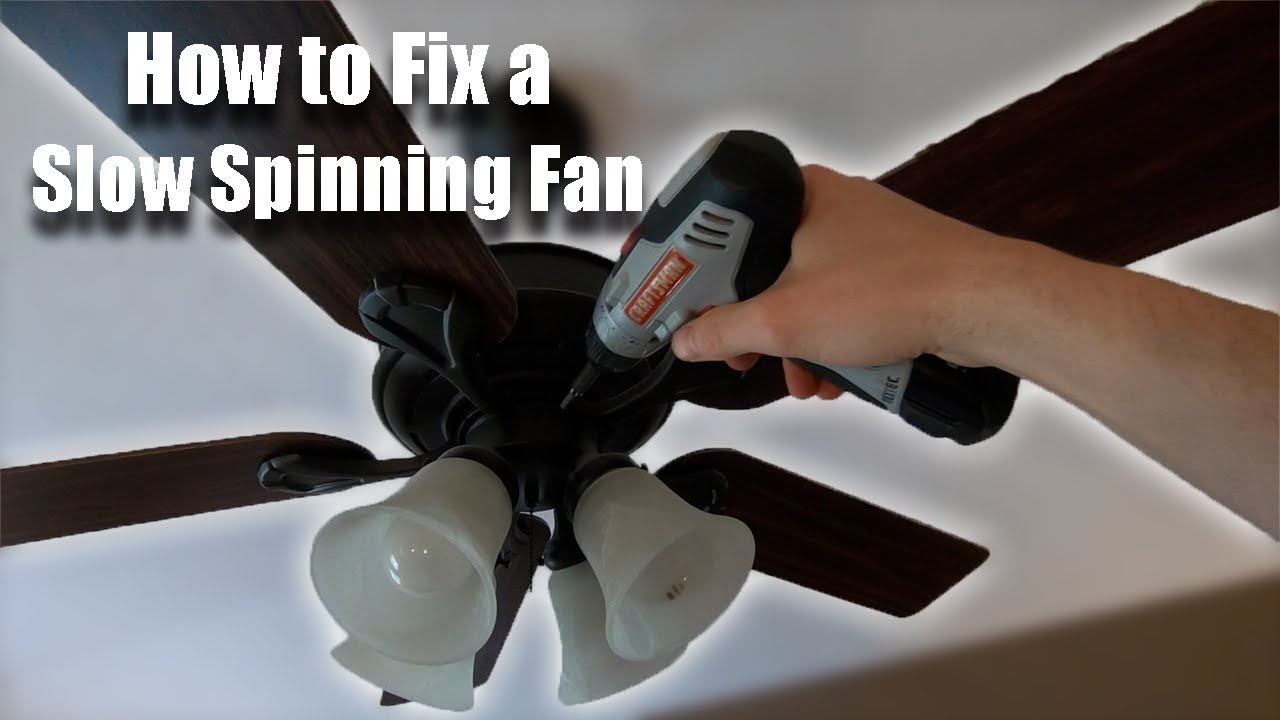
Screwdrivers are essential for opening fan covers and tightening screws. A flathead and a Phillips screwdriver cover most fan types. Loose screws often cause noise. Tightening them stops the rattling and wobbling sounds.
Balancing Kit
A balancing kit helps fix blade wobble that causes noise. It usually includes small weights and clips. Placing the weights on blades balances them during rotation. Balanced blades reduce shaking and noise effectively.
Lubricant
Lubricant reduces friction in fan motors and bearings. Use a light oil designed for electric fans. Applying lubricant to moving parts stops squeaks and grinding sounds. It also extends the fan’s life by preventing wear.
Cleaning Supplies
Dust and dirt can cause fan noise and poor performance. Use a soft cloth, brush, and mild cleaner to remove buildup. Clean blades and motor areas carefully. Clean fans run quieter and move air better.
Step-by-step Noise Fixing Process
Fixing a noisy ceiling fan is easier than you think. Follow these clear steps to stop the noise and enjoy a quiet room. Each step targets a common cause of fan noise. Take your time and check each part carefully.
Turning Off The Power
Always start by turning off the fan’s power. Switch off the fan at the wall or fuse box. This step keeps you safe while working on the fan. Never skip this important safety step.
Tightening Screws And Bolts
Loose screws and bolts often cause fan noise. Use a screwdriver to check all screws on the fan. Tighten any that feel loose. Pay special attention to the blades and mounting bracket. A tight fan runs smoothly and quietly.
Cleaning Fan Blades And Motor
Dust and dirt can make a fan noisy. Clean the blades with a soft cloth or brush. Remove dust from the motor vents gently. Clean parts spin better and reduce noise. Regular cleaning also helps your fan last longer.
Balancing The Blades
Uneven blades cause wobbling and noise. Use a blade balancing kit or simple weights. Place weights on the blades to find the balance point. Balanced blades spin quietly and prevent shaking. This step improves fan performance and comfort.
Lubricating Moving Parts
Dry parts create friction and noise. Apply a few drops of light machine oil to moving parts. Focus on the motor and blade shafts. Avoid over-oiling as it can attract dust. Lubrication helps the fan run smoothly and quietly.
Inspecting The Motor
The motor can cause noise if damaged or worn out. Look for signs of wear or burning smell. Listen closely for unusual sounds from the motor. Replace or repair the motor if needed. A healthy motor means a quiet and efficient fan.

Credit: www.youtube.com
When To Call A Professional
Knowing when to call a professional for a noisy ceiling fan saves time and prevents damage. Some problems need expert tools and skills. Trying to fix complex issues alone can be risky. A professional can quickly find the cause and fix it safely. Below are signs that show it’s time to get help.
Persistent Noise Issues
Noise that does not stop after cleaning or tightening parts can mean deeper problems. A professional can check the motor and balance carefully. They can spot hidden issues not visible to the eye. Persistent sounds could damage the fan or ceiling. Experts prevent further harm and keep your fan working well.
Electrical Problems
Buzzing or crackling sounds may show electrical faults. Faulty wiring or loose connections can cause noise and danger. Professionals know how to handle electrical parts safely. They follow rules to avoid shocks or fires. Don’t try to fix electric parts without training. Call an expert for all electrical concerns.
Replacing Fan Components
Sometimes parts like blades, bearings, or the motor need replacing. A professional can find the right parts for your fan model. They install new components correctly to stop noise and improve performance. DIY replacement might cause more damage or poor fitting. Expert help ensures your fan runs quietly and smoothly again.
Preventing Future Noise Problems
Preventing future noise problems in ceiling fans helps keep your home quiet and comfortable. Regular care and correct setup stop most issues before they start. Small steps can save time and money on repairs. Follow simple tips to keep your fan running smoothly and silently.
Regular Maintenance Tips
Check fan blades for dirt and dust often. Clean blades with a soft cloth to avoid imbalance. Tighten screws on the blades and motor housing regularly. Loose parts cause wobbling and noise. Lubricate moving parts if your fan model allows. Dust buildup and dry parts increase friction and sound. Test the fan after cleaning to ensure smooth rotation.
Proper Installation Practices
Mount the fan on a strong, stable ceiling support. Use the right screws and brackets for your fan model. Follow the manufacturer’s instructions carefully. Make sure blades are balanced and aligned during installation. Keep electrical wires neat and secure to avoid rattling. Avoid installing fans near doors or windows that cause drafts. Proper setup reduces vibration and unwanted noise.
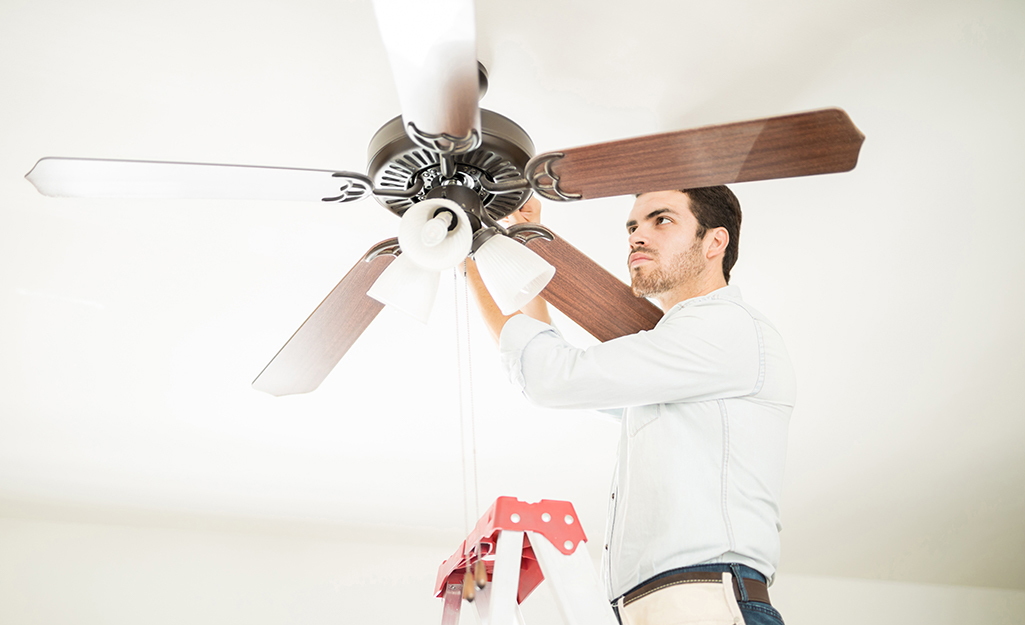
Credit: www.homedepot.com
Frequently Asked Questions
Why Is My Ceiling Fan Making Noise When Rotating?
Noisy ceiling fans often result from loose screws, unbalanced blades, or worn-out bearings. Regular cleaning and tightening can reduce noise. Check for debris or dust buildup, which may cause imbalance. Lubricate moving parts if needed to ensure smooth operation and eliminate squeaking sounds.
How Can I Balance A Noisy Ceiling Fan Blade?
Balancing fan blades requires adjusting their weight evenly. Use a blade balancing kit or tape coins on lighter blades. Ensure all blades are clean and securely attached. Proper balancing prevents wobbling and reduces noise, improving fan efficiency and lifespan.
Can Loose Screws Cause Ceiling Fan Noise?
Yes, loose screws can cause rattling or shaking noises in ceiling fans. Regularly check and tighten screws on fan blades, motor housing, and mounting brackets. Securing these parts reduces vibrations and noise, ensuring safer and quieter fan operation.
How Do I Lubricate A Ceiling Fan To Stop Noise?
Turn off the fan and power supply before lubricating. Use a light machine oil on the fan motor bearings and moving parts. Avoid over-lubrication to prevent dust buildup. Proper lubrication reduces friction noise and extends the fan’s life.
Conclusion
Fixing a noisy ceiling fan is easier than you think. Check for loose screws and tighten them first. Clean the blades to remove dust and dirt. Balance the fan blades to stop wobbling and noise. Lubricate the motor if it sounds rough.
Regular care keeps your fan quiet and working well. Enjoy a peaceful room with a smooth-running ceiling fan. Small steps can make a big difference. Don’t ignore the noise; fix it today for comfort and calm.