Why is My Ceiling Fan Wobbling at High Speed Only

Is your ceiling fan shaking or wobbling only when it runs at high speed? It’s more than just annoying—it can be worrying, and it might even cause damage if left unchecked.
You might wonder why it stays steady at low speeds but starts to wobble as soon as you turn it up. Understanding the reasons behind this can save you time, money, and frustration. You’ll discover the common causes of ceiling fan wobbling at high speed and learn simple steps to fix it.
Keep reading to make your fan run smooth and silent again.

Credit: www.reddit.com
Common Causes Of Fan Wobble
Ceiling fan wobbling at high speed can be annoying and unsafe. Many factors cause this issue. Knowing the common causes helps fix the problem quickly. Here are the main reasons your fan wobbles only when running fast.
Imbalanced Fan Blades
Fan blades must be balanced to spin smoothly. If one blade is heavier or bent, wobbling occurs. Dust or dirt on blades also causes imbalance. Balancing the blades reduces shaking and noise.
Loose Screws And Hardware
Loose screws can make the fan unstable. Check screws on blades and the fan body. Tighten any loose parts to keep the fan steady. This simple fix often stops wobbling completely.
Bent Or Damaged Blades
Bent or damaged blades disrupt the fan’s motion. Even a small bend causes wobble at high speed. Replace or repair damaged blades to restore smooth rotation.
Improper Installation
Incorrect fan installation leads to wobbling. The fan must be mounted firmly and level. Poor mounting causes uneven spinning and shaking. Reinstalling the fan correctly can solve this issue.

Credit: home.howstuffworks.com
How Speed Affects Fan Stability
Ceiling fans behave differently at various speeds. Understanding how speed affects fan stability helps find why wobbling occurs only at high speeds. Fans run smooth at low speeds but may shake when they spin faster. This happens because forces acting on the blades increase with speed.
Low Vs High Speed Dynamics
At low speed, the fan blades move gently through the air. The forces are small and balanced. This balance keeps the fan steady and quiet. Minor imbalances in blades do not show up at low speed. The fan blade alignment feels stable and firm.
High speed changes the dynamics completely. The blades push more air, creating stronger forces. Any tiny flaw in blade weight or angle becomes obvious. The fan may start to wobble or vibrate. High speed causes the fan to feel less stable than low speed.
Increased Vibration At High Rpm
RPM means revolutions per minute or how fast the fan spins. As RPM goes up, centrifugal force on blades grows. This force pulls blades outward and increases stress on the motor. Slight differences in blade weight or mounting cause uneven pull.
Uneven pull leads to vibration or shaking. The motor tries to keep blades spinning but can’t fix the imbalance. Vibrations grow stronger at high RPM because forces multiply. This is why fans wobble only at high speed and not low speed.
Checking And Fixing Blade Balance
Checking and fixing blade balance is key to stopping a ceiling fan from wobbling. Unbalanced blades cause the fan to shake, especially at high speeds. Small weight differences make the fan unstable and noisy. Balancing the blades brings smooth, quiet operation. You can fix this yourself with simple tools and steps.
Using A Blade Balancing Kit
A blade balancing kit helps find and fix unbalanced blades. The kit includes small weights and a clip. First, clean the blades to remove dust. Attach the clip to the middle of a blade. Turn on the fan at low speed to test. Move the clip until the wobble reduces. Then, stick a small weight where the clip was. Test the fan again. Repeat for other blades if needed. This method is easy and effective.
Swapping Blades To Identify Issues
Swapping blades helps find if one blade is causing the wobble. Turn off the fan and remove one blade. Swap it with another blade on the fan. Tighten screws firmly. Turn the fan on at high speed. Watch if the wobble moves with the swapped blade. If yes, that blade needs balancing or replacing. If no, check other blades. This step narrows down the problem quickly.
Credit: www.youtube.com
Tightening And Securing Components
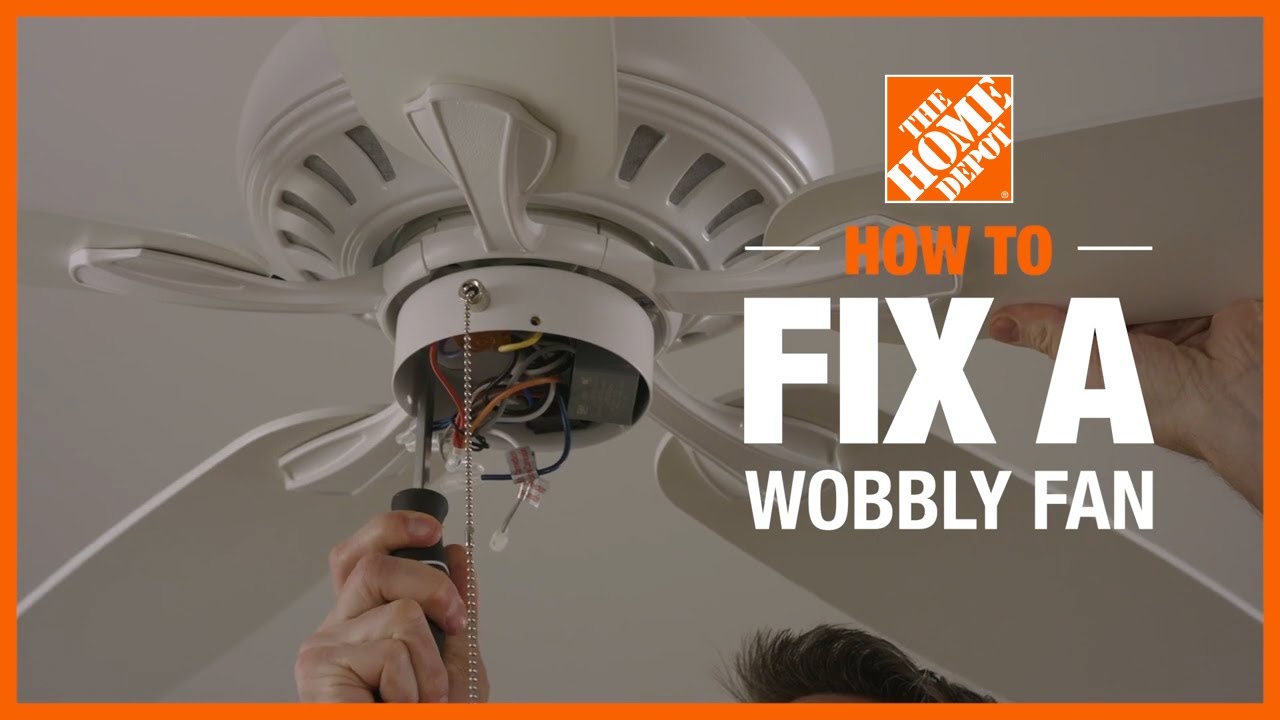
Tightening and securing components is a key step to stop ceiling fan wobbling at high speed. Loose parts cause imbalance and create shaking. Checking all screws and brackets can fix the problem quickly.
Even small looseness can make the fan unstable. Tight parts keep the fan steady and safe. Regular checks help avoid noise and wear too.
Inspecting Mounting Brackets
Mounting brackets hold the fan to the ceiling. They must be tight and secure to prevent wobbling. Use a screwdriver or wrench to check all screws and bolts. Look for any signs of wear or damage. Replace brackets if they are bent or cracked. A solid mount is the base for a smooth-running fan.
Securing Blade Screws And Fasteners
Fan blades connect to the motor with screws and fasteners. These can loosen over time from use and vibration. Tighten each blade screw carefully to keep blades in place. Loose blades cause uneven weight and wobble. Check fasteners on the motor housing too. Secure all parts firmly but avoid over-tightening, which may cause damage.
Replacing Or Repairing Damaged Parts
Wobbling at high speed often means some parts inside the fan are damaged. Fixing or replacing these parts can stop the wobble. This step keeps the fan safe and working well for a long time.
Focus on the blades and motor housing first. These parts usually cause the most wobble when worn or broken. Check carefully and decide if fixing or replacing is best.
When To Replace Blades
Fan blades can bend, crack, or warp over time. Bent or broken blades cause unbalanced spinning. If the damage is severe, replace the blades. New blades restore smooth and steady motion. Replace all blades at once for balance. Check blade weight and size before buying replacements.
Addressing Motor Or Housing Problems
The motor and housing hold the fan steady. A loose motor or damaged housing can cause wobbling. Tighten all screws and bolts around the motor. If parts are cracked or worn, replace them. A well-secured motor stops shaking at high speeds. Sometimes, motor bearings wear out and need change. Proper motor care extends fan life and stops wobble.
Tips To Prevent Future Wobbling
Preventing ceiling fan wobbling keeps your fan safe and quiet. Simple steps help avoid future problems. These tips focus on keeping the fan steady at high speed. Follow these easy methods to enjoy smooth fan operation.
Regular Maintenance Schedule
Check your fan blades often. Dust and dirt can cause imbalance. Clean blades with a soft cloth every few weeks. Tighten all screws on the blades and mounting bracket. Loose parts can cause wobbling. Balance the blades if needed. Use a balancing kit or small weights. Regular checks prevent small issues from growing.
Proper Installation Practices
Install your ceiling fan carefully. Use a strong ceiling box designed for fans. A weak box can cause shaking. Follow the manufacturer’s instructions step-by-step. Make sure the fan is level during installation. Use a level tool to check. Proper wiring and secure mounting reduce wobble risks. Double-check all parts before turning the fan on.
Frequently Asked Questions
Why Does My Ceiling Fan Wobble Only At High Speed?
Ceiling fans may wobble at high speed due to unbalanced blades or loose screws. High speed amplifies any imbalance, causing noticeable wobbling. Checking blade alignment and tightening screws often resolves the issue quickly.
Can Unbalanced Blades Cause Fan Wobbling At High Speed?
Yes, unbalanced blades are a common cause of wobbling. Even slight weight differences disrupt smooth rotation, especially at higher speeds. Balancing kits or blade adjustments can fix this problem effectively.
How Do Loose Screws Lead To Fan Wobbling?
Loose screws in the fan blades or mounting bracket reduce stability. At high speed, this instability causes the fan to wobble. Tightening all screws securely can eliminate wobbling.
Is Improper Installation Responsible For High-speed Fan Wobbling?
Improper fan installation can cause wobbling at high speeds. If the fan is not mounted level or securely, it may vibrate. Ensuring correct installation reduces wobbling and enhances safety.
Conclusion
A wobbling ceiling fan at high speed can be annoying and unsafe. Check for loose screws and unbalanced blades first. Tighten any loose parts carefully. Clean the blades to remove dust buildup. Balancing kits can help fix uneven blades. Correct installation and regular maintenance keep fans steady.
A smooth-running fan improves comfort and safety. Small fixes often stop the wobble quickly. Keep your fan in good shape for quieter, cooler rooms.