How to Fix Ghost Touch Problem on Phone

Is your phone acting up with random taps and swipes that you didn’t make? Ghost touch problems can be frustrating and make your device almost unusable.
But don’t worry—you’re not alone, and this issue can often be fixed without buying a new phone. You’ll discover simple, effective steps to stop those phantom touches and get your screen working smoothly again. Keep reading, because the solution might be easier than you think.
Causes Of Ghost Touch
Ghost touch is a common issue where your phone screen reacts without any touch. Understanding the causes can help fix the problem fast. Several factors can lead to ghost touch. These include hardware, software, and external influences.
Hardware Issues
Hardware problems often cause ghost touch. A damaged screen or loose connections inside the phone can trigger false touches. Dropping the phone or physical pressure can harm the display. Faulty digitizers, the part detecting touch, may also fail and cause random screen actions.
Software Glitches
Software bugs can confuse the touch system. Outdated or corrupted software may cause ghost touches. Some apps may interfere with screen behavior. Restarting or updating the phone can sometimes fix these glitches. Software problems are less severe than hardware but still need attention.
Screen Protector Interference
Poorly fitted screen protectors can cause touch errors. Thick or low-quality protectors may block touch signals. Dirt or air bubbles trapped underneath can confuse the sensor. Removing or replacing the screen protector often stops ghost touches.
Moisture And Dirt Effects
Moisture on the screen can cause false touches. Sweat, rain, or humidity affects touch sensitivity. Dirt and dust can also block proper screen response. Cleaning the screen and keeping it dry helps prevent ghost touch problems.

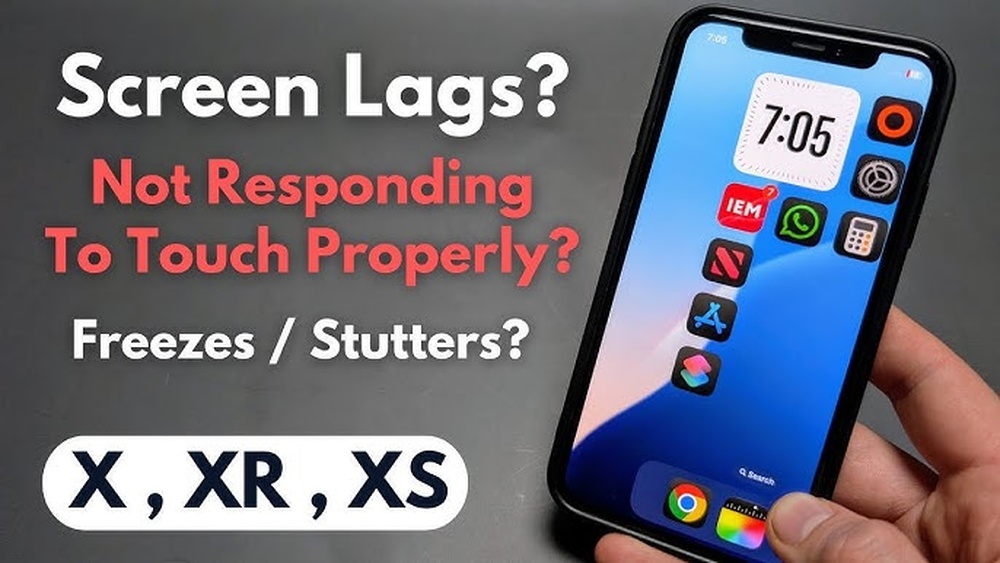
Credit: www.youtube.com
Basic Troubleshooting Steps
Basic troubleshooting steps can fix many ghost touch problems on your phone. These steps are simple and do not need special tools. Try them before seeking professional help. They can save time and money.
Restart Your Phone
Restarting your phone often clears temporary software glitches. Turn off your device completely. Wait for 30 seconds. Then, turn it back on. This can stop ghost touch issues caused by minor bugs.
Clean The Screen
Dirt and oils on the screen can cause false touches. Use a soft, dry cloth to wipe the screen gently. Avoid using harsh chemicals. Clean screens respond better to touch and reduce ghost touch problems.
Remove Screen Protector
Screen protectors can sometimes interfere with touch sensitivity. Remove the protector carefully. Check if the ghost touch issue stops. If it does, consider replacing the protector with a better one.
Check For Physical Damage
Cracks or dents on the screen may cause ghost touches. Look closely for any visible damage. If the screen is broken, it might need repair or replacement. Physical damage often affects touch accuracy.
Software Fixes
Software issues often cause ghost touch problems on phones. These problems make the screen act as if it is being touched without any real contact. Fixing software glitches can stop this unwanted behavior quickly.
Try the following software fixes before considering hardware repairs. They are simple and can save time and money.
Update Your Operating System
Operating system updates fix bugs and improve phone performance. Check for the latest update in your phone’s settings. Installing updates can fix ghost touch issues caused by software errors.
Uninstall Problematic Apps
Some apps cause touch screen malfunctions. Identify apps installed before the ghost touch started. Uninstall these apps one by one to see if the problem stops. This helps isolate and remove the cause.
Reset Touch Settings
Resetting touch settings restores the screen to default behavior. Find this option in the phone’s settings under display or touch options. This step can fix calibration errors causing ghost touches.
Perform A Factory Reset
A factory reset erases all data and settings. It restores the phone to its original state. Back up important files before resetting. This method clears deep software issues causing ghost touch problems.
Advanced Solutions
Advanced solutions target deeper issues causing ghost touch problems. These methods help fix software glitches or hardware faults. They require a bit more effort but often solve persistent issues.
Try these steps carefully. They can improve your phone’s touchscreen response significantly.
Calibrate The Touchscreen
Calibrating the touchscreen can fix inaccurate touch responses. It adjusts the screen sensitivity for better accuracy. Many phones have built-in calibration tools in settings. Follow the instructions to complete calibration. This step can reduce ghost touches caused by misaligned sensors.
Use Safe Mode To Diagnose
Safe mode disables third-party apps temporarily. It helps find if apps cause ghost touches. Restart your phone in safe mode by pressing specific buttons. Test the screen in this mode. If ghost touches stop, uninstall recent or suspicious apps. Safe mode narrows down software-related issues effectively.
Replace Faulty Hardware Components
Hardware problems often cause ghost touch issues. Damaged screens or connectors can trigger false touches. Visit a repair center to check hardware parts. Replacing the screen or digitizer may be necessary. Professional repair ensures correct installation and lasting results. Hardware replacement often ends ghost touch problems permanently.
Preventing Future Ghost Touch Issues
Preventing future ghost touch issues helps keep your phone working properly. Taking simple steps can stop this problem from coming back. These tips protect your screen and improve your phone’s performance.
Use Quality Screen Protectors
Choose screen protectors made from strong materials. Cheap or low-quality protectors can cause screen problems. A good protector shields your phone from scratches and pressure. It keeps the touch screen responsive and clear.
Keep Your Phone Dry And Clean
Moisture can confuse the touch screen sensors. Wipe your phone regularly with a soft, dry cloth. Avoid using your phone with wet hands. Dirt and dust can also block the screen’s touch areas. Clean your phone to avoid false touches.
Avoid Overheating
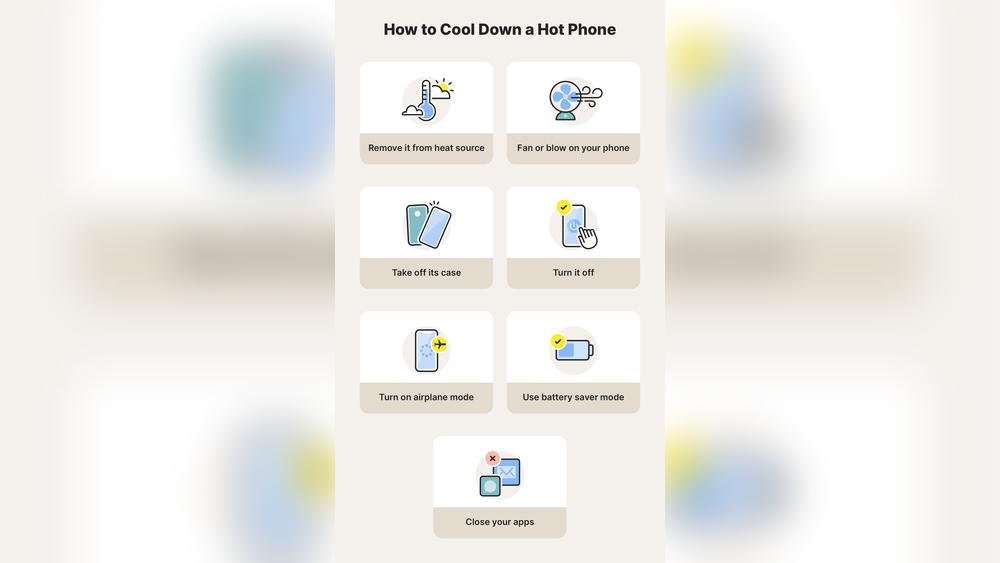
Heat can damage your phone’s screen and sensors. Keep your phone out of direct sunlight for long periods. Do not use heavy apps for too long. Let your phone cool down if it feels hot to touch.
Regular Software Maintenance
Update your phone’s software often. Updates fix bugs that cause ghost touch problems. Restart your phone regularly to clear memory. Use trusted apps and avoid unknown software. These actions keep your phone running smoothly.
Credit: mobilefixexperts.com

Credit: www.wikihow.com
Frequently Asked Questions
What Causes Ghost Touch On Smartphones?
Ghost touch occurs due to hardware issues, screen damage, or software glitches. Moisture, dirt, or faulty screen connectors can also trigger random screen activity.
How Can I Stop Ghost Touch On My Phone?
Clean your screen, remove the case, and restart the device. Update software and perform a factory reset if needed to fix ghost touch problems.
Is Ghost Touch Repair Expensive?
Repair cost varies by phone model and damage severity. Screen replacement is common and can range from affordable to costly depending on your device.
Can A Screen Protector Cause Ghost Touch?
Yes, poor-quality or improperly installed screen protectors may cause ghost touch. Use high-quality protectors and ensure correct installation to avoid issues.
Conclusion
Ghost touch problems can disrupt your phone use a lot. Try cleaning your screen and removing the case first. Restart your phone to clear temporary glitches. Check for software updates to fix bugs. If the issue stays, consider resetting settings or visiting a repair shop.
Small steps often solve big problems. Stay patient and follow these tips carefully. Your phone can work smoothly again with simple fixes. Keep your device safe and clean to avoid future troubles.