How to Fix Slow Charging on Android Phone

Is your Android phone taking forever to charge? Slow charging can be frustrating, especially when you need your device ready fast.
But don’t worry—you don’t have to live with this problem. You’ll discover simple and effective ways to fix slow charging on your Android phone. By the end, you’ll know exactly what’s slowing your phone down and how to speed it up.
Keep reading to get your phone charging like new again.
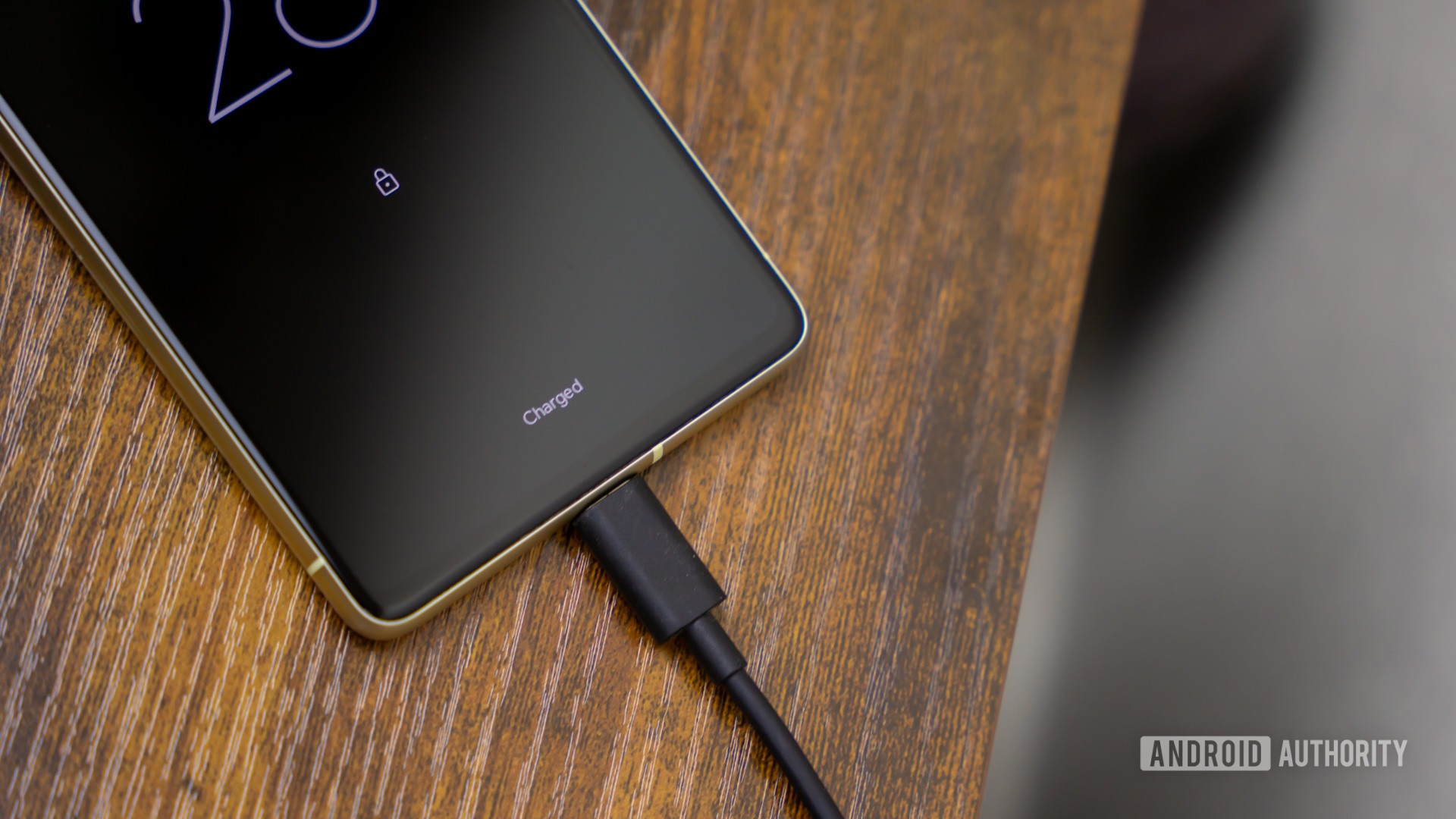
Credit: www.androidauthority.com
Common Causes Of Slow Charging
Slow charging can be frustrating. It often happens due to simple issues. Understanding common causes helps fix the problem fast. Many factors affect charging speed. Some are easy to check and fix.
Faulty Charging Cable
A damaged or low-quality cable can slow charging. Worn-out wires or broken connectors reduce power flow. Use a cable in good condition. Try another cable to see if charging improves.
Damaged Charging Port
Dirt, dust, or damage inside the charging port blocks connection. Loose or bent pins stop the charger from working properly. Clean the port gently with a soft brush. Visit a technician if the port looks damaged.
Using Low-power Chargers
Using a charger with low output power causes slow charging. Chargers have different wattages. Use the charger that came with your phone or one with similar power. Fast chargers speed up charging safely.
Background Apps And Processes
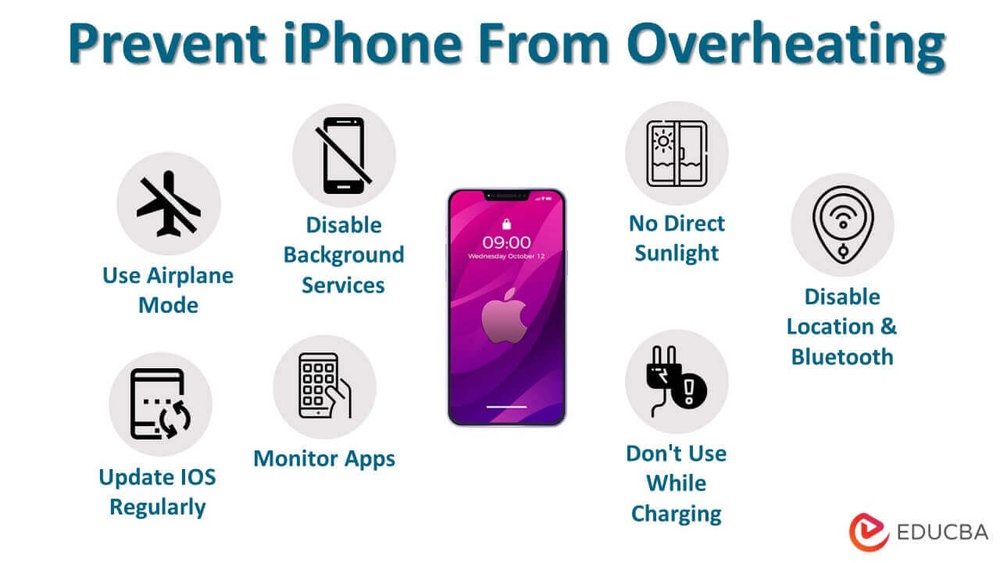
Running many apps in the background uses battery power. This makes the phone charge slower. Close apps not in use. Turn off features like Bluetooth or Wi-Fi if not needed during charging.
Battery Health Issues
Old or damaged batteries hold less charge. This can cause slow or uneven charging. Check battery health in settings if available. Replace the battery if it no longer works well.

Credit: www.youtube.com
Simple Fixes To Speed Up Charging
Slow charging can be frustrating. Simple fixes can help speed up your Android phone’s charging. These easy steps improve charging efficiency without extra cost. Try these tips to boost your phone’s power-up time.
Use Original Or Certified Chargers
Always use the charger that came with your phone. Original chargers match your phone’s power needs. Certified chargers from trusted brands also work well. Cheap or fake chargers may deliver less power. This makes charging slower and can harm your battery.
Clean The Charging Port
Dust and dirt block the charging port. This stops the charger from connecting properly. Use a soft brush or toothpick to clean gently. Do not push too hard to avoid damage. A clean port helps your phone charge faster and better.
Close Unnecessary Apps
Apps running in the background use power. This slows down charging because the battery drains at the same time. Close apps you do not need. This reduces power use and lets your phone charge faster. Check your recent apps and swipe them away.
Enable Airplane Mode
Airplane mode turns off calls, Wi-Fi, and Bluetooth. This stops your phone from using energy to connect. Less power use means faster charging. Switch on airplane mode while charging to save time. Remember to turn it off after charging.
Avoid Using Phone While Charging
Using your phone while charging slows the process. Playing games, watching videos, or browsing uses battery power. This makes the battery charge more slowly. Let your phone rest to speed up charging. It also prevents overheating, which can damage your battery.
Advanced Troubleshooting Steps
Advanced troubleshooting helps fix slow charging issues that basic tips cannot solve. These steps dig deeper into your Android phone’s system and hardware. Follow each step carefully to find the cause and improve charging speed.
Check Battery Health Status
Battery health affects charging speed greatly. Older or damaged batteries charge slower. Use apps like AccuBattery or your phone’s built-in tools to check health. If battery health is poor, consider replacing the battery for better performance.
Update Phone Software
Software updates often fix bugs that slow charging. Go to Settings and look for system updates. Download and install the latest version. Updated software can improve power management and charging efficiency.
Reset Charging Settings
Resetting charging settings clears any wrong configurations. Go to Settings, then Apps, and find the charging or battery app. Clear cache and data. Restart the phone. This step may fix slow charging caused by software glitches.
Perform A Factory Reset
Factory reset restores the phone to original settings. It removes all data and resets all settings. Backup important files first. Go to Settings, then System, and choose Reset options. Select Factory data reset. This can solve deep software issues causing slow charging.
Credit: www.reddit.com
When To Seek Professional Help
Slow charging can be frustrating. Sometimes, simple fixes do not solve the problem. Knowing when to seek professional help saves time and prevents damage. Professionals can diagnose hidden issues accurately and offer the best solutions.
Persistent Charging Issues
Charging problems that last despite basic fixes need expert attention. Faulty hardware or software may cause these issues. Professionals use tools to check the phone’s charging port, cable, and battery health. They find problems that are hard to spot at home.
Battery Replacement Options
Old or damaged batteries reduce charging speed. Replacing the battery can restore normal charging. Professionals ensure the right battery fits your phone model. They handle battery replacement safely to avoid risks like overheating or damage.
Authorized Service Centers
Choosing an authorized service center guarantees quality repairs. These centers use original parts and follow manufacturer guidelines. They protect your warranty and provide reliable service. Visiting authorized centers ensures your phone stays in good hands.
Tips To Maintain Charging Speed
Maintaining your Android phone’s charging speed helps keep it ready to use. Slow charging can be frustrating. Simple steps can protect your phone and keep charging fast. Follow these tips to avoid common problems.
Regularly Inspect Charging Accessories
Check your charger and cable often. Look for frayed wires or bent plugs. Dirty connectors can stop power flow. Clean them gently with a dry cloth. Using damaged accessories can slow charging or cause harm.
Avoid Extreme Temperatures
Keep your phone and charger away from heat and cold. Charging in very hot or cold places hurts the battery. It may slow charging or reduce battery life. Charge your phone in normal room temperature for best results.
Optimize Battery Usage Settings
Adjust settings to help the battery charge faster. Turn off apps running in the background. Use battery saver mode during charging. Lower screen brightness and disable Wi-Fi or Bluetooth if not needed. These reduce power use and speed up charging.
Frequently Asked Questions
Why Is My Android Phone Charging So Slow?
Slow charging can result from a faulty cable, charger, or port. Background apps and outdated software also reduce charging speed. Ensure you use original accessories and close unnecessary apps to improve charging.
How Can I Fix Slow Charging On My Android?
Try using a different charger and cable, clean the charging port, close background apps, and update your phone’s software. These steps often resolve slow charging issues effectively.
Does Using A Fast Charger Improve Charging Speed?
Yes, fast chargers provide higher power output, reducing charging time. However, your phone must support fast charging to benefit from it. Always use compatible fast chargers for best results.
Can Battery Health Affect Charging Speed?
Yes, battery health deteriorates over time, causing slower charging. Replacing an old battery often restores normal charging speed. Regularly check battery health to maintain optimal charging performance.
Conclusion
Slow charging on your Android phone can be frustrating. Try these simple fixes first. Clean your charging port and use the original charger. Close apps running in the background to save power. Restart your phone to refresh its system. Check for software updates regularly.
Avoid charging from low-quality cables or adapters. These steps often improve charging speed quickly. Keep your phone cool while charging. Small changes make a big difference. Stay patient and follow these tips to charge faster.