How to Stop Phone from Overheating While Charging

Is your phone heating up every time you plug it in to charge? That annoying warmth can be more than just uncomfortable—it can damage your battery and slow down your device.
You don’t have to accept this as normal. Imagine charging your phone safely without worrying about it getting too hot. You’ll discover simple and effective ways to stop your phone from overheating while charging. Keep reading, and take control of your phone’s health today.
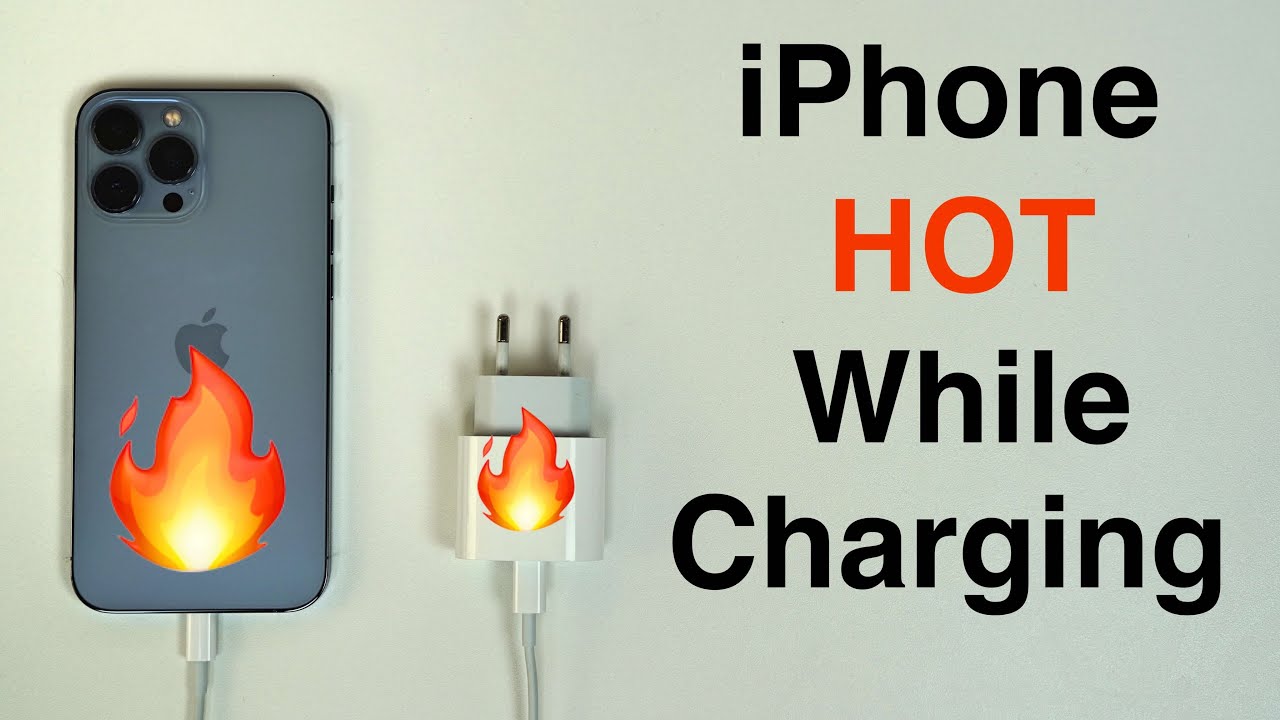
Credit: www.youtube.com
Causes Of Phone Overheating
Phone overheating during charging is a common issue. It can harm your device’s battery and performance. Understanding the causes helps prevent this problem. Several factors can make your phone get too hot while charging. These include how you charge, the environment, how you use your phone, and the quality of chargers and cables.
Charging Habits
Charging your phone overnight or for long hours may cause heat buildup. Fast charging can also increase temperature. Using your phone heavily while charging adds extra heat. Avoid charging your phone in bed or under pillows. These habits block air flow and trap heat.
Environmental Factors
High room temperature makes your phone heat up faster. Charging your phone in direct sunlight worsens the problem. Warm places reduce the phone’s ability to cool down. Cold environments, on the other hand, can affect battery health but do not cause overheating.
Phone Usage During Charging
Playing games or watching videos while charging causes the phone to heat. Running many apps at once adds to the heat. Using GPS or video calls also uses more power and raises temperature. It is best to limit phone use during charging to keep it cool.
Faulty Chargers And Cables
Low-quality or damaged chargers and cables can cause overheating. They may supply inconsistent power or short circuits. Using chargers not made for your phone can increase heat. Always use the charger and cable that came with your phone or a certified replacement.
Signs Of Overheating
Overheating during charging can harm your phone’s battery and performance. Knowing the signs helps you act fast and protect your device. Watch out for these common symptoms of overheating. They tell you when your phone needs attention.
Physical Heat
Your phone feels hot to touch, especially near the battery area. Heat may build up around the charging port or back cover. This is a clear sign your phone is overheating. Avoid holding or using it when very hot.
Performance Issues
Apps may freeze or slow down during charging. The phone can lag or respond slowly to taps. Overheating can cause the processor to slow down to reduce heat. This affects your phone’s overall speed and user experience.
Battery Drain
Battery percentage drops faster than usual, even while charging. Overheating drains the battery and reduces its lifespan. You might notice the battery level going down quickly after unplugging. This is a warning sign of overheating damage.
Automatic Shutdowns
Your phone may turn off by itself during charging. This happens to protect the battery and internal parts. Frequent shutdowns mean the device is too hot. Avoid charging in hot places to prevent this issue.
Best Charging Practices
Following the best charging practices can help keep your phone cool during charging. These simple steps protect your battery and improve phone performance. Proper charging habits prevent overheating and extend battery life.
Use Original Chargers
Always use the charger that comes with your phone. Original chargers match your phone’s power needs perfectly. Third-party chargers may supply incorrect power, causing your phone to heat up. Using genuine chargers ensures safe and stable charging.
Avoid Fast Charging Constantly
Fast charging heats your phone quickly. Using it all the time can cause overheating. Switch to normal charging when you don’t need a quick boost. This helps your phone stay cooler and lasts longer.
Charge In Cool Environments
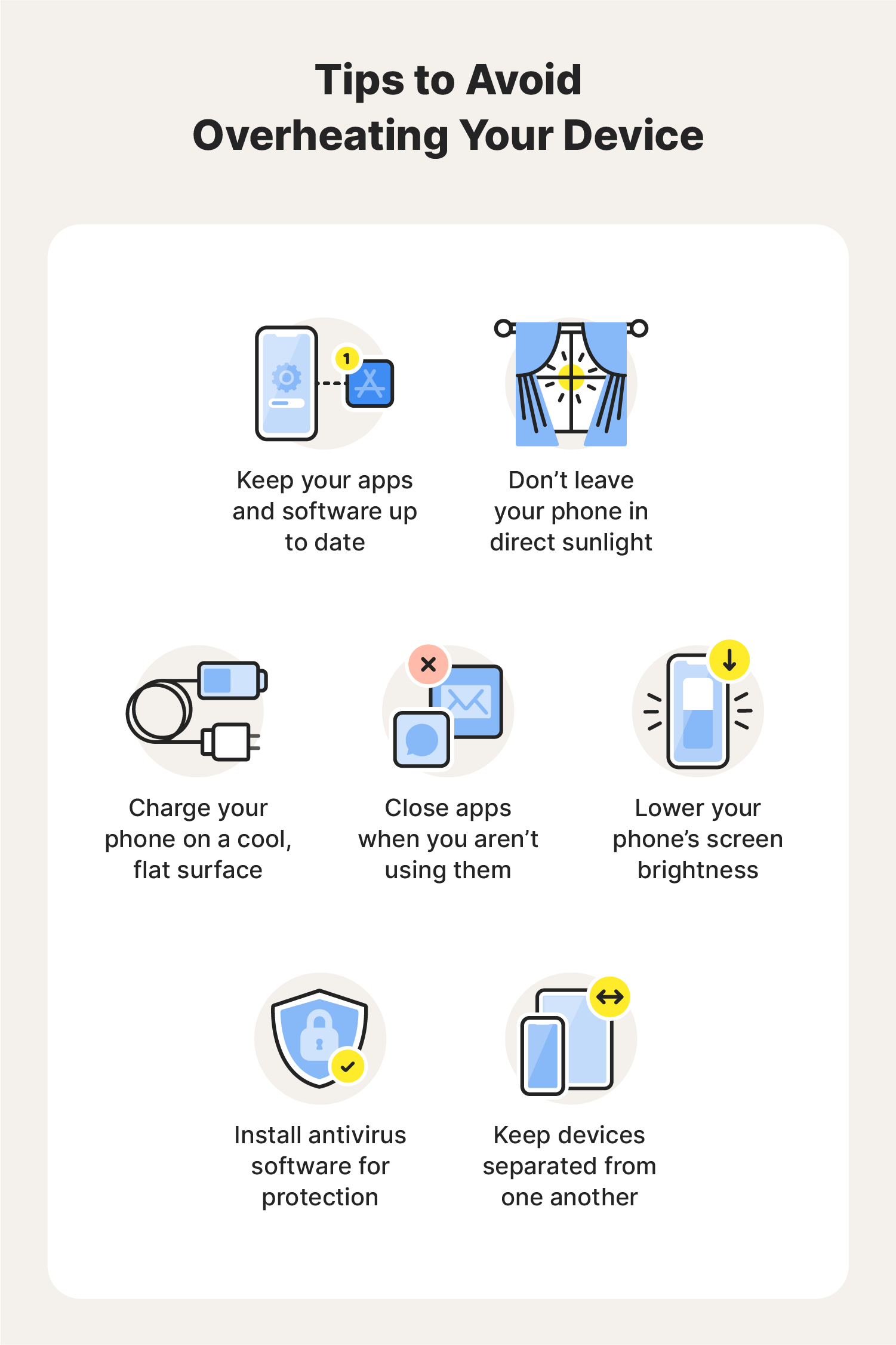
Heat around your phone adds to charging heat. Charge your phone in a cool, shaded place. Avoid direct sunlight or hot rooms. Cooler environments help keep your phone temperature low during charging.
Remove Phone Case While Charging
Phone cases trap heat inside your device. Removing the case during charging allows heat to escape. This simple step reduces the risk of overheating. Your phone stays cooler and charges more safely.
Optimizing Phone Settings
Optimizing your phone settings can help stop it from overheating during charging. Simple changes reduce the work your phone does. This lowers heat production and keeps your device cooler. Follow these easy tips to adjust your phone’s settings for better temperature control.
Close Background Apps
Background apps use power and cause heat. Close all apps you are not using. This stops extra processing and saves battery. Check your recent apps and swipe them away. This keeps your phone cooler while charging.
Enable Battery Saver Mode
Battery saver mode limits power use and slows down apps. It reduces background activity and screen brightness. Turn this mode on before charging your phone. This helps control temperature and extends battery life.
Turn Off Unnecessary Features
Features like Bluetooth, Wi-Fi, and GPS use power even when idle. Turn off any feature not needed during charging. This cuts down on energy use and heat. Your phone will stay cooler and charge safely.
Reduce Screen Brightness
Bright screens use a lot of battery and create heat. Lower your screen brightness while charging. Use the brightness slider or enable adaptive brightness. This simple step helps keep your phone cool and saves battery power.
Hardware Solutions
Hardware problems often cause phone overheating during charging. Fixing these can stop heat build-up and protect your device. Try simple checks and replacements to keep your phone cool and safe.
Check For Damaged Batteries
Batteries wear out and get damaged over time. A damaged battery can cause extra heat while charging. Look for signs like swelling or quick battery drain. Replace the battery if you notice these issues. This prevents overheating and extends phone life.
Replace Faulty Chargers
Chargers also wear out or break. A faulty charger can deliver wrong power levels, causing heat. Use only chargers that match your phone’s brand and model. Avoid cheap, low-quality chargers. Replacing bad chargers lowers the risk of overheating.
Use Wireless Charging Alternatives
Wireless charging is a gentle option for your phone. It produces less heat compared to wired charging. Try a wireless charger made for your phone. Keep the phone aligned on the pad to prevent extra heat. This method helps keep your phone cooler.
Keep Charging Ports Clean
Dirt or dust in charging ports blocks power flow. This can make your phone work harder and get hot. Use a soft brush or compressed air to clean ports regularly. Clean ports improve charging and reduce overheating risks.

Credit: www.anker.com
When To Seek Professional Help
Knowing when to seek professional help for a phone that overheats while charging is important. Some signs show that the problem is serious. Ignoring these signs can damage your phone or even cause safety risks. Here are key moments to get expert help.
Persistent Overheating Issues
If your phone heats up every time you charge, it needs checking. Constant overheating is not normal. It may indicate a deeper problem with the phone’s hardware or software. Professionals can find and fix the root cause safely.
Battery Swelling Or Damage
Swollen batteries are dangerous. They can bulge or change shape. If you see this, stop charging immediately. A damaged battery risks leaking or exploding. Only trained technicians should handle battery replacements or repairs.
Unusual Smells Or Smoke
A burning smell or smoke means urgent action is required. These signs show a serious electrical fault. Turn off the phone and unplug it at once. Do not try to fix it yourself. Visit a professional to avoid harm or damage.
Phone Not Charging Properly
Charging problems like slow charging or no charge can signal hardware issues. Faulty cables or adapters are common, but persistent problems suggest internal faults. Professionals can test and repair charging ports or circuits safely.
Credit: us.norton.com
Frequently Asked Questions
Why Does My Phone Overheat While Charging?
Phones overheat due to high power flow and poor ventilation during charging. Using fast chargers or heavy apps increases heat. Avoid charging in hot places and remove phone cases to improve airflow and reduce overheating risks.
How Can I Prevent Phone Overheating When Charging?
Use original or certified chargers and cables. Charge your phone in a cool, ventilated area. Avoid using heavy apps or gaming while charging. Remove the phone case to allow better heat dissipation and unplug once fully charged.
Is Fast Charging Causing My Phone To Overheat?
Fast charging generates more heat as it delivers higher power quickly. This can cause temporary overheating, especially if the phone lacks proper cooling. Use standard chargers if overheating persists and avoid using the phone heavily during fast charging.
Can Phone Cases Cause Overheating During Charging?
Yes, thick or non-breathable phone cases trap heat and prevent cooling. Removing the case during charging improves airflow and helps keep the phone temperature down. Choose cases with heat-dissipating materials for safer charging.
Conclusion
Keeping your phone cool while charging protects its battery and performance. Avoid using it during charging and place it on a hard, flat surface. Use the original charger and unplug it once fully charged. Close apps running in the background to reduce heat.
These simple steps help your phone last longer and work better. Small changes make a big difference in stopping overheating. Stay mindful of your phone’s heat to keep it safe every day.