Why Does My Phone Battery Drop Overnight Without Use

Have you ever charged your phone fully before bed, only to wake up and find the battery much lower than you expected? It’s frustrating when your phone loses power overnight without you even using it.
You might wonder if something is wrong with your device or if you’re doing something wrong. The truth is, there are several surprising reasons why your phone battery drops overnight. Understanding these can help you fix the problem and keep your phone ready when you need it most.
Keep reading to discover why this happens and how you can stop it.

Credit: www.pcmag.com
Common Causes Of Battery Drain
Many phone users notice their battery drops overnight without using the device. This can feel strange. Several common causes lead to this battery drain. Understanding these reasons helps you manage your phone’s battery better. Let’s explore some main causes.
Background Apps Running
Some apps run in the background even when you are not using your phone. These apps check for updates, send notifications, or refresh content. This uses battery power quietly. Apps like social media, email, and messaging often stay active. Closing unused apps helps reduce battery loss.
System Processes
Your phone’s system performs tasks all the time. It checks for software updates, manages memory, and keeps the clock running. These processes need energy and cause slow battery drain. System updates can sometimes increase power use temporarily. This is normal and usually short-lived.
Network Connectivity
Phones constantly search for Wi-Fi or cellular signals, even at night. Poor network coverage makes your phone work harder. This increases battery drain. Features like Bluetooth and GPS also use power when active. Turning off unused connections saves battery during sleep.
Battery Age And Health
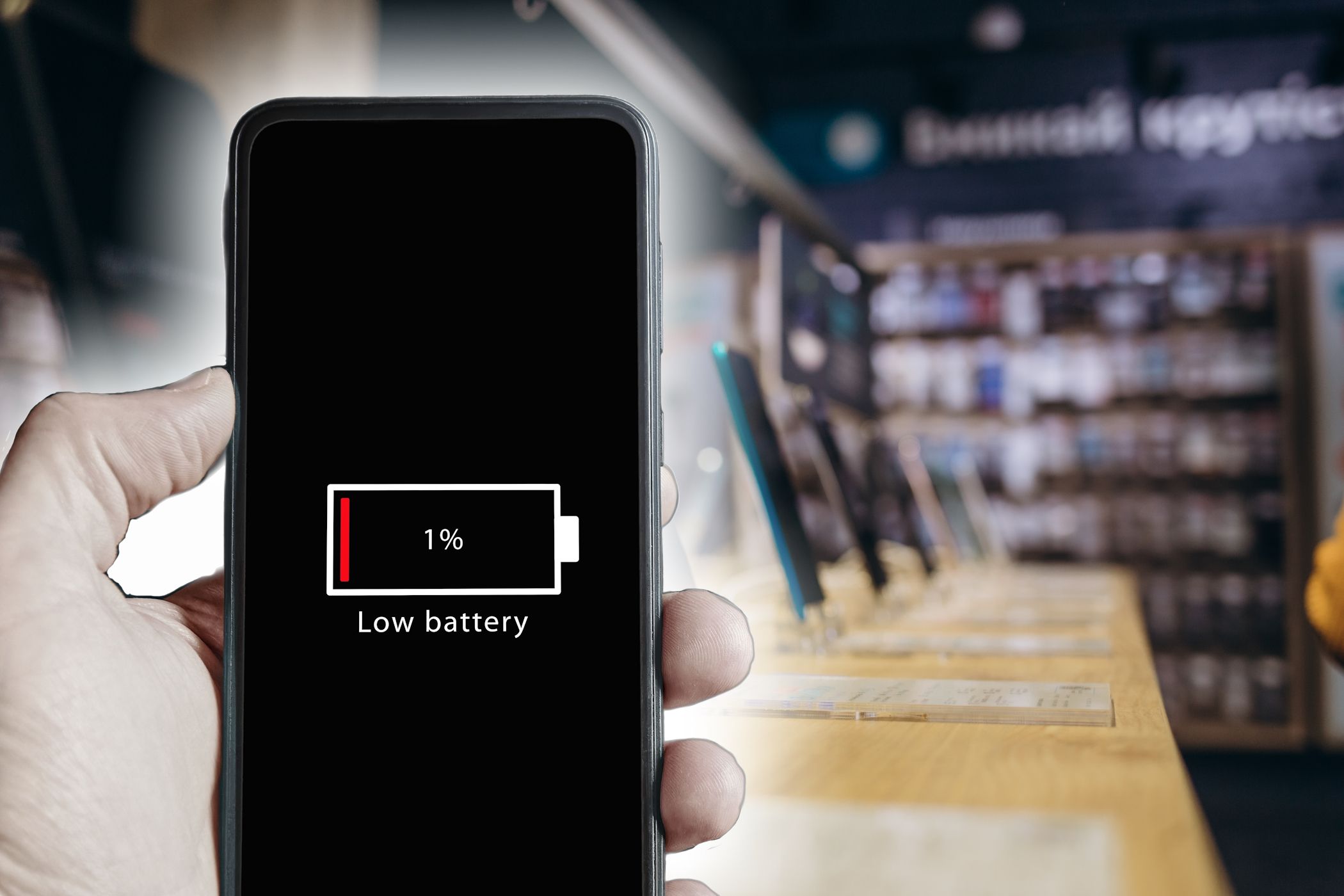
Batteries lose capacity as they age. Older batteries hold less charge and drain faster. Health issues inside the battery cause quicker power loss. Checking battery health helps understand if it needs replacement. A worn-out battery can explain unexpected overnight drops.
Credit: rperim.com.br
Impact Of Settings On Battery Life
Phone settings can use battery power even when the phone is not in use. Some settings run in the background and drain the battery slowly. Understanding these settings helps to save battery life overnight.
Screen Brightness And Timeout
Bright screens use more battery. If the screen stays on for a long time, it wastes power. Setting a lower brightness and shorter screen timeout saves battery. The screen should turn off quickly when not in use.
Push Notifications
Push notifications keep your phone active. Each notification wakes the phone briefly. Many apps sending notifications can drain the battery overnight. Turning off unnecessary notifications helps reduce battery use.
Location Services
Location services use GPS and other signals. This feature drains battery by tracking your phone. Apps that always use location in the background consume more power. Turning off location for unused apps saves battery.
Wi-fi And Bluetooth
Wi-Fi and Bluetooth search for connections when on. This constant searching uses battery power. Leaving them on overnight wastes energy. Turning off Wi-Fi and Bluetooth when not needed helps preserve battery life.
Software Issues Affecting Battery
Software problems can cause your phone battery to drain overnight. These issues often run in the background without clear signs. Understanding how software affects battery life helps you take steps to fix the problem.
Operating System Bugs
Sometimes, the phone’s operating system has bugs. These bugs can cause apps or system processes to stay active. This constant activity uses battery power even when the phone is not in use. Updates often fix bugs, but some may cause new battery issues.
App Updates And Compatibility
Apps need updates to work well with your phone’s software. Outdated or incompatible apps may not close properly. They keep running in the background, using battery power. Checking app updates and removing unused apps can help save battery life.
Malware And Spyware
Malware and spyware are harmful software that drain battery by running secretly. They can send data or track your activity without permission. These programs increase battery use and slow down your phone. Using a trusted security app can detect and remove them.
Hardware Factors Behind Battery Drain
Hardware plays a big role in why phone batteries lose power overnight. Even without use, certain parts of your phone can drain the battery. Understanding these hardware factors can help you manage battery life better.
Battery Degradation Over Time
Phone batteries wear out with use and age. Over time, their ability to hold a charge drops. This means the battery loses power faster, even when the phone is off. Older batteries drain more during the night than new ones.
Charging Habits
How you charge your phone affects battery health. Frequently charging to 100% or letting it drop to 0% harms the battery. Keeping the battery between 20% and 80% can slow degradation. Poor charging habits cause faster battery loss overnight.
Temperature Effects
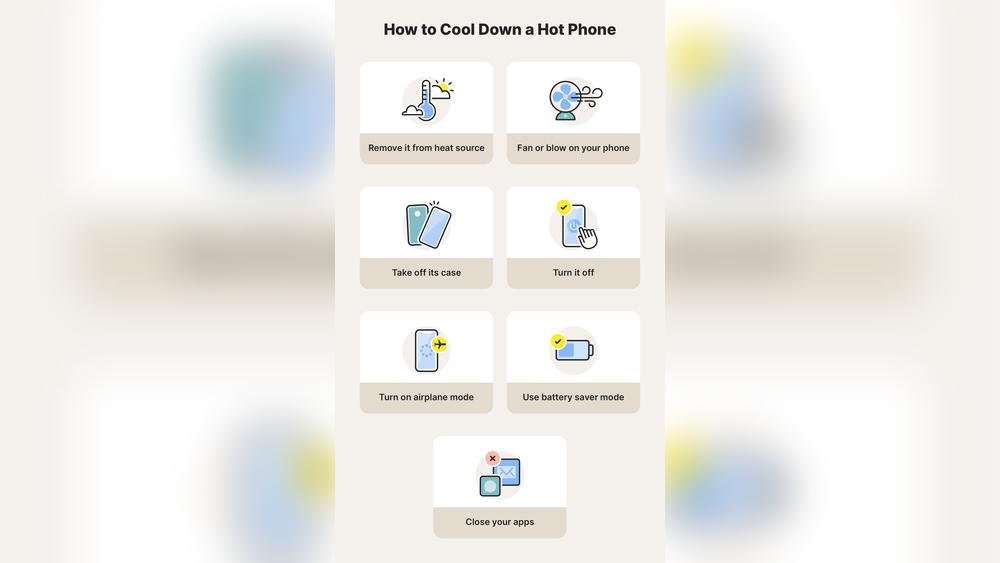
Extreme temperatures can damage your battery. Heat speeds up chemical reactions inside the battery. Cold slows the battery’s ability to work properly. Both hot and cold conditions cause the battery to drain faster overnight.
How To Monitor Battery Usage
Monitoring your phone’s battery usage helps find what drains power overnight. It shows apps or features using energy without your knowledge. You can spot unusual activity and save battery life. Below are easy ways to check battery usage using tools on your phone or apps you can download.
Using Built-in Battery Tools
Most phones have a battery section in settings. It shows which apps use the most power. You can see battery use by hour or day. This helps find apps running in the background. You can also check for system services that use power. The tool may suggest ways to save battery. Checking this regularly keeps your phone healthy.
Third-party Battery Apps
Battery apps offer more details than built-in tools. They show battery temperature, health, and usage patterns. Some apps alert you about high power use. You can track apps running overnight. These apps help find hidden battery drains. Many are free and easy to use. Choose one with good reviews and simple design.

Credit: www.reddit.com
Tips To Minimize Overnight Battery Drain
Battery drain overnight can be frustrating. Many users wake up to find their phone battery much lower than before sleep. Small habits can help reduce this drain. These tips make your phone last longer without charging. Simple changes make a big difference.
Closing Unnecessary Apps
Apps running in the background use battery power. Some apps keep updating or sending notifications. Close apps you do not use before sleeping. This stops them from consuming energy silently. Use the app switcher to swipe away unused apps.
Adjusting Settings
Lower screen brightness to save battery. Turn off Wi-Fi, Bluetooth, and GPS if not needed. Enable airplane mode to stop all signals during sleep. Disable background app refresh in settings. These changes reduce power use significantly overnight.
Regular Software Updates
Phone updates often include battery fixes. Old software may have bugs causing fast drain. Check for updates regularly and install them. Updated software runs more efficiently, saving battery life. This keeps your phone running smoother and longer.
Battery Replacement Considerations
Old batteries lose their ability to hold charge. If battery drains fast even after changes, consider replacement. Visit a professional to check battery health. Replacing the battery can restore normal usage time. This step can save you from frequent charging.
Frequently Asked Questions
Why Does My Phone Battery Drain Overnight Without Use?
Background apps and system processes run even when the phone is idle. These consume battery power gradually, causing overnight drain.
Can Apps Cause Battery Loss When The Phone Is Off?
Yes, some apps run background activities that use power. Disabling or restricting these apps reduces battery drain.
How Does Screen Brightness Affect Overnight Battery Drain?
Screen brightness does not affect battery overnight if the phone is off or screen is locked. Drain is mainly from apps and system.
Does Poor Signal Increase Battery Drain Overnight?
Yes, weak signals make the phone work harder to connect, which uses more power and drains the battery faster.
Conclusion
Phone batteries can lose power overnight for many reasons. Apps running in the background use energy even when you don’t touch your phone. Old batteries hold less charge and drain faster. Poor signal strength also makes your phone work harder.
Simple steps can help, like closing apps and lowering screen brightness. Checking battery health regularly keeps you informed. Understanding these causes helps you take control and improve battery life. Small changes make a big difference in how long your phone lasts.
Keep your phone charged and ready every day.