Why Does My Phone Battery Drop Overnight Without Use

Have you ever woken up to find your phone’s battery much lower than when you went to bed, even though you didn’t touch it all night? It’s frustrating and confusing.
You rely on your phone every day, so why does the battery seem to drain itself while you’re not using it? Understanding the reasons behind this can save you from unexpected shutdowns and help you keep your phone ready when you need it most.
Keep reading, and you’ll discover simple explanations and easy fixes to stop your battery from disappearing overnight.
Common Causes Of Overnight Battery Drain
Many phone users notice their battery drops overnight, even without using the phone. This battery drain can be frustrating. Understanding common causes helps manage and reduce this issue. Several factors work quietly in the background, using power while the phone appears idle.
Background App Activity
Some apps keep running in the background. They update data or send notifications. These activities use battery power without your knowledge. Social media, email, and messaging apps are common culprits. Closing apps fully or adjusting settings can help save battery.
System Updates And Maintenance
Phones perform updates and maintenance tasks during idle times. These processes check for software updates or optimize system functions. Such tasks use battery power silently. Scheduling updates to happen only when charging can reduce battery drain.
Network Signal Weakness
Poor network signals make your phone work harder. The phone searches for a stronger signal or switches between networks. This constant searching drains the battery quickly. Staying in areas with good signal or enabling airplane mode can help preserve power overnight.
Battery Age And Health
Batteries lose capacity over time. An old or worn battery holds less charge and drains faster. Checking battery health can reveal if replacement is needed. Using genuine chargers and avoiding extreme temperatures extends battery life.
Impact Of Settings On Battery Life
Phone settings play a big role in battery use, even when the phone is not in use. Some settings keep working quietly in the background. This can cause your battery to drop overnight. Understanding these settings helps save battery life.
Screen Brightness And Timeout
Bright screens use more battery power. If the screen stays on for a long time, it drains more battery. Set screen brightness to low or automatic. Shorten the screen timeout to save energy.
Location Services And Gps
Location services and GPS use a lot of power. Apps may track location even when not in use. Turn off location services or limit them to only when needed. This reduces battery drain overnight.
Push Notifications And Sync
Push notifications keep your phone active. Syncing apps update data constantly. This uses battery even if you do not use the phone. Disable unnecessary notifications and reduce sync frequency to save power.
Bluetooth And Wi-fi Connections
Bluetooth and Wi-Fi search for devices continuously. This background activity uses battery power. Turn off Bluetooth and Wi-Fi when not needed. This simple step helps prevent overnight battery drain.
Software Issues Affecting Battery
Software problems often cause your phone battery to drain overnight. These issues make the phone work more than it should. The battery loses power even when the phone is not in use. Understanding these software problems can help you save battery life.
Operating System Bugs
Bugs in the phone’s operating system can drain the battery. These bugs cause apps or services to run in the background. The phone uses power to fix these bugs or keep apps active. Updating the operating system often fixes these bugs and saves battery.
Malware And Suspicious Apps
Malware or bad apps can run secretly on your phone. They use battery power without your knowledge. These apps may send data or show unwanted ads. Removing suspicious apps and scanning for malware helps protect battery life.
App Compatibility Problems
Apps not made for your phone’s system can cause battery drain. These apps may crash or run extra processes in the background. The phone spends more energy handling these problems. Keeping apps updated and removing incompatible ones can reduce battery loss.

Credit: www.reddit.com
Hardware Factors To Consider
Phone battery loss overnight can be puzzling. Hardware plays a big role in this issue. Understanding hardware factors helps you know why your battery drops even without use.
These factors affect how well your battery holds charge and how fast it drains. Paying attention to hardware details can improve battery life and reduce unexpected drops.
Battery Capacity Degradation
Batteries lose capacity over time. Each charge cycle wears the battery a little. Old batteries hold less power and drain faster. This causes overnight drops even when the phone is idle. The battery’s ability to keep charge fades with age.
Charging Habits And Their Effects
How you charge your phone impacts battery health. Constantly charging to 100% or letting it drop to 0% harms the battery. Fast charging generates heat and stresses the battery. Poor charging habits reduce battery capacity. This leads to quicker power loss overnight.
Temperature And Environmental Impact
Extreme temperatures affect battery performance. Heat speeds up battery aging and causes power loss. Cold temperatures slow down battery reactions, showing false low battery. Keeping your phone in very hot or cold places harms battery life. Ideal temperature helps maintain stable battery charge.
Steps To Reduce Overnight Battery Drain
Overnight battery drain can be frustrating. Your phone loses power even without use. Several simple steps help reduce this drain. These actions save battery life and keep your phone ready in the morning. Follow these easy tips to improve your phone’s battery performance overnight.
Closing Background Apps
Apps running in the background use battery power. They update, send notifications, and use data. Close apps you do not need before sleeping. This stops them from draining the battery overnight. Check your phone’s app switcher and swipe away unused apps. This simple action can save a significant amount of battery.
Adjusting Power Settings
Power settings control how your phone uses energy. Lower screen brightness and reduce screen timeout duration. Turn off Wi-Fi, Bluetooth, and mobile data if not needed. Use airplane mode if you do not expect calls or messages. These changes limit power use and extend battery life while you sleep.
Updating Software Regularly
Software updates include battery performance improvements. Manufacturers fix bugs that cause battery drain. Update your phone’s operating system and apps often. Updated software runs more efficiently and uses less power. This simple step helps reduce overnight battery loss.
Using Battery Saver Modes
Battery saver modes reduce power consumption automatically. They limit background activities and reduce performance to save energy. Turn on battery saver before going to bed. This mode keeps essential functions running while preserving battery life. Use it to prevent unnecessary battery drain overnight.

Credit: www.pcmag.com
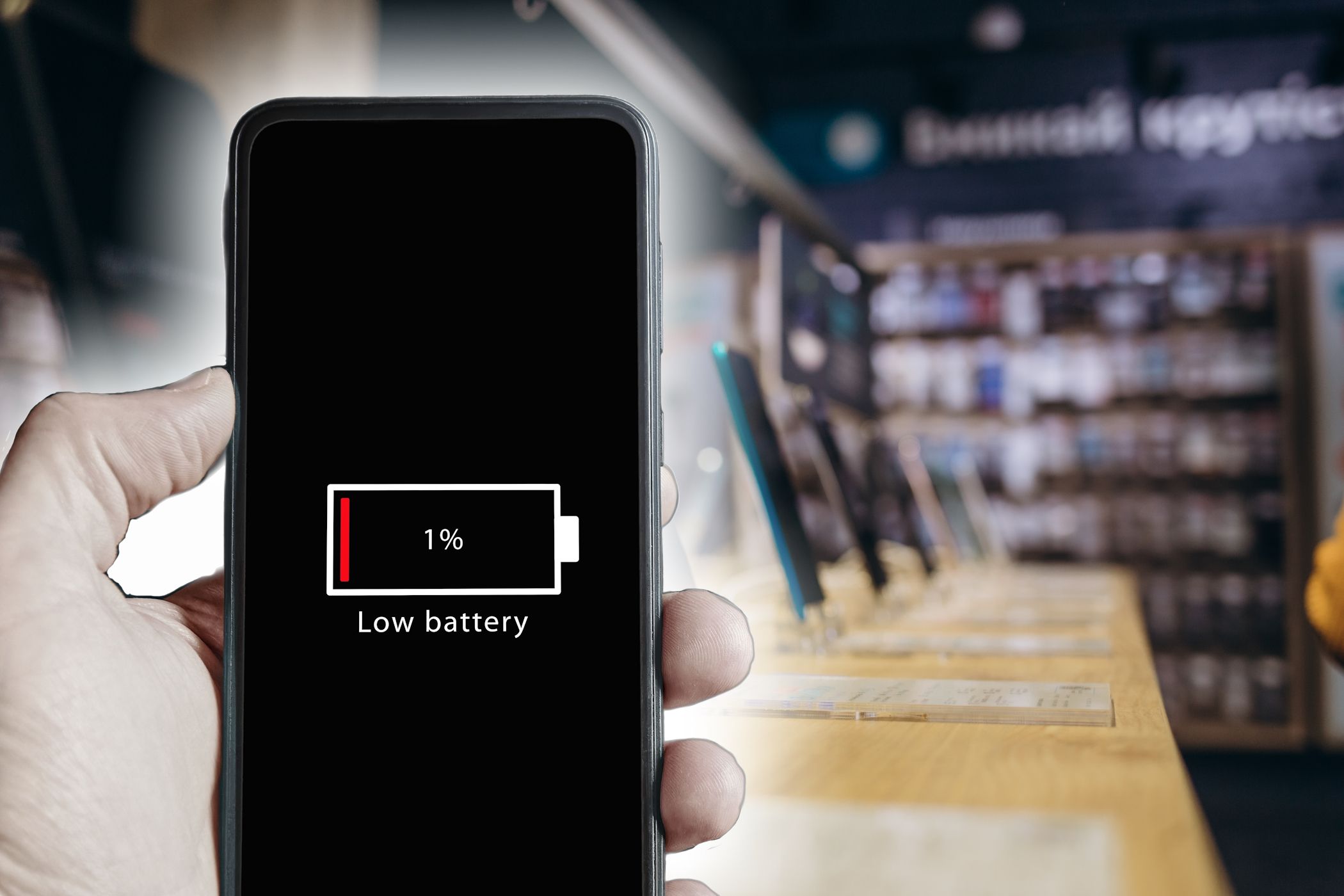
When To Replace Your Phone Battery
Knowing when to replace your phone battery can save frustration. A battery that drains fast or drops power overnight may mean it is time for a change. Recognizing signs early helps keep your phone working well. It also avoids sudden shutdowns or slow charging.
Signs Of Battery Wear
Batteries wear out over time. Look for these signs: your phone dies quickly, even with little use. It may also heat up more than normal. Another sign is the battery percentage jumping up and down. Sometimes the phone turns off when the battery still shows power. These are clear signals the battery is losing strength.
Professional Battery Testing
Experts can test your battery’s health. They use tools to check its capacity and voltage. This helps find hidden problems not seen by normal users. Testing gives a clear picture of battery life left. It also tells if replacement is needed soon. Many phone shops offer this service quickly and affordably.
Cost And Benefits Of Replacement
Replacing a battery is often cheaper than buying a new phone. New batteries restore full power and longer use time. Your phone runs smoother and charges faster afterward. A fresh battery also reduces the risk of sudden shutdowns. Spending on a replacement can extend your phone’s life by months or years.
Credit: rperim.com.br
Frequently Asked Questions
Why Does My Phone Battery Drain Overnight Without Use?
Your phone battery drains due to background apps, system updates, and network searches. Some apps run silently, consuming power even when unused. Settings like location services and push notifications also impact battery life overnight.
Can Battery Health Affect Overnight Battery Drain?
Yes, poor battery health reduces capacity and causes faster discharge. Aging batteries hold less charge and drain quicker, especially during inactivity. Regularly check battery health and consider replacement if performance worsens significantly.
How Do Background Apps Cause Battery Loss Overnight?
Background apps use CPU and network resources, draining battery silently. They refresh data, sync accounts, and receive notifications. Disabling unnecessary background activity can help reduce overnight battery drain effectively.
Does Phone Temperature Influence Battery Drain Overnight?
Yes, extreme temperatures accelerate battery discharge and degrade battery health. High heat or cold stresses the battery, causing faster power loss. Keep your phone in a moderate temperature range to preserve battery life overnight.
Conclusion
Phone batteries can lose power overnight for many reasons. Apps may run in the background without you knowing. Settings like Wi-Fi, Bluetooth, or location can drain the battery too. Old batteries hold less charge and lose power faster. Keeping your phone updated helps fix bugs that waste battery.
Closing unused apps and turning off extra features can save energy. Small changes make a big difference in battery life. Understanding these causes helps you keep your phone ready. Try these tips and see your battery last longer each night.