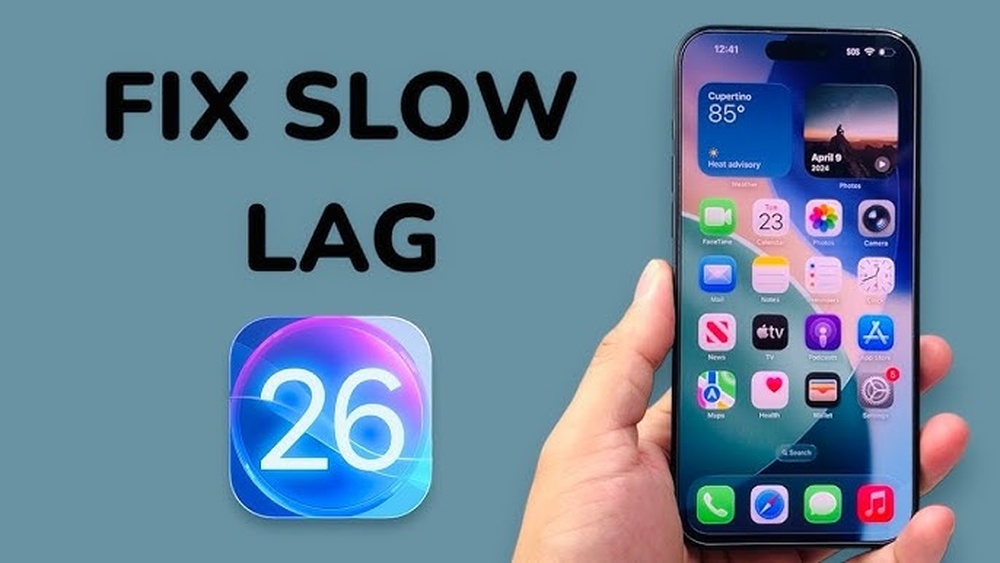
Why Does My Phone Freeze Randomly During Use

Have you ever been in the middle of an important task on your phone, only to have it suddenly freeze without warning? It’s frustrating, confusing, and can make you wonder if your device is broken.
You’re not alone—many people face this problem, and understanding why it happens is the first step to fixing it. You’ll discover the real reasons behind those random freezes and how you can stop them from ruining your day. Keep reading to take control of your phone and enjoy smooth, worry-free use.
Common Causes Of Phone Freezing
Phones freeze randomly for many reasons. Understanding these causes helps fix the problem. Most common causes include software glitches, low memory, overheating, and hardware issues. Each one affects your phone’s performance differently.
Software Glitches
Software glitches happen when apps or the phone system act strangely. Bugs in apps cause freezes or slow responses. Sometimes updates fix these glitches. Other times, corrupted files cause the problem. Restarting your phone often clears minor glitches.
Insufficient Memory
Phones need enough memory to run apps smoothly. Too many apps open at once can slow the phone. Low storage space also causes freezing. Clearing unused apps and files frees up memory. This helps the phone work faster and prevents freezes.
Overheating Issues
Phones get hot when used for a long time or in warm places. Overheating makes the phone freeze or shut down. Heat affects the phone’s chips and battery. Letting the phone cool down often solves this issue. Avoid using heavy apps in hot conditions.
Hardware Problems
Hardware problems come from damaged parts inside the phone. A faulty battery or broken chip can cause freezing. Physical damage from drops or water also affects hardware. Repair or replacement may be needed if hardware is the cause. Professional help can diagnose these issues accurately.

Credit: www.reddit.com
Impact Of Apps On Performance
Apps play a big role in how your phone works. They use your phone’s memory and power. Some apps run quietly in the background. Others need a lot of energy and data. This can cause your phone to freeze or slow down.
Background Processes
Many apps keep running even when you don’t see them. These are background processes. They update data or check for messages. Too many background processes use memory and slow your phone. Closing unused apps helps reduce this load.
Resource-heavy Applications
Some apps need more resources than others. Games, video editors, and streaming apps use a lot of power. They demand more from your phone’s processor and memory. This can cause freezing, especially on older phones. Using lighter versions of apps can help.
App Compatibility
Not all apps work well with every phone model or system update. Apps not designed for your phone can cause crashes or freezes. Check for app updates regularly. Developers often fix bugs that cause performance problems.
Role Of Operating System
The operating system controls how your phone works. It manages apps, memory, and hardware. If the OS has problems, your phone may freeze. Understanding the OS role helps find the cause of freezing.
Outdated Software
Old software versions can cause your phone to freeze. Updates fix bugs and improve performance. Running outdated software makes your phone slower and unstable. Always keep your OS updated for smooth use.
System Updates And Bugs
Sometimes, new updates have bugs. These bugs can cause random freezes. Developers release patches to fix these issues. Installing updates quickly can reduce freezing problems.
Cache And Data Management
The OS stores temporary files called cache. Too much cache can slow your phone. Clearing cache helps free memory and improve speed. Good data management keeps the phone running well.

Credit: www.reddit.com
Storage And Its Effects
Storage plays a big role in your phone’s performance. When storage runs low or has issues, your phone may freeze without warning. Understanding how storage affects your device can help you fix freezing problems and keep your phone running smoothly.
Low Storage Space
Phones need free space to work properly. Low storage space slows down apps and the system. It causes delays in loading and can freeze the phone. Removing unused apps and files frees up space and improves speed.
Corrupted Files
Corrupted files damage storage and cause freezing. These files may come from failed downloads or app crashes. They confuse the phone’s system and stop apps from working. Deleting corrupted files or resetting apps helps solve this issue.
Managing Storage Efficiently
Good storage management prevents freezing. Regularly check storage usage in settings. Clear cache and delete old files often. Use cloud storage for photos and videos. This keeps enough free space for smooth phone operation.
Preventive Measures
Preventive measures help keep your phone running smoothly. Taking small steps can stop random freezing. These actions protect your phone from lag and crashes. Focus on simple habits that improve phone health daily.
Regular Software Updates
Update your phone’s software often. Updates fix bugs that cause freezing. They improve phone speed and security. Set your phone to update automatically. This keeps your device running without problems.
Clearing Cache And Unused Apps
Clear cache to free up space. Cache stores temporary files that slow phones down. Remove apps you no longer use. Too many apps take up memory and cause crashes. Clean storage helps your phone work faster.
Monitoring App Permissions
Check app permissions regularly. Some apps ask for access they do not need. Too many permissions may slow your phone. Restrict apps from using unnecessary features. This reduces background activity and stops freezing.
When To Seek Professional Help
Knowing when to seek professional help can save your phone from serious damage. Some freezing issues need expert attention to fix properly. Ignoring persistent problems can lead to bigger troubles.
Recognizing the signs that require professional care is important. This section explains key moments to consult a technician for your phone.
Persistent Freezing
Freezing that happens often shows a deeper problem. If your phone stops working many times a day, it needs checking. Restarting won’t fix it anymore. Persistent freezing can affect your phone’s performance and battery life.
Hardware Diagnostics
Professionals can run tests to find hardware faults. These tests check memory, processor, and other parts. Faulty hardware can cause random freezing. Only a trained technician can spot these hidden issues.
Repair And Replacement Options
Experts offer repair or replacement depending on the damage. Sometimes, replacing a part is cheaper than a new phone. Repairs can fix broken screens, faulty batteries, or damaged chips. Professional service ensures your phone works safely again.
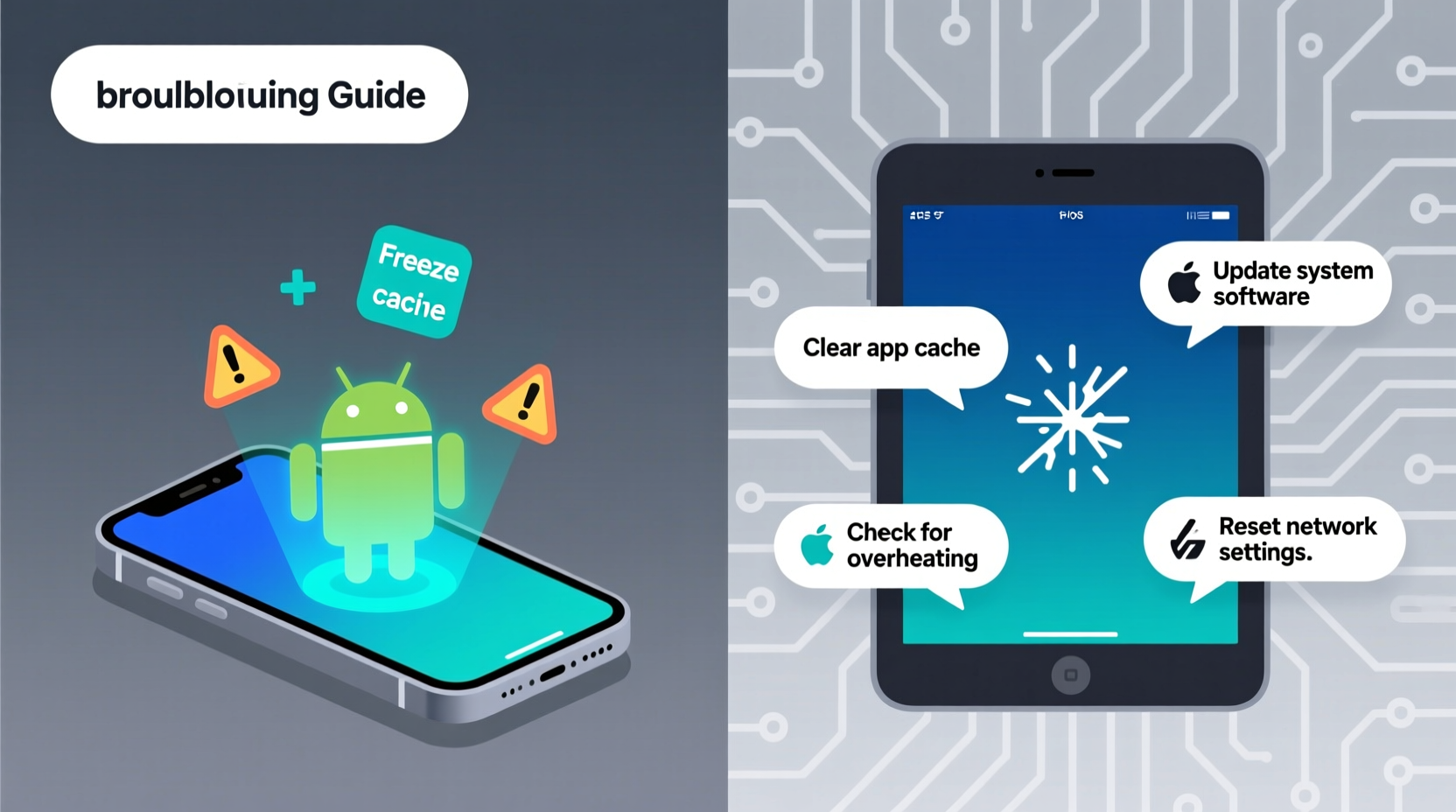
Credit: www.alibaba.com
Frequently Asked Questions
Why Does My Phone Freeze Randomly Without Warning?
Phones freeze randomly due to software glitches, insufficient memory, or overheating. Background apps may overload the processor, causing temporary freezes.
How Can Low Storage Cause Phone Freezing Issues?
Low storage limits system performance. It restricts app operations and slows down processes, often causing the phone to freeze.
Can Outdated Apps Make My Phone Freeze?
Yes, outdated apps may have bugs or compatibility issues. Updating apps often fixes these problems and reduces freezing incidents.
Does Phone Overheating Lead To Random Freezing?
Overheating stresses phone hardware, causing it to slow down or freeze. Keeping your phone cool helps maintain smooth performance.
Conclusion
Phone freezing can happen for many reasons, such as low memory or software bugs. Keeping apps updated helps avoid crashes. Restarting your phone can clear temporary problems fast. Removing unused apps frees up space and speeds up your device. Sometimes, a factory reset fixes persistent issues.
Pay attention to how you use your phone daily. Simple steps often improve performance and reduce freezing. Stay patient and try these tips to enjoy smoother phone use.