Why Does My Phone Lag When Storage is Full

Have you ever noticed your phone slowing down just when you need it most? If your storage is full, this lag can feel frustrating and confusing.
You might wonder why your device, which was once fast and smooth, suddenly stutters and freezes. The truth is, full storage doesn’t just fill up space—it directly affects how your phone works. Keep reading to discover exactly why this happens and what you can do to fix it, so your phone runs like new again.
Credit: www.honor.com
Impact Of Full Storage On Phone Speed
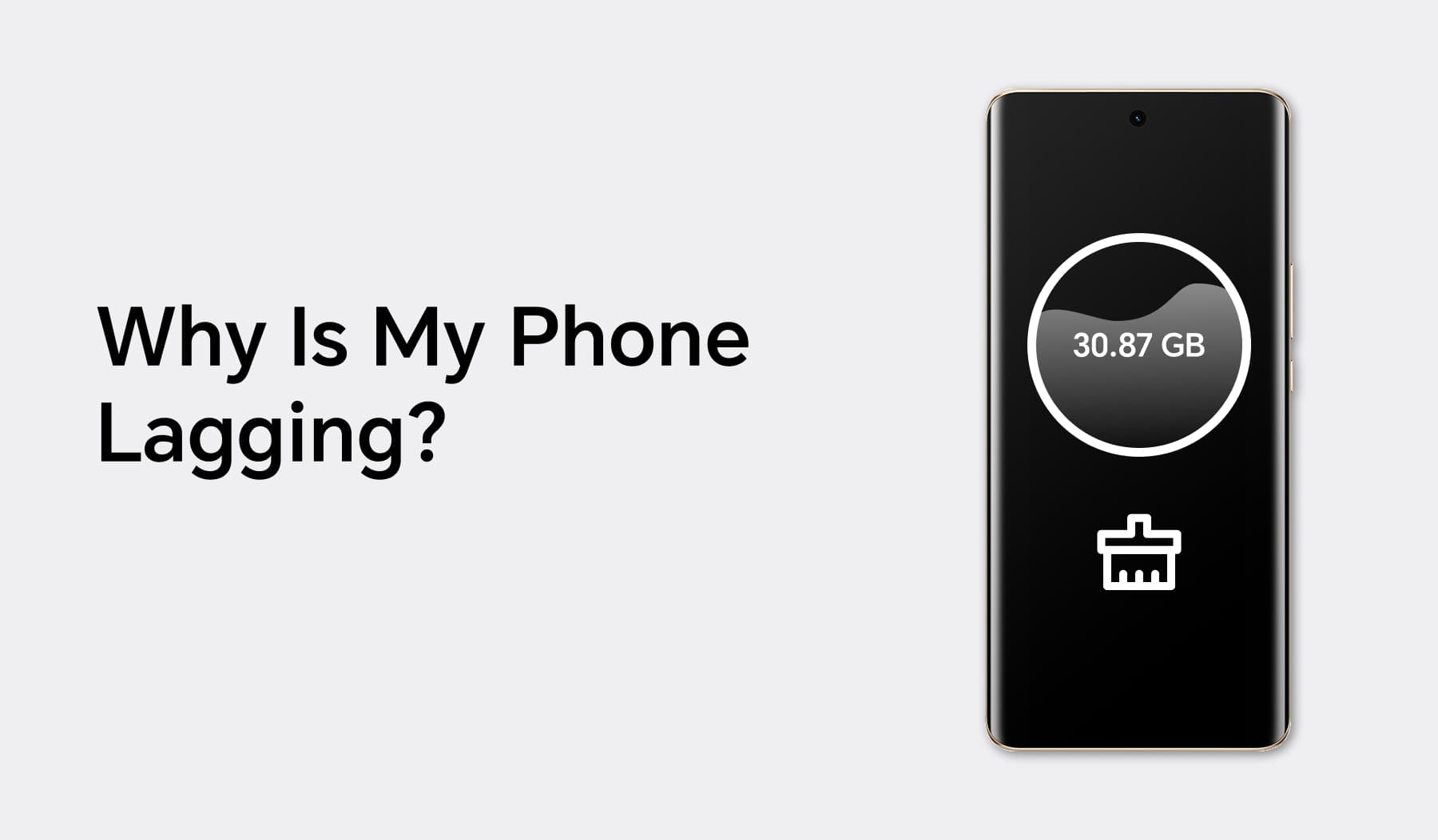
Full storage can slow down your phone in many ways. It limits the space needed for the system to work smoothly. Your phone needs free space to manage apps and files quickly. When storage is full, the phone struggles to keep up.
This slowdown happens because the phone cannot save or load data fast enough. Tasks take longer, and apps may freeze or crash. The overall experience becomes frustrating and less efficient.
How Storage Affects Performance
Phones use storage to save data and run apps. When storage is nearly full, the phone has less space to work. It slows down system processes and app functions. The device may take longer to open apps or switch between them.
Full storage also affects updates and installs. Apps need space to update and run properly. Without enough free space, updates may fail, causing issues. The phone’s speed drops as it struggles with limited room.
Role Of Cache And Temporary Files
Cache files help apps load faster by storing data temporarily. These files grow over time and take up storage. When storage is full, the phone cannot manage cache well. This slows down app performance and phone speed.
Temporary files also use storage space. They are created during app use and should be deleted regularly. If not cleared, they fill up storage and reduce speed. Managing cache and temporary files helps keep the phone fast.

Credit: www.rd.com
Common Causes Of Storage Fill-up
Storage on phones fills up for several common reasons. Knowing these causes helps you manage space better. Storage fills slowly but affects phone speed a lot. Here are the main reasons your phone storage gets full.
Large Media Files
Photos and videos take up a lot of space. High-quality images and long videos are the biggest culprits. Music files and downloads also use storage quickly. These files pile up without much notice.
App Data And Updates
Apps store data to work faster. This data grows over time and uses storage. Updates add new files, increasing app size. Some apps keep extra files even if unused.
System Files And Logs
Your phone’s system stores files for smooth operation. These include temporary files and logs. They can grow large, especially after updates. These files are hidden but use storage space.
Effects Of Storage On App Functionality
Storage space directly affects how apps work on your phone. When storage is nearly full, apps struggle to perform tasks smoothly. This causes delays and slow responses. Understanding the effects of storage on app functionality helps you keep your phone running well.
Delayed App Launch
Apps take longer to open with full storage. The phone searches for space to load app data. This search slows down the startup process. You may see a blank screen or lag before the app appears.
Slow File Access
Files and data within apps load slowly. Full storage means less room for temporary files. These files help apps run faster. Without enough space, apps struggle to access needed data quickly.
Background Process Limitations
Background tasks run poorly with little storage left. Apps need space to update and refresh in the background. Full storage forces the system to limit these tasks. This reduces app performance and responsiveness.
Memory Management And Storage Link
Memory and storage work closely in your phone. They help it run apps and save files. When storage is full, your phone may slow down. This is because storage affects how memory works. Understanding this link can help you keep your phone fast.
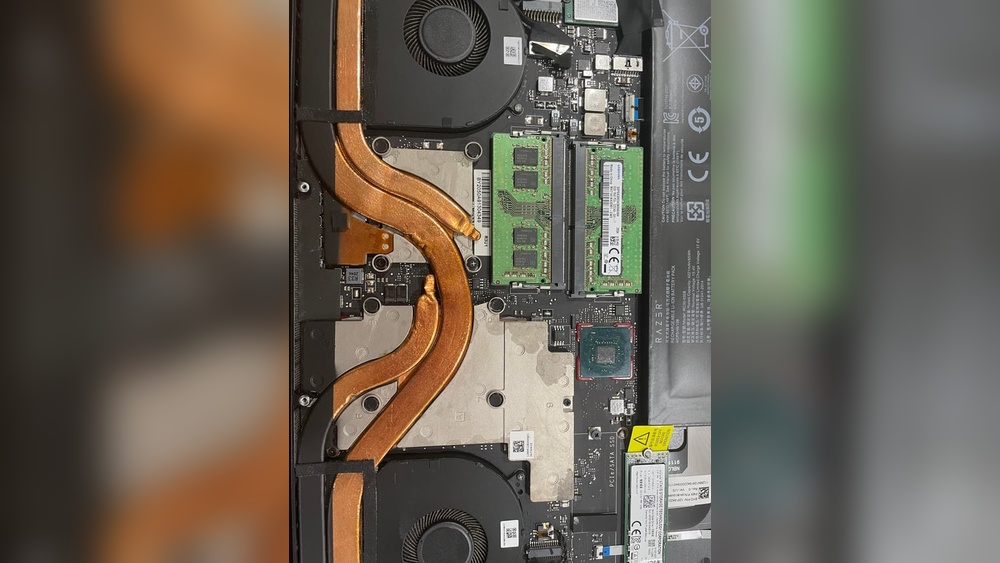
Your phone uses both RAM and storage to manage tasks. They are different but connected parts of your phone’s memory system.
Ram Vs Storage Differences
RAM is the short-term memory of your phone. It holds data your phone uses right now. Storage is long-term memory. It saves photos, apps, and files for later use. RAM is faster but smaller in size. Storage is slower but much larger. Phones need both to work well.
When storage is full, your phone has less space to swap data. This can cause RAM to fill up quickly. When RAM is full, your phone slows down. It struggles to open apps or run tasks smoothly.
Virtual Memory Usage
Phones use virtual memory to help RAM. Virtual memory uses storage space to act like extra RAM. This helps when RAM is full. But virtual memory is slower than real RAM. If storage is full, virtual memory cannot work well.
Without enough virtual memory, your phone will lag. It cannot move data efficiently. This causes delays in running apps and tasks. Keeping storage free helps virtual memory support RAM better. This keeps your phone running smoothly.
Tips To Reduce Storage Usage
Running out of storage slows down your phone. It struggles to manage apps and files. Reducing storage use helps your device work faster and smoother. Small steps clear space and improve performance.
Deleting Unnecessary Files
Start by removing files you no longer need. Old photos, videos, and downloads take up space. Check your folders and delete duplicates. Clear out documents and files you rarely use. This frees up valuable storage quickly.
Using Cloud Storage
Cloud storage keeps your files online, not on your phone. Upload photos and videos to services like Google Drive or iCloud. This saves space and still lets you access files anytime. It helps keep your phone light and fast.
Clearing Cache Regularly
Apps store temporary data called cache. It builds up and uses storage over time. Clear cache in your phone settings to free space. This does not delete important data or app settings. Regular clearing keeps your phone running smoothly.
Preventive Measures For Lag
Phone lag due to full storage can be frustrating. Taking simple steps helps keep your phone running smoothly. These preventive measures reduce lag and improve performance.
Regular Storage Monitoring
Check your phone’s storage often. Delete old files and unused apps. Clear cache data regularly to free up space. Keeping storage below full limits helps the phone work faster.
Optimizing App Settings
Adjust app settings to use less space. Turn off background data for apps you don’t use often. Limit app permissions that consume storage. These changes reduce the load on your phone’s memory.
System Updates And Maintenance
Install system updates promptly. Updates fix bugs that cause lag. Restart your phone regularly to clear temporary files. These actions keep the system clean and responsive.

Credit: www.youtube.com
Frequently Asked Questions
Why Does Phone Lag When Storage Is Almost Full?
Phones lag because limited storage slows down system tasks. The device struggles to write new data and manage apps, causing delays and poor performance.
How Does Full Storage Affect Phone Speed?
Full storage reduces space for temporary files and cache. This restriction slows down app loading and system processes, leading to lag.
Can Clearing Storage Improve Phone Performance?
Yes, clearing storage frees up space for system tasks. It allows smoother app operation and faster response times, reducing lag significantly.
What Apps Cause Storage To Fill Quickly?
Media-heavy apps like social media, games, and streaming services consume large storage. They store cache, files, and data, filling your phone fast.
Conclusion
A full phone storage slows down your device noticeably. It limits space for new data and app functions. This causes apps to freeze or crash often. Clearing storage regularly keeps your phone running smoothly. Deleting unused files and apps helps free up space.
Try to keep some free storage for better performance. Small steps can make a big difference in speed. Your phone will feel faster and more responsive. Simple care keeps your device healthy and efficient.