Why Does My Phone Restart Automatically

Have you ever been in the middle of something important on your phone when suddenly it restarts on its own? It’s frustrating, right?
You might wonder why your phone can’t just stay on like it’s supposed to. Understanding why your phone restarts automatically can save you a lot of headaches and help you fix the problem fast. You’ll discover the common reasons behind these unexpected restarts and simple steps you can take to stop them for good.
Keep reading—you deserve a phone that works smoothly every time you need it.
Credit: www.youtube.com
Common Causes
Many phone users face the problem of their devices restarting by themselves. Understanding the common causes can help fix this annoying issue. Several factors can make your phone reboot without warning.
Some problems come from the software side, while others stem from hardware or battery issues. Overheating also plays a big role in unexpected restarts. Below are the main reasons your phone may restart on its own.
Software Glitches
Software bugs often cause random restarts. Apps may crash or conflict with the operating system. Outdated software can also create instability. Installing updates and clearing app cache can sometimes solve these glitches.
Hardware Issues
Damaged parts inside your phone can trigger restarts. Faulty memory or loose connections disrupt normal function. Physical damage from drops or water exposure often leads to hardware faults. Repair or replacement may be needed to fix these issues.
Battery Problems
A weak or failing battery can cause sudden shutdowns and restarts. Batteries lose capacity over time and may not supply enough power. Swollen batteries are dangerous and need immediate attention. Replacing the battery can restore stability.
Overheating
Phones overheat during heavy use or in hot environments. The device may restart to protect itself from damage. Poor ventilation or case covers can trap heat. Giving your phone breaks and keeping it cool helps prevent overheating restarts.

Credit: www.avg.com
Software Troubleshooting
Software issues often cause phones to restart automatically. Fixing these problems involves simple troubleshooting steps. These steps help identify and solve software conflicts that disrupt phone performance.
Update Operating System
Updating the phone’s operating system can fix bugs and glitches. Developers release updates to improve stability. Use the settings menu to check for updates. Install the latest version to keep the phone running smoothly.
Check For App Conflicts
Some apps may cause the phone to restart. Look for apps that crash or behave oddly. Uninstall or disable suspicious apps one at a time. This process helps find the app causing the problem.
Clear Cache And Data
Cache stores temporary files that may cause issues. Clearing cache and data can fix errors. Go to app settings and clear the cache. This action frees space and removes corrupted files.
Factory Reset
Factory reset erases all data and restores default settings. Use this step as a last resort. Backup important files before resetting. The reset often resolves deep software problems causing restarts.
Hardware Checks
Hardware issues often cause phones to restart automatically. Checking your phone’s hardware can find hidden problems. It helps avoid bigger damage and saves repair costs. Follow these simple steps to inspect your device’s physical parts.
Inspect Battery Health
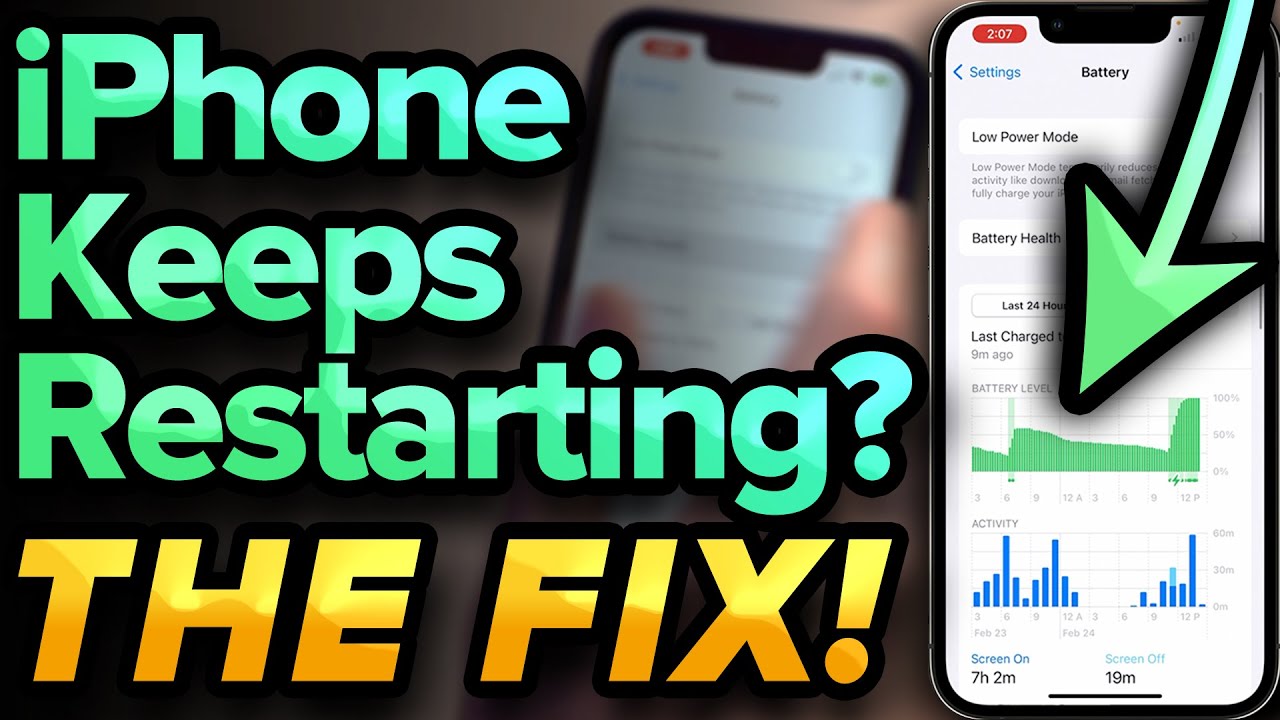
Batteries lose strength over time. A weak battery can cause sudden restarts. Use built-in tools or apps to check battery health. Swollen or overheating batteries need immediate attention. Replace bad batteries to stop random reboots.
Look For Physical Damage
Cracks, dents, and water marks show damage. Physical harm can affect internal parts. Open your phone case carefully to spot loose wires. Damaged parts may short-circuit and cause restarts. Avoid using a broken phone until repaired.
Test Power Button
A faulty power button may trigger random restarts. Press it several times to check for sticking or delay. Buttons can get stuck from dirt or wear. Clean around the button gently with a soft cloth. Replace the button if it does not respond properly.
Seek Professional Repair
Some hardware problems need expert help. Technicians use special tools to diagnose issues. They can fix or replace faulty components safely. Avoid opening sealed parts to prevent further damage. Take your phone to a trusted repair shop.
Preventive Measures
Preventive measures help stop your phone from restarting on its own. Taking simple steps keeps your device running smoothly. These tips protect your phone from common issues that cause restarts.
Avoid Overloading Apps
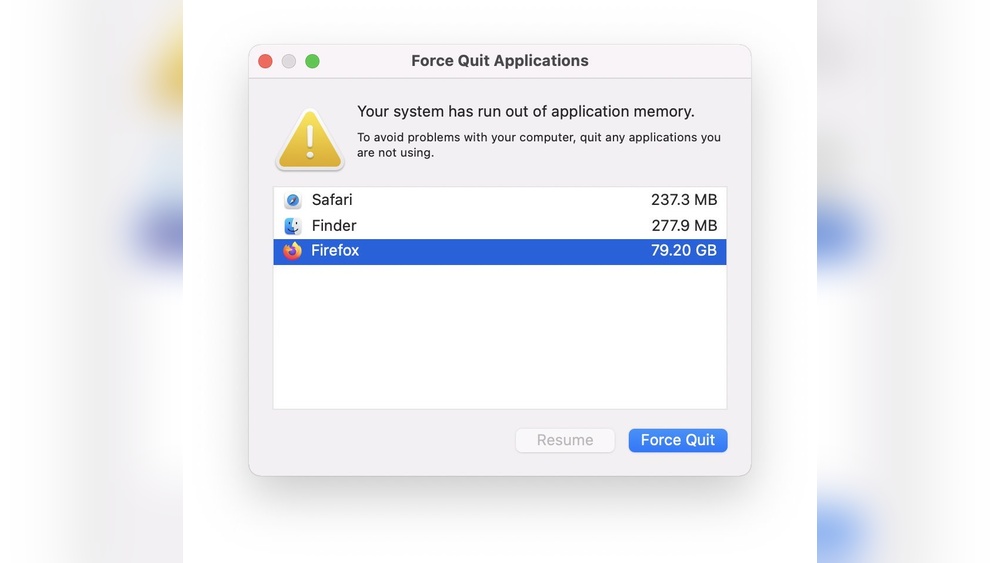
Running too many apps can slow your phone. It may cause automatic restarts. Close apps you do not use. Avoid opening many apps at once. This reduces the load on your phone’s memory.
Keep Software Updated
Updates fix bugs and improve phone stability. Install updates as soon as they are available. Outdated software may have errors causing restarts. Regular updates keep your phone secure and smooth.
Manage Battery Usage
Old or damaged batteries can trigger restarts. Check your battery health regularly. Avoid letting your battery drain completely. Use battery saver mode if needed. Good battery care prevents sudden shutdowns.
Protect From Extreme Temperatures
Heat and cold harm phone parts. Avoid leaving your phone in direct sun or cold places. Extreme temperatures can cause restarts and damage. Keep your phone at room temperature for best performance.

Credit: www.avg.com
Frequently Asked Questions
Why Does My Phone Restart Randomly?
Random phone restarts often occur due to software glitches or corrupted apps. Outdated software or insufficient memory can also trigger automatic restarts. Checking for updates and uninstalling problematic apps usually helps fix the issue quickly and improves phone stability.
Can Battery Issues Cause Phone To Restart Automatically?
Yes, faulty or degraded batteries can cause unexpected phone restarts. Low battery health results in unstable power delivery, leading to shutdowns or restarts. Replacing the battery or calibrating it can resolve this problem and extend your phone’s lifespan.
Does Overheating Make My Phone Restart By Itself?
Overheating is a common cause of automatic phone restarts. To protect internal components, phones shut down or restart when temperatures rise excessively. Avoid heavy usage during charging and keep the device in a cool place to prevent overheating.
How Do Software Updates Impact Phone Restarting Problems?
Software updates often fix bugs that cause random restarts. Running the latest OS version ensures better performance and fewer crashes. Always keep your phone updated to minimize restart issues and enjoy improved security and features.
Conclusion
Automatic phone restarts can be frustrating and confusing. Common causes include software bugs, app issues, or hardware problems. Regular updates and removing faulty apps often help. Checking your battery health also matters. If problems continue, seek professional help. Understanding why your phone restarts helps you fix it faster.
Stay patient and take small steps to solve the issue. Your phone can work smoothly again with simple care.