Why is My Mobile Data Slow Even With Full Signal

You’re staring at your phone, seeing full signal bars, but your mobile data feels painfully slow. It’s frustrating, isn’t it?
You expect lightning-fast internet when your signal looks perfect, yet web pages load inch by inch, videos buffer endlessly, and apps struggle to connect. Why does this happen? Understanding the hidden reasons behind slow mobile data, even with full signal, can help you fix the problem and get back to smooth, reliable browsing.
Keep reading, because the solution might be simpler than you think.

Credit: www.reddit.com
Signal Strength Vs Data Speed
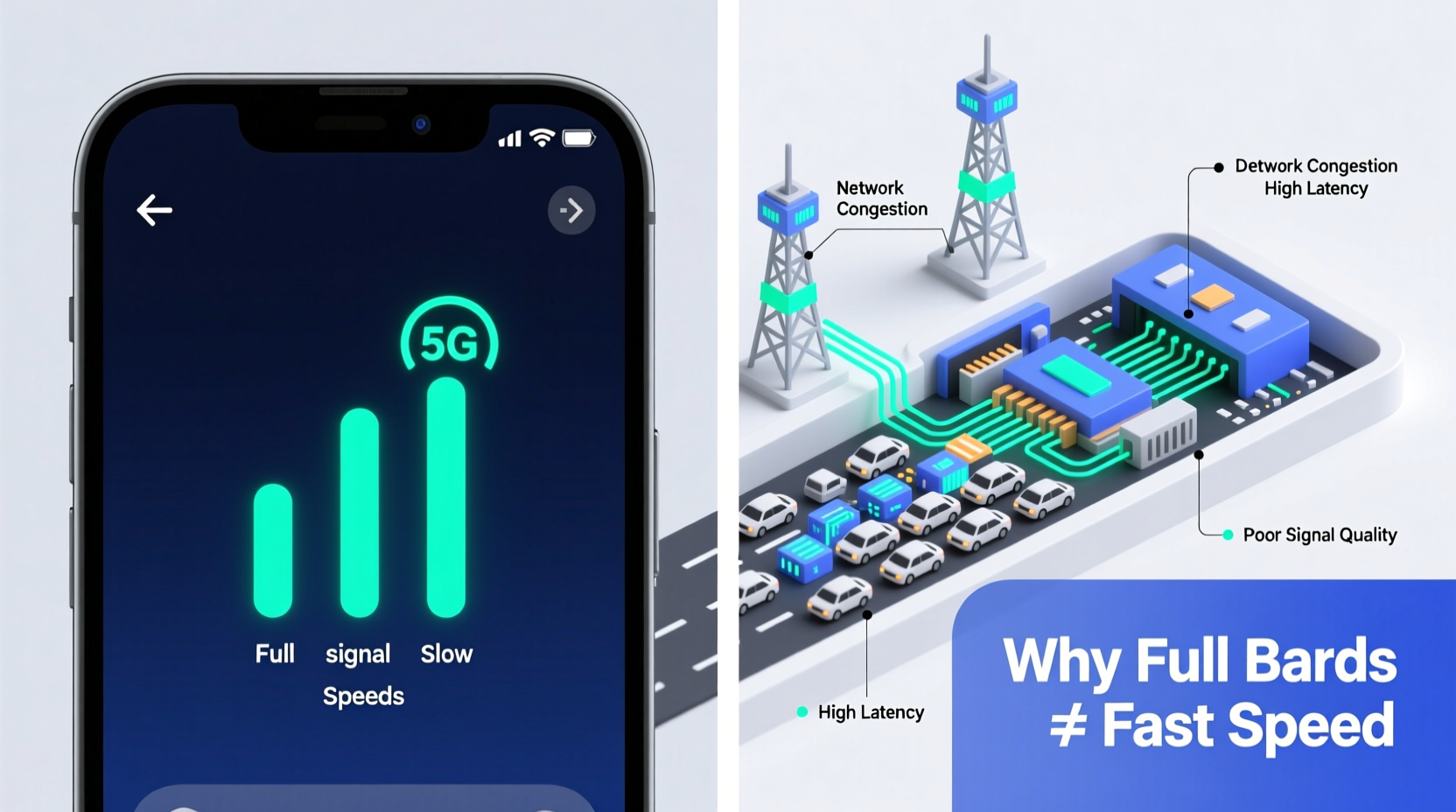
Many people think full signal bars mean fast mobile data. This is not always true. Signal strength shows connection quality, but data speed depends on other factors too. Understanding the difference helps explain why your data feels slow despite strong signals.
Difference Between Signal Bars And Quality
Signal bars represent the strength of your connection to the cell tower. More bars mean a stronger signal, but not always better data speed. Signal quality depends on interference, distance, and technology type. For example, 4G and 5G signals offer faster speeds than older networks. A strong signal with poor quality can slow your data.
Impact Of Network Congestion
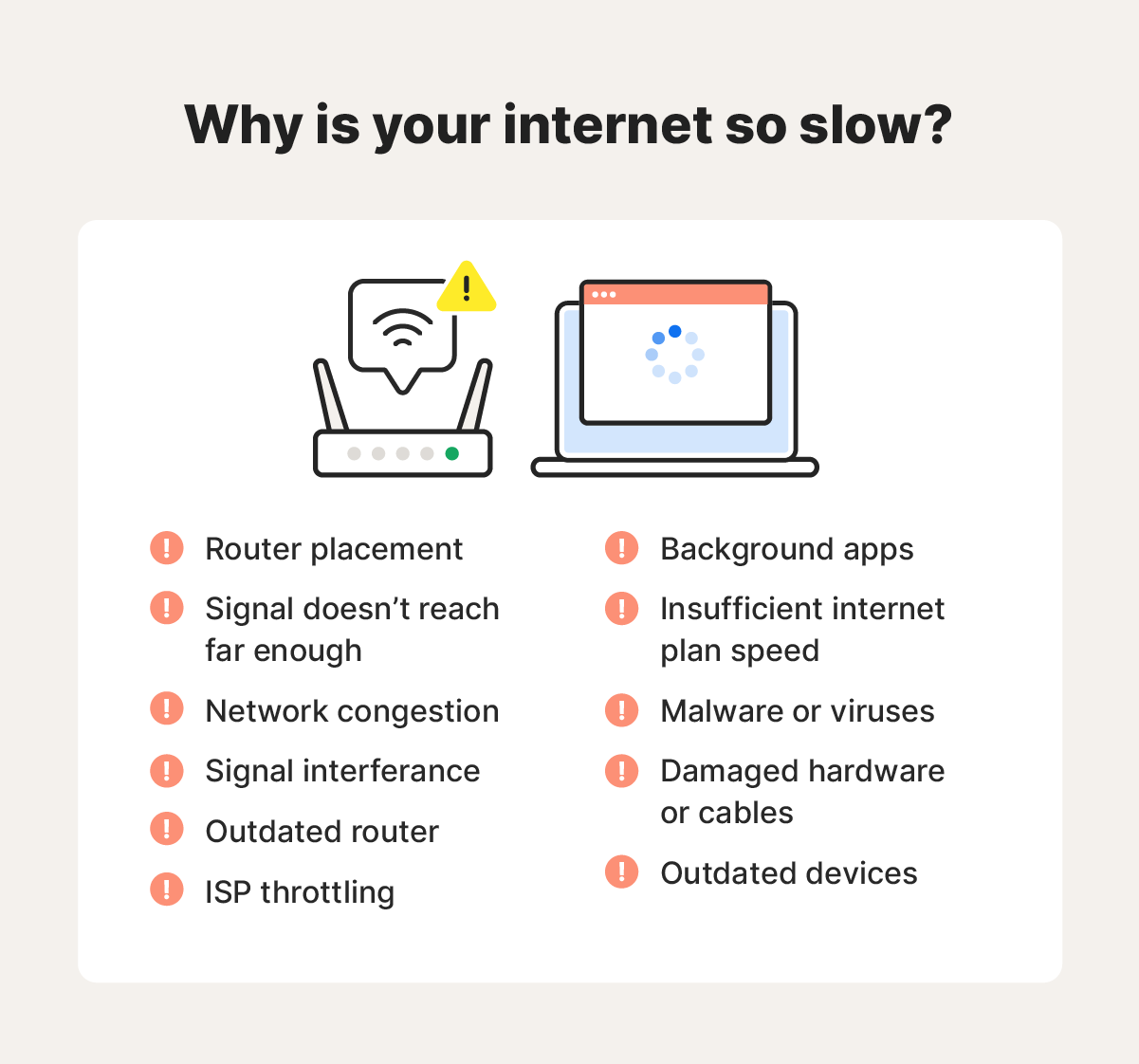
Network congestion happens when many users connect to the same tower. This overloads the network and reduces data speed. Even with full signal bars, your speed drops if too many people use the network. Congestion is common during busy hours or in crowded places. Your device shares bandwidth, causing slower internet.
Network Type And Coverage
Network type and coverage play a big role in your mobile data speed. Even with a full signal, your connection can slow down depending on the network technology and the area you are in. Different networks offer different speeds and quality. Understanding these can help you know why your data feels slow sometimes.
4g, 5g, And Lte Speeds
4G offers good speed for daily tasks like browsing and streaming. LTE is a type of 4G but can vary in speed depending on the carrier. 5G promises much faster speeds but works best in cities and new areas. Your phone might show 5G or LTE, but the real speed can be lower due to many factors.
Areas With Poor Data Coverage
Some places have weak data signals despite showing full bars. Buildings, hills, and underground spots can block or weaken signals. Rural or remote areas often have fewer towers, causing slower speeds. Even in cities, crowded places can overload networks, making data slow.
Device And Software Issues
Mobile data may feel slow even with full signal due to device and software problems. Your phone’s system and apps can affect internet speed. Issues like outdated software or apps running in the background can use data without you knowing. These problems reduce the available speed for what you want to do.
Outdated Software And Firmware
Old software can cause your phone to run slower. Updates often fix bugs and improve performance. If your phone’s firmware or apps are not up to date, the data connection might not work well. Check for updates regularly. Keeping software current helps your phone use the network better.
Background Apps Consuming Data
Apps running in the background use data without your direct action. These apps refresh, sync, or download updates quietly. This process can slow down your internet speed. Closing apps when not in use can free up data. Also, check which apps use the most data and limit them if needed.
Carrier And Plan Limitations
Mobile data speed can slow down due to limits set by your carrier and plan. Even with a full signal, these rules affect your internet experience. Carriers use different methods to manage network traffic and keep service stable for all users. Understanding these limits helps explain why data may feel slow sometimes.
Data Throttling Policies
Carriers often slow down your data after a certain usage. This is called data throttling. It reduces your internet speed to prevent network overload. Throttling happens during busy times or after you use a lot of data. Your phone still connects to the internet but at a much slower pace. This can feel like your data is stuck or lagging.
Data Caps And Fair Usage
Many plans include data caps, which limit how much data you can use. After reaching this cap, the carrier may lower your speed. Fair usage policies ensure all users get a fair share of bandwidth. These rules stop heavy users from slowing down others. Knowing your plan’s data cap helps avoid surprises in speed.
External Factors Affecting Speed
Mobile data speed can drop even with full signal bars. This often happens due to external factors outside your control. These factors can block or weaken the signal, causing slow internet.
Interference From Physical Obstacles
Buildings, walls, and trees can block mobile signals. Thick walls and metal surfaces reduce signal strength. Moving inside a large building may slow your data speed. Tall buildings in cities create signal shadows. Even furniture and glass can affect signal quality.
Weather Conditions And Network Performance
Rain, snow, and fog can lower mobile data speed. Water droplets absorb and scatter signals. Storms cause network disruptions and slow connections. Cold weather can affect network equipment outdoors. Weather changes can make signals unstable or weak.
Credit: www.alibaba.com
Troubleshooting Slow Mobile Data
Slow mobile data can be frustrating, especially with full signal bars. This issue may not always mean network problems. Sometimes, your device needs simple fixes to improve speed. Troubleshooting slow mobile data can help you find the cause and fix it fast.
Try these easy steps before calling your provider. They often solve the problem quickly.
Restarting Your Device
Turning your phone off and on again clears temporary glitches. It refreshes the connection to the network. Restarting can fix many slow data problems. Make it the first step in troubleshooting.
Resetting Network Settings
Network settings control how your device connects to the internet. Resetting them can fix errors causing slow data. This step removes saved Wi-Fi and Bluetooth connections. You must reconnect to networks afterward. It often improves mobile data speed by fixing hidden issues.
Using Wi-fi Or Vpn Alternatives
Switching to Wi-Fi can offer faster internet. Use trusted Wi-Fi networks to save mobile data. Sometimes, a VPN helps by routing your traffic differently. A VPN may reduce speed if the server is far. Test different VPNs to find a faster option. These alternatives can improve browsing when mobile data is slow.
Credit: us.norton.com
Frequently Asked Questions
Why Is My Mobile Data Slow With Full Signal?
Full signal bars show connection strength, not speed. Network congestion, background apps, or carrier issues can slow data despite full signal.
Can Network Congestion Cause Slow Mobile Data?
Yes, many users on the same tower reduce data speed. Peak hours often lead to network congestion and slower internet.
Does My Phone’s Software Affect Mobile Data Speed?
Outdated software or apps running in the background can slow data. Keeping your phone updated improves performance and data speed.
Can My Mobile Data Plan Limit Speed?
Some plans throttle speed after a data limit. Check your plan details to see if speed restrictions apply.
Conclusion
Slow mobile data can frustrate anyone, especially with full signal bars. Network congestion, device issues, or app use often cause this problem. Checking your settings and restarting your device may help. Sometimes, the network itself faces temporary slowdowns. Patience and small tweaks improve your experience.
Remember, full signal does not always mean fast data. Stay aware of these factors to keep your connection smoother. Simple steps make a big difference in everyday mobile use.