Why Does My Phone Lag When Storage is Full

Have you ever noticed your phone slowing down just when you need it most? It’s frustrating when your device lags, freezes, or takes forever to open apps.
One common reason for this is when your phone’s storage is almost full. But why does that happen? Understanding this can help you fix the problem and get your phone running smoothly again. Keep reading, and you’ll discover simple reasons behind the lag and easy steps to make your phone faster.
Don’t let a slow phone hold you back—let’s find out what’s really going on inside your device.

Credit: www.youtube.com
How Storage Affects Phone Speed
Phone speed depends a lot on available storage space. When storage is almost full, the phone slows down. This happens because the system needs room to work smoothly. Storage space is not just for saving files; it helps the phone run apps and processes.
Phones use storage like a workspace. Less free space means less room for tasks. This can cause delays and lag. Understanding how storage affects speed helps fix slow phone issues.
Role Of Free Space In Performance
Free space is essential for phone speed. Phones need free space to create temporary files. These files help apps run faster. When storage is full, the phone cannot make these files. This causes apps to freeze or load slowly.
Also, free space helps the phone update apps and system files. Without space, updates stop working. This can lead to bugs and crashes. Keeping at least 10-20% of storage free improves performance.
Impact On System Processes
System processes require storage to work correctly. These include background tasks like memory management. Full storage forces the phone to work harder. This increases the chance of lag and slow response.
Phones use storage for virtual memory or swap space. When RAM is low, the phone uses storage as extra memory. Limited storage means less virtual memory. This slows down multitasking and app switching.
Common Causes Of Lag Due To Full Storage
Full storage on a phone causes lag for several reasons. The phone struggles to manage apps and data properly. This section explains the common causes of lag due to full storage. Understanding these can help improve phone performance.
Insufficient Memory For Apps
Apps need space to save data and run smoothly. When storage is full, apps cannot store new files. This limits how apps function and slows them down. Some apps may crash or freeze during use.
Slower Read/write Operations
Phones read and write data constantly. Full storage slows these processes. The phone spends more time finding free space. This delay causes the phone to respond slowly to commands. Tasks like opening files or apps take longer.
Overloaded Cache And Temporary Files
Cache and temporary files speed up apps by storing data. When storage is full, cache builds up too much. The phone cannot clear old files easily. This overload clogs the system and reduces speed. Removing unnecessary cache helps improve performance.
Effects On Different Phone Components
When your phone’s storage is full, it affects many parts inside your device. Each component works harder and slower. This causes problems that you can see and feel while using your phone. Understanding these effects helps you know why your phone lags.
Processor Strain
The processor handles all tasks on your phone. Full storage makes it work harder to find space and data. It slows down because it must manage less free memory. This extra work causes delays in opening apps and loading pages.
Battery Drain
Full storage causes the battery to use more power. The processor’s extra work consumes more energy. Background tasks increase, which drains the battery faster. This can make your phone hot and reduce battery life over time.
App Crashes And Freezes
Apps need free space to run smoothly. Without enough storage, apps crash or freeze often. They struggle to save files or load data correctly. This leads to a frustrating experience while using your phone.
Credit: www.honor.com
Ways To Check Storage Usage
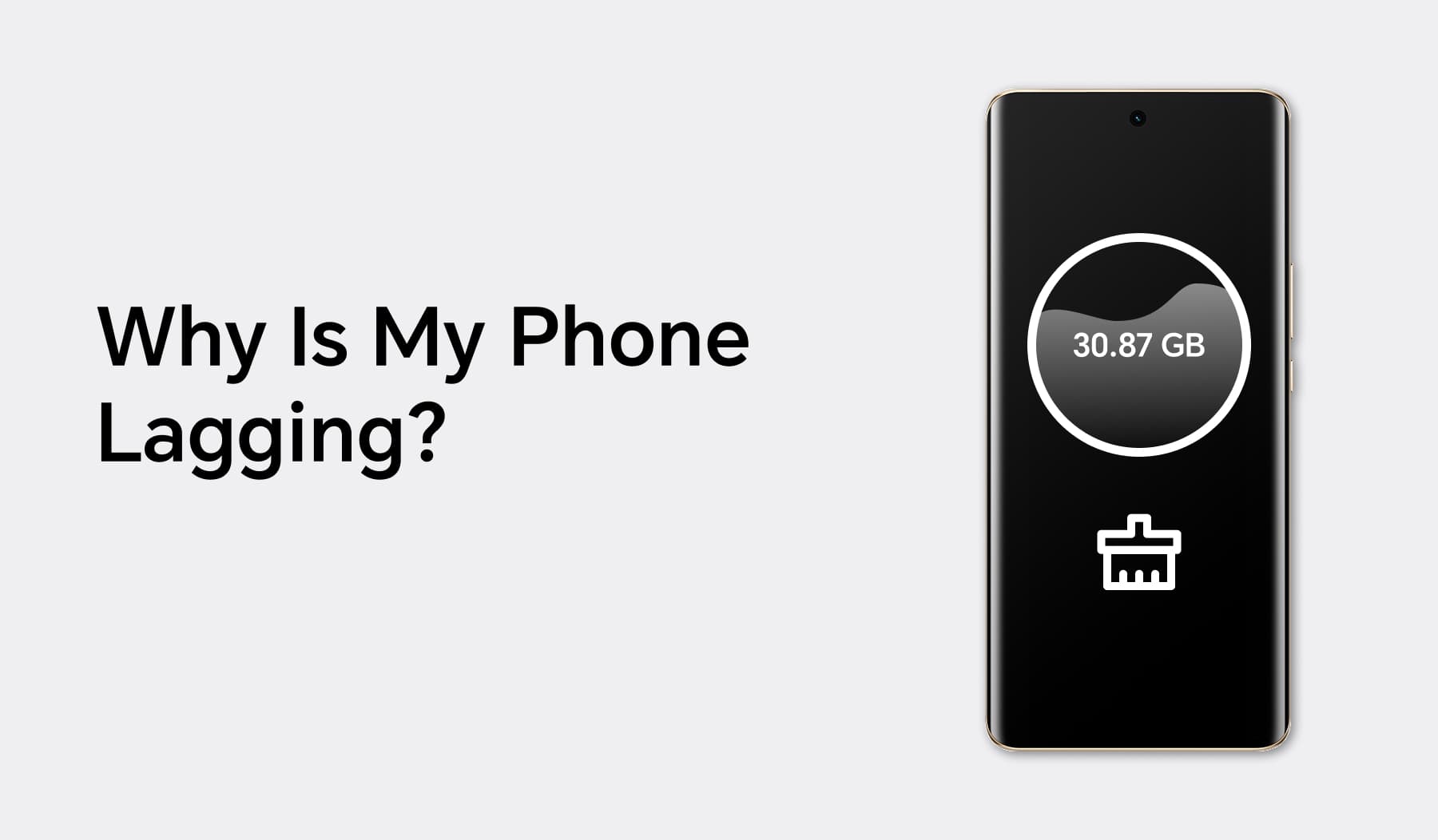
Knowing how to check your phone’s storage helps you spot problems early. It shows which apps or files take the most space. This can explain why your phone slows down when storage is almost full. You can use built-in tools or third-party apps to see storage details clearly. Both methods give easy ways to manage your phone’s memory.
Built-in Storage Tools
Most phones have a built-in storage section in settings. On Android, go to Settings > Storage to see a breakdown. It shows how much space apps, photos, and system files use. iPhones show storage in Settings > General > iPhone Storage. Here, the phone suggests ways to save space. These tools help find large files and clear cache quickly. They are simple and do not need extra downloads.
Third-party Apps
Third-party apps offer more detailed storage information. Apps like Files by Google or DiskUsage show exact file sizes. They display storage with easy-to-understand charts or lists. These apps help find hidden junk files or duplicates. They also clean cache and temporary files safely. Some apps offer regular reminders to check storage. They are useful for users who want deeper control over their phone’s memory.
Tips To Free Up Space
Freeing up space on your phone helps it run faster and smoother. A full storage slows down your device and causes lag. Clearing space is simple and improves performance quickly.
Try these easy tips to clear storage and reduce lag. They make your phone work better without deleting important data.
Deleting Unnecessary Files
Start by removing old photos, videos, and downloads you do not need. These files take up a lot of space over time. Check your downloads folder and delete files you forgot about. Clear cache files from apps to free extra storage. These small steps create room for your phone to breathe.
Managing App Data
Apps store data that can become very large. Clear app caches or data in settings to free up space. Uninstall apps you rarely use or do not need anymore. Some apps save offline content that you can delete safely. Keep only essential apps to reduce storage use and improve speed.
Using Cloud Storage
Move photos, videos, and documents to cloud storage services. This frees local space while keeping your files safe online. Use free or paid cloud options depending on your needs. Sync your files regularly to avoid losing important data. Cloud storage helps your phone run without slowing down.
Preventing Lag From Full Storage
Preventing lag caused by full storage helps keep your phone fast. Simple steps can make a big difference. These habits save space and improve performance. Your phone will run smoother and respond quicker.
Regular Maintenance Habits
Clear cache regularly to free up space. Delete apps you no longer use. Remove old photos and videos that take up space. Restart your phone often to refresh the system. These small actions reduce lag and keep storage clean.
Optimizing Storage Settings
Use built-in tools to manage storage wisely. Enable options that delete temporary files automatically. Move files to cloud storage to save device space. Set apps to store data externally when possible. This helps avoid overload and improves speed.
Upgrading Storage Options
Consider adding an SD card if your phone allows it. Choose a larger internal storage model when buying a phone. Use external drives for extra file storage. More space means less lag and better phone health.

Credit: www.youtube.com
Frequently Asked Questions
Why Does My Phone Slow Down When Storage Is Almost Full?
When storage is nearly full, your phone struggles to manage temporary files. This slows down app performance and system processes, causing lag. Freeing up space helps restore smooth operation and improves overall device responsiveness.
How Does Full Storage Affect Phone App Performance?
Full storage limits space for app caches and updates. Apps may freeze or crash due to insufficient space for temporary data. Clearing storage helps apps run efficiently and reduces lag caused by storage constraints.
Can Clearing Storage Improve My Phone’s Speed?
Yes, clearing storage removes unnecessary files and frees up space. This allows the system to operate smoothly and handle tasks faster. Regularly deleting unused apps and files boosts phone speed and reduces lag issues.
What Storage Limit Causes A Phone To Lag?
Phones typically lag when storage usage exceeds 90%. At this point, the system lacks space for essential operations and cache. Maintaining at least 10-15% free storage helps prevent lag and keeps your phone running smoothly.
Conclusion
A full phone storage slows down its performance a lot. Your phone struggles to save new data and run apps smoothly. Clearing space helps your phone work faster and better. Deleting unused apps, photos, and files can free up storage.
Regular cleaning keeps your phone running without lag or delays. Keep an eye on your storage to avoid slowdowns. A little effort goes a long way in phone speed. Simple steps can make your phone feel like new again.